Operation
Power On
Hold down the POWER button for 2 seconds to turn the unit ON/OFF.
Syncing
If the Controller is new or has never paired to a Receiver/LATITUDE, then press;
MENU... WIRELESS / FIND RECV (this will scan for active Receivers and automatically pair.)
Camera Run/Stop
Press the REC button to start recording. Press REC again to stop recording.
Note: you must use the correct Run/Stop cable for your camera and select the correct option in MENU/CAMERA.
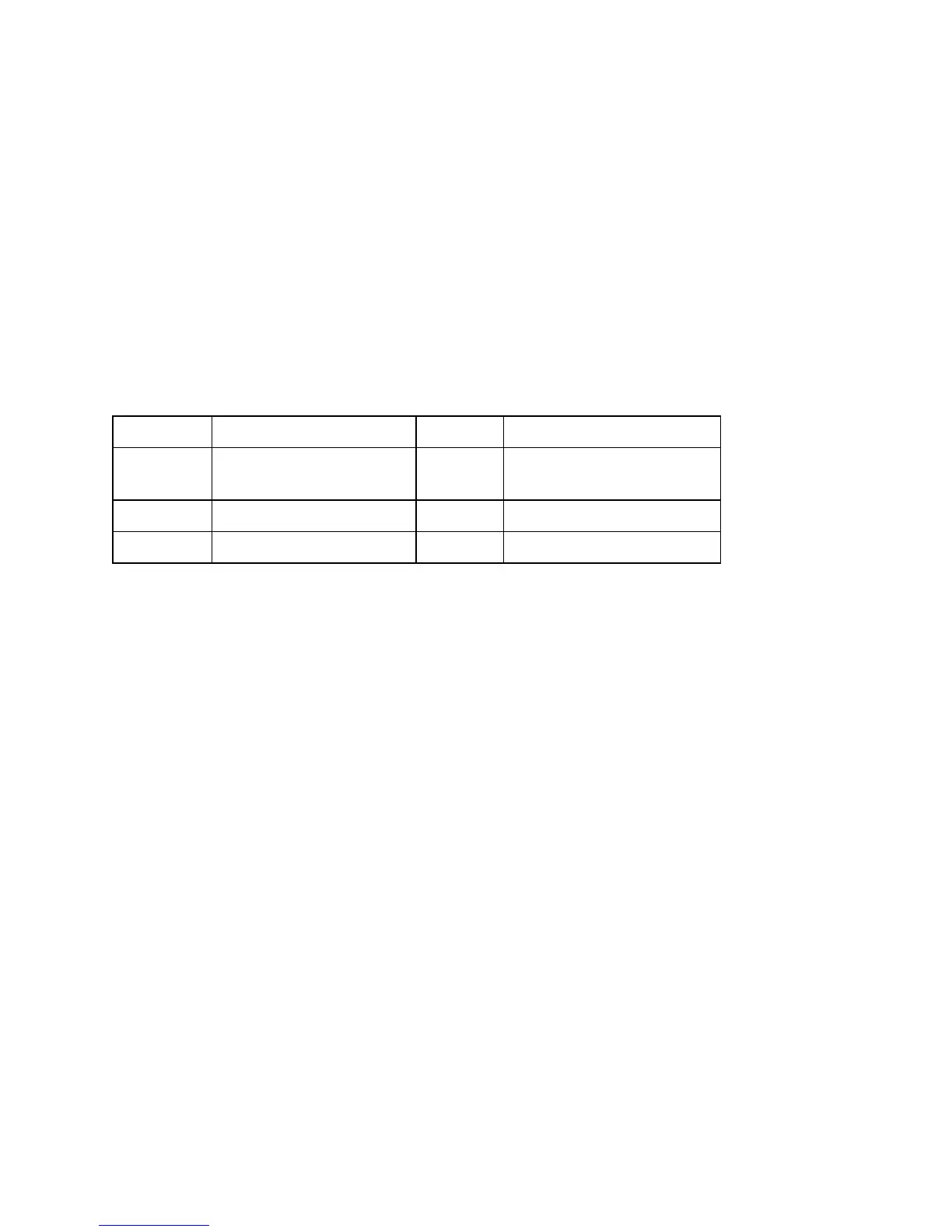
Status LED
PC Mode/Bootloader
Turn off the Controller. Hold down the SET button. Keep SET held, and also hold down the POWER
button. The Status LED will go Orange, and the screen display: “PC MODE”. You can now connect
the controller to a PC and it will show as a USB device.
Battery/Power
The Controller takes a CANON TYPE LP-E6 BATTERY, as used in the Canon 5D, 7D, etc.
It can also run from the MICRO USB connector (5V). Please note, minimum is approx 4.65V- some
laptops, etc. don't provide quite enough voltage.
Factory Reset
Enter the MENU / ADVANCED / FAC RESET.
Shortcut: You can also hold POWER and press MENU.


 To Next Page