19
/
32
connected in the right way, otherwise it will not display properly.
The input Voltage range is DC 0.00-50.00V. 50.00V DC is the maximum input Voltage
limit and AC or AC Mains supply 220V must NEVER under any circumstances be connected to
this unit .Do not reverse the battery when charging it. Incorrect use will cause the product to
burn out. Please strictly follow the above wiring instructions and precautions.
Exceeding the limit Voltage, using AC as input, wiring error and battery charging reverse
will cause damage, input over-current protection cannot be triggered frequently because
that will cause damage to the model, so be careful when using the module.
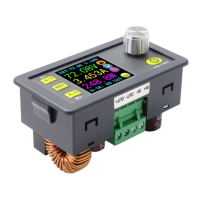
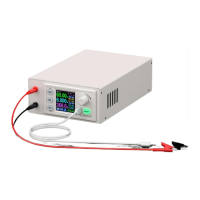
1.4 Panel Description
A: Voltage setting/Up Arrow/Shortcut to recall M1 Data Group.
B: Data entry /Extract data from the specified Data Group / Store value into the specified
Data Group.
C: Current setting / Down Arrow / Shortcut to recall M2 Data Group.
D:1.44 inch full color LCD screen.
E:Rotary control / Data adjustment / Keypad lock.
F:Output On / Off.
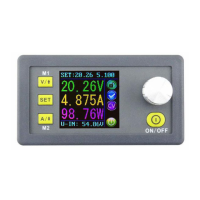
1.5 Display Interface Description
G:The preset value of the output Voltage
L:The preset value of the output Current Limit
H:The actual value of the output Voltage
M: Keypad locked or unlocked prompt


 To Next Page