EasyManua.ls Logo

RUiXU Lithi2-16 - Power Switch; Indicator Light

Default Icon
56 pages
Print Icon
To Next Page IconTo Next Page
To Previous Page IconTo Previous Page
Loading...
Version: V1.0 Page
27
of 50
3.3.3 Power switch
Power on
When the battery system is in hibernation state, hold down the switch for 3S to start the battery
system
;
Power off
When the battery system is started, hold down the switch for 3S to shut down the battery system
;
Battery system reset
When the battery system is on, hold down the button for 10s to reset the battery system
;
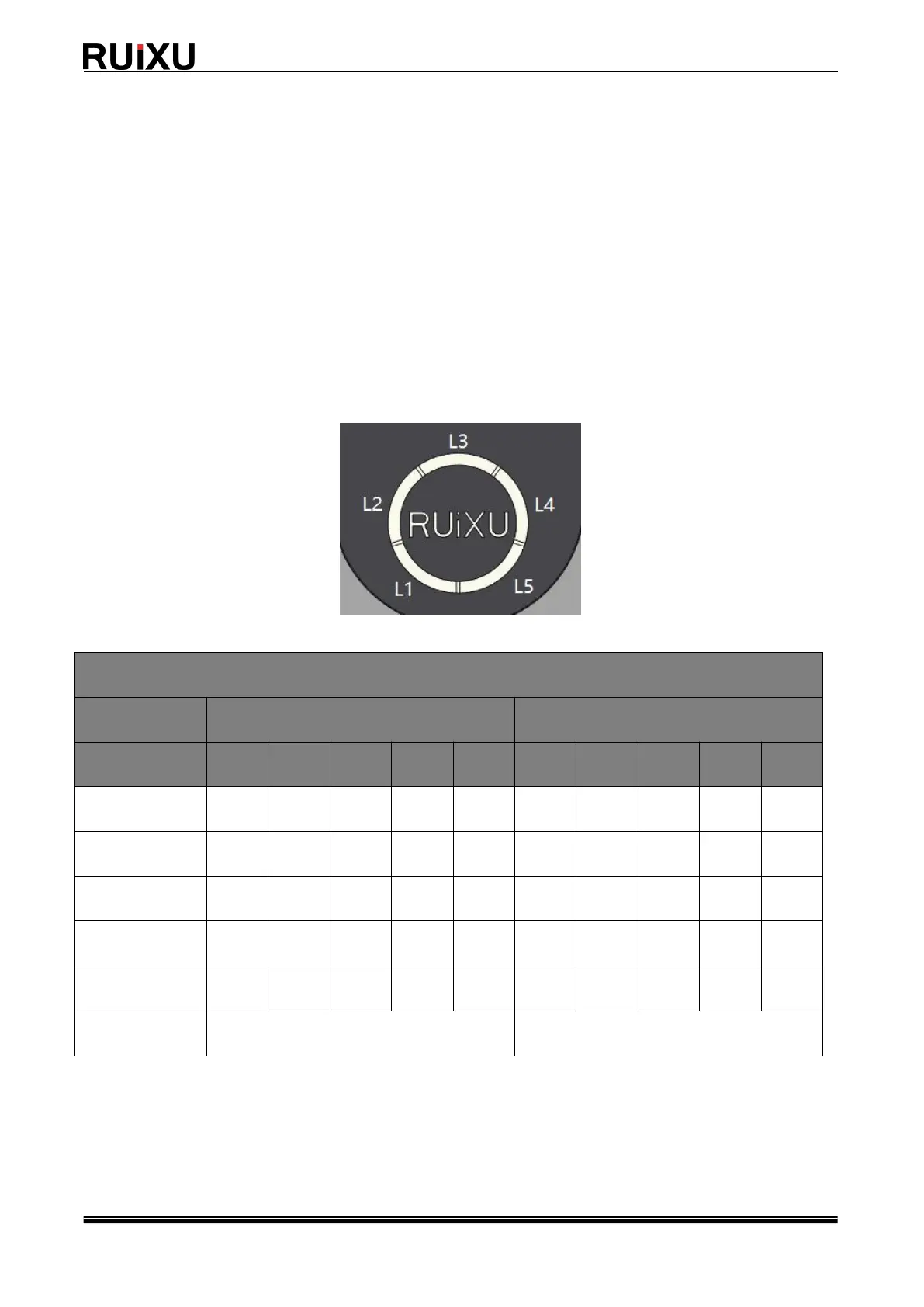
3.3.4 Indicator light
SOC indicator light
Mode
Charge
Discharging
Indicator light
L1
L2
L3
L4
L5
L1
L2
L3
L4
L5
0~20%
Flash2
OFF
OFF
OFF
OFF
ON
OFF
OFF
OFF
OFF
20~40%
ON
Flash2
OFF
OFF
OFF
ON
ON
OFF
OFF
OFF
40~60%
ON
ON
Flash2
OFF
OFF
ON
ON
ON
OFF
OFF
60~80%
ON
ON
ON
Flash2
OFF
ON
ON
ON
ON
OFF
80~100%
ON
ON
ON
ON
Flash2
ON
ON
ON
ON
ON
Sleep mode
OFF
OFF

Related product manuals