Version: V1.0 Page
29
of 50
3.3.4 LED flashing description
3.3.5 Display screen
Voltage of battery or system
Electric current of battery or system
Quantity of online batteries in the system
Battery system details information
Charge MOS / Discharge MOS
Charge Mosfet in BMS / Discharge Mosfet in BMS
Maximum temperature / Minimum temperature
Total discharge energy of the battery system
Battery system voltage balancing mode
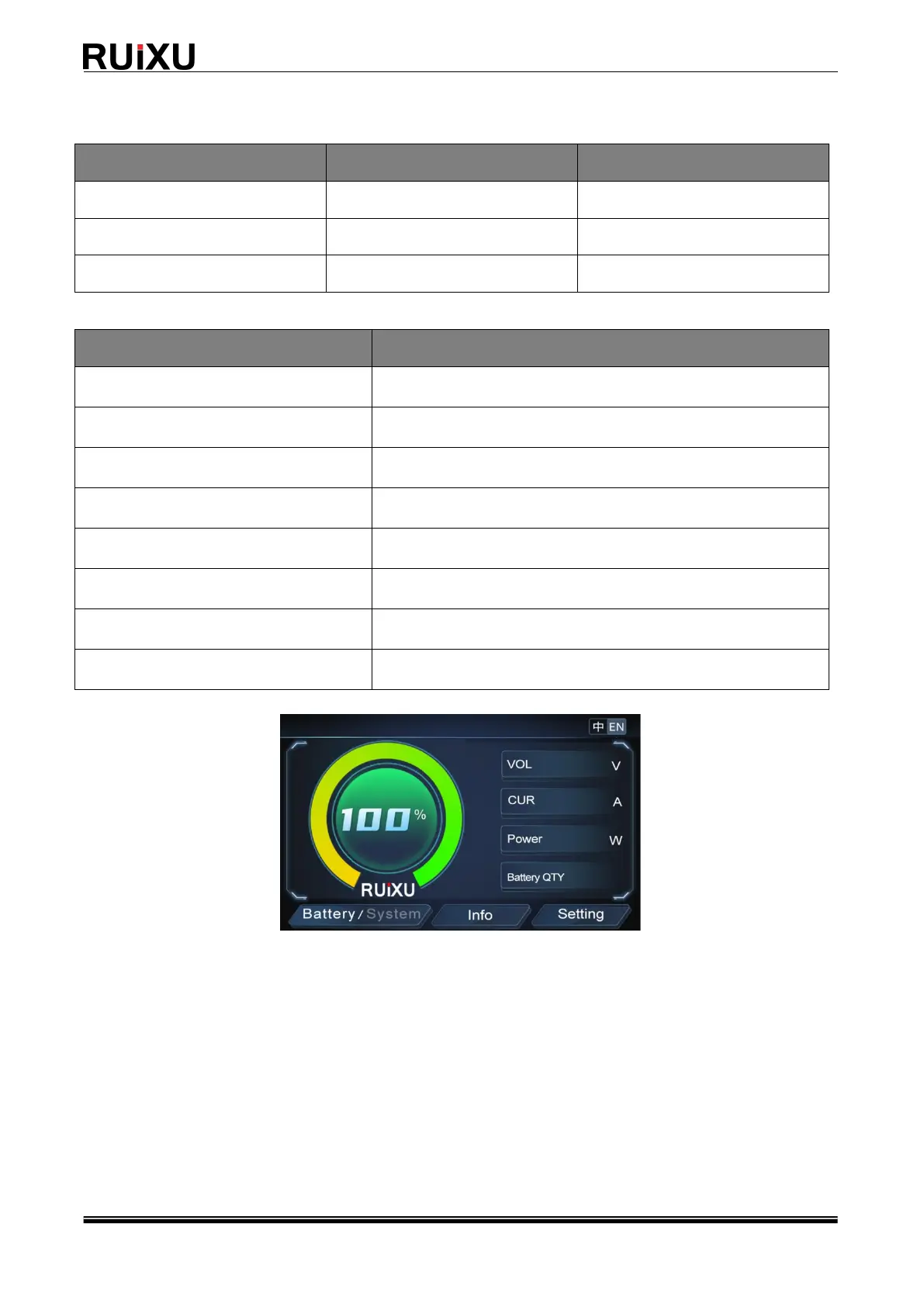
Display home page
Main screen description
• Host You can click “Battery/System” in the lower left corner to view the system or host
parameters.
• The left side of the display shows the current SOC, and the right side shows the parameters
related to real-time voltage, real-time current, real-time power, and real-time system online
battery number
• Click “Info” below to view basic battery parameters
• Click "Setting" below to set the battery and display



 To Next Page