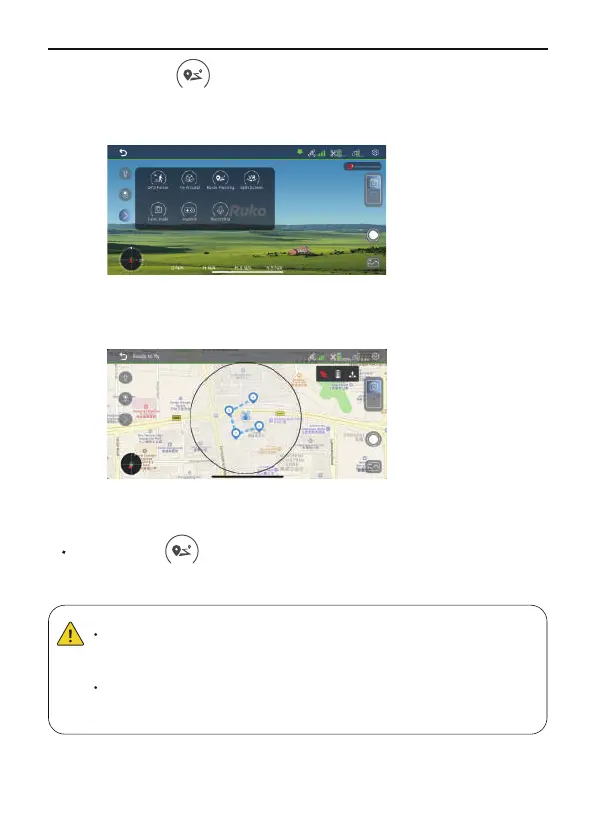
Tap the icon on the app interface to start the waypoint
mode.Mark intersted of points (up to 10) which you plan to fly on
app map's within red circle (limited flight range).
Mark intersted of points (up to 10) which you plan to fly on app map's
within red circle (limited flight range).
⑤
⑥
Tap the icon on the app interface again or the delete to exit
the Route Planning.
Exiting Route Planning
The Route Planning function only works when the GPS signal is
strong. Please avoid high buildings, trees, and areas where
Wi-Fi signal might be interfered.
Aircraft is not equipped with obstacle avoidance function.
Please use it in open areas free of obstacles.
20 Copyright ©2022 Ruko All Rights Reserved.
F11MINI User Manual



 To Next Page