RTH
Tap to initiate Smart RTH and have the aircraft return to the last
recorded home point and turn off the motors. Tap it again to cancel
the return.
14
Auto Takeoff/Landing
After unlocking the aircraft, click one button to take off, tap it again
to descend the aircraft, you can cancel the descent by push up the
throttle stick.
15
Back
Tap to return to the home screen.
16
39Copyright ©2022 Ruko All Rights Reserved.
F11MINI User Manual
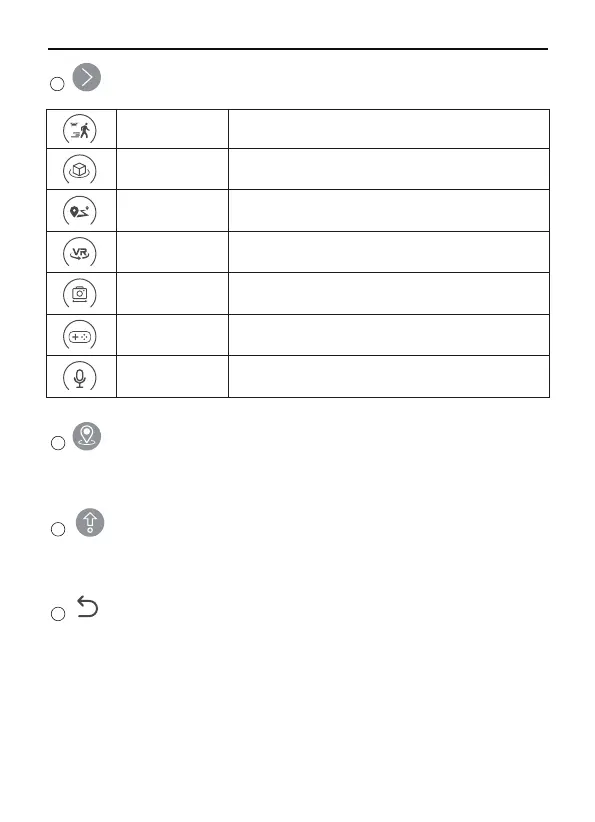
More Features
13
GPS Follow
The aircraft track the movement of the remote
controller.
The aircraft fly around in circle with the current
position as the center.
The aircraft will fly follow a path of your choice two
to ten waypoints.
VR split screen interface, used with VR glasses.
Route Planning
Fly Around
Split Screen
Lens Angle
Adjust the shooting angle of the aircraft camera.
Trigger the on-screen joystick to control the aircraft.
When it is turned on, your video will include ambient
sound.
Recording
Joystick



 To Next Page