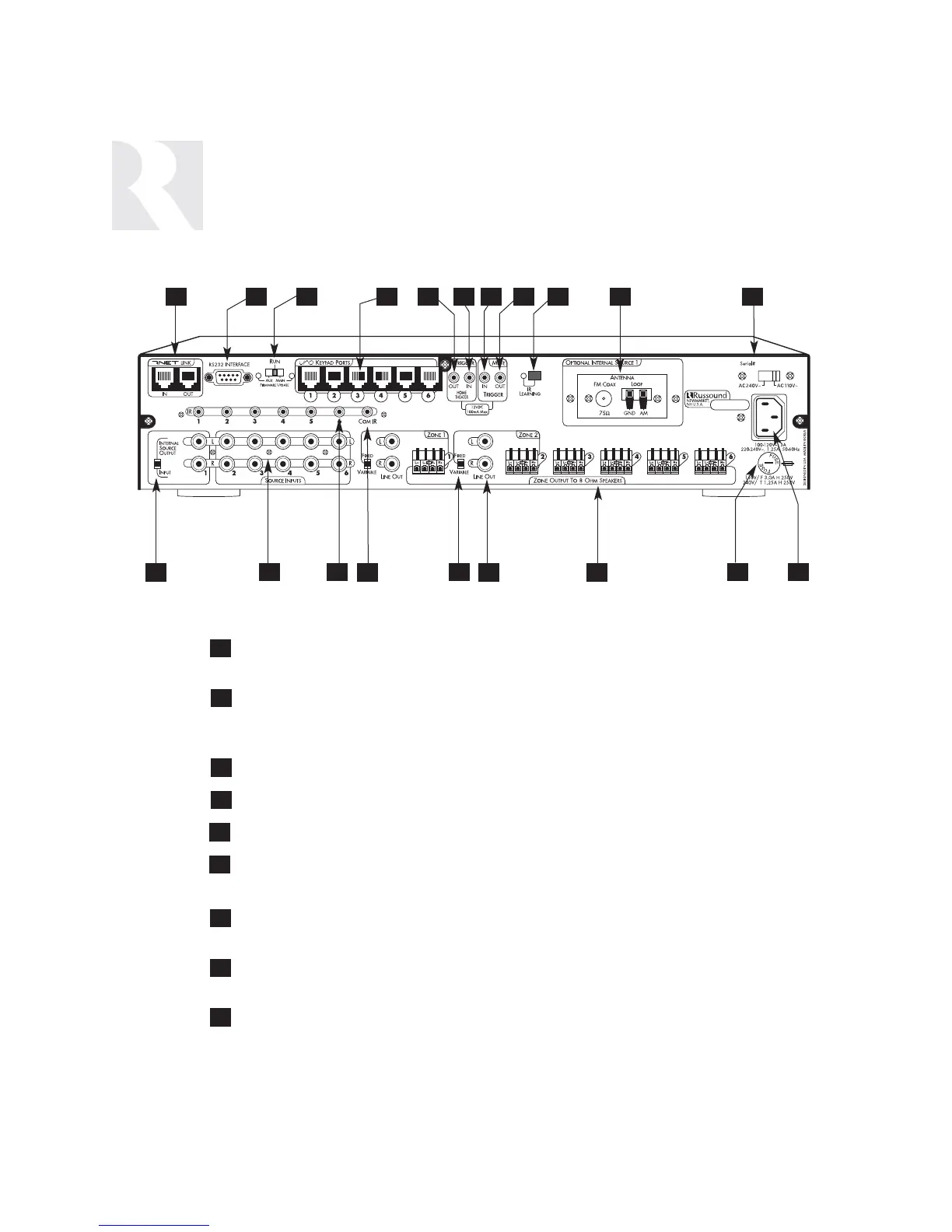
RNET LINK IN AND LINK OUT - Links multiple CAM6.6’s, also links future Russound
components that are RNET compatible
RS-232 INTERFACE - The RS-232 Interface allows the zones to be controlled by PC
or other devices that have an RS-232 Interface. The RS-232 Interface also allows for
firmware updates and programming.
AUX-MAIN RUN SWITCH - For firmware updates
UNO KEYPAD PORTS - One UNO Keypad Port for each of the six CAM6.6 Zones
12VDC TRIGGER OUT - 12VDC 100ma Trigger Out turns on when any zone is on
HOME THEATER 12VDC TRIGGER IN - 12VDC input jack notifies the CAM6.6 that
additional components are active, e.g., home theater equipment
MUTE 12VDC TRIGGER IN - Applying 12VDC to the Mute 12VDC Trigger In jack will
mute audio for assigned CAM6.6 Zones
MUTE 12VDC TRIGGER OUT - Mute Trigger Out supplies 12VDC 100 mA whenever
12VDC is applied to the Mute 12VDC Trigger In
IR LEARNING WINDOW - IR receiver for learning in IR commands with
confirmation LED
4
7
2
5
8
3
6
9
1
41 3 6 97 11
INSTALLER
COMPONENT GUIDE
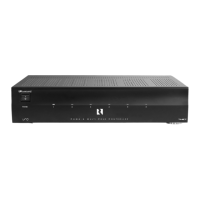
CAM6.6 Controller-Rear Panel
1052 8


 To Next Page