6
USER
COMPONENT GUIDE
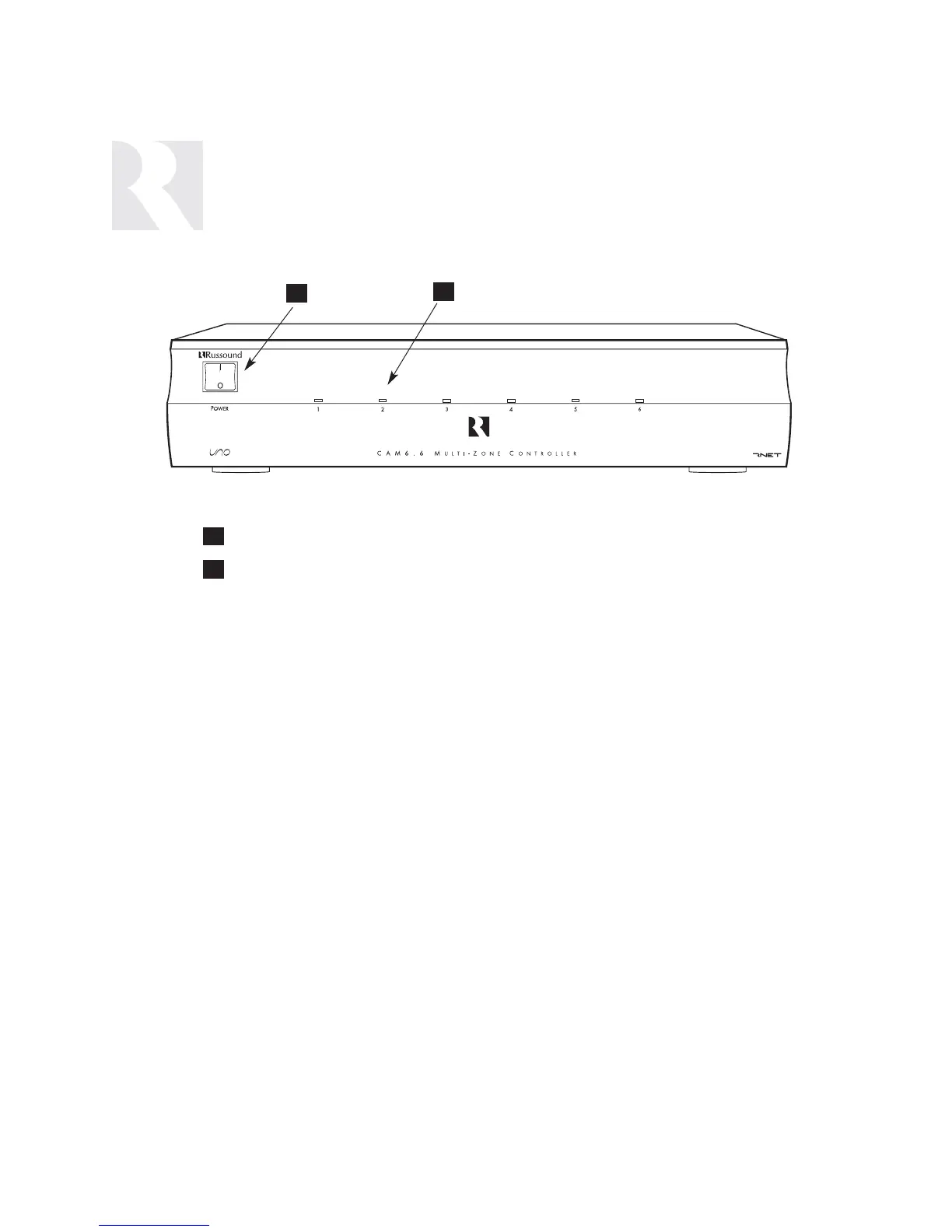
CAM6.6 Controller-Front Panel
MAIN POWER SWITCH - Supplies power to the CAM6.6
ROOM LED ON/OFF INDICATORS - Indicates when a room is on (green) or off (red)
1
2
2
1
Main Power and Zone Status
The power switch for the CAM6.6 controller is “on” in the up position. Any active
room (1-6) is indicated on the front of the controller by a green LED, which shows
red when the room is inactive. In most basic installations, all functions and room set-
tings are controlled through the corresponding UNO systems keypads.


 To Next Page