English
8
87
8.2 Programming Menu
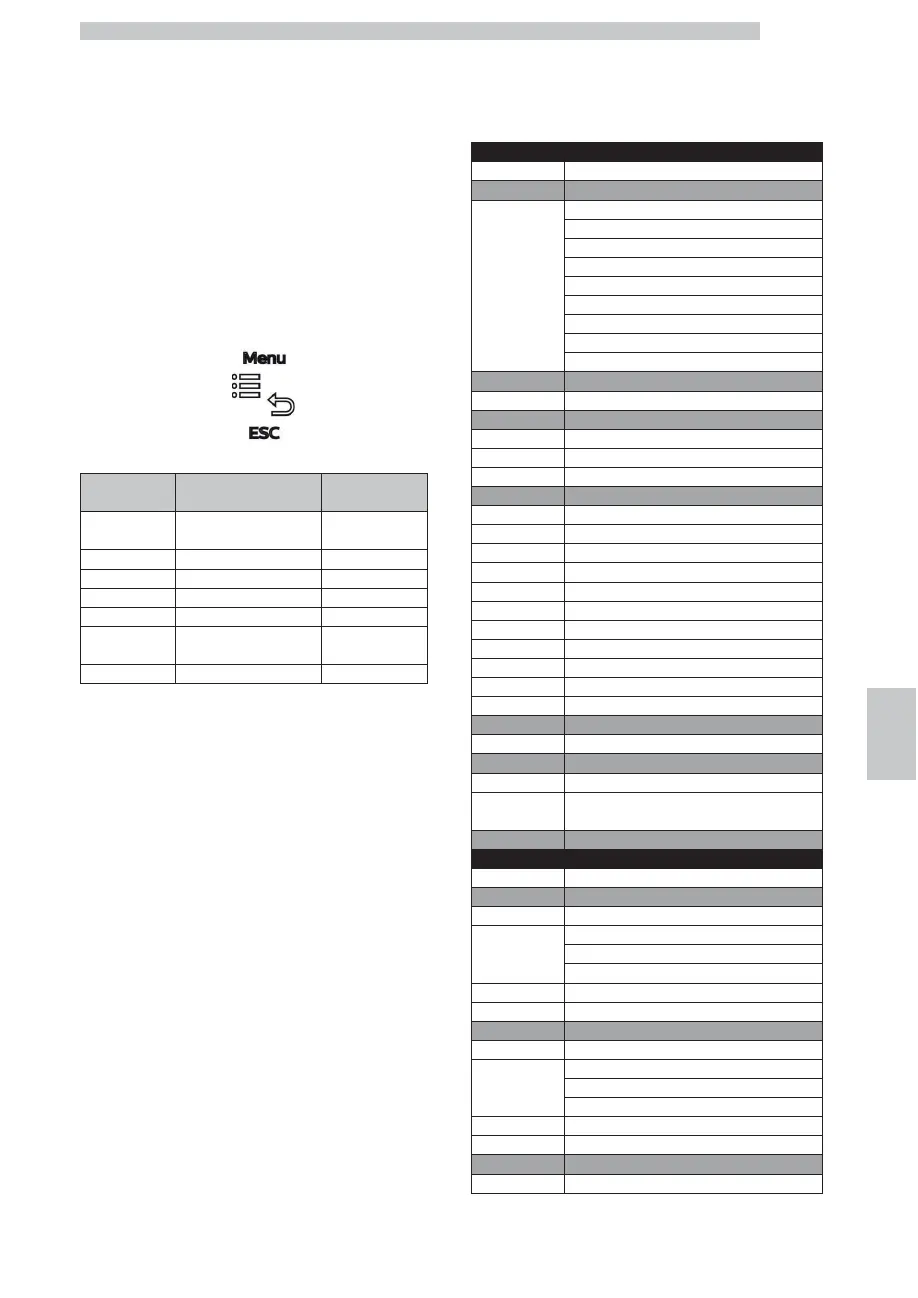
The structure of the programming menu is indicated in
section "Structure of the Programming Menu".
The section "Description of Messages in the Programming
Menu" describes all the items in the programming menu.
8.2.1 Access to the Programming Menu
Press the button shown in the figure to enter the
programming menu
The options listed in the table below will be displayed:
OPTION
NO.
MENU ITEM
Login password
1 GENERAL SETTING User Password
2 Beverage set-up User Password
3 Maintenance User Password
4 Technical
Technician’s PW
5 WASHING MENU Free access
6
MILK PROGRAMMING
User Password
7 Test menu
Technician’s PW
Next to each option is displayed the type of password that
must be entered in order to access it.
Enter the Password by pressing the UP or DOWN
buttons to select a number.
Press OK to confirm and move on to the following box.
Press ESC to confirm and exit.
Once the password has been entered, it remains active for
5 minutes after exiting the menu.
If you switch off the machine, it will be necessary to enter
the password again in case you want to enter the menu.
8.2.2 Structure of the Programming
Menu
GENERAL SETTING
OPTION NO.
MENU ITEM
1 Language
ITALIANO
DEUTSCH
ENGLISH
FRANÇAIS
ESPAGNOL
PORTUGUES
NEDERLANDS
한국어
Polski
2 CUP WARMING SURFACE %
0....100%
3 Clock
3.1. Time
3.2. Date
3.3. FORMAT
4 On/Off time
4.1. Automatic start-up
Deact.
Act.
4.2. ON TIME 1
4.3. OFF TIME 1
4.4. ON TIME 2
4.5. OFF TIME 2
4.6. ON TIME 3
4.7. OFF TIME 3
4.8. ON TIME 4
4.9. OFF TIME 4
5 Display Backlight
20....100%
6 MESSAGES
6.1. SERVICE MESSAGE
6.2. DESCALING MESSAGE
7 User Password
Beverage set-up
OPTION NO.
MENU ITEM
1 Espresso
1.1. GRINDER SETTING
Low
Standard
High
1.2 WATER QUANTITY
27...2702
2 Espresso x2
2.1. GRINDER SETTING
Low
Standard
High
2.2. WATER QUANTITY
27...2702
3 Coffee
3.1. GRINDER SETTING









 To Next Page