English
8
93
GENERAL SETTING
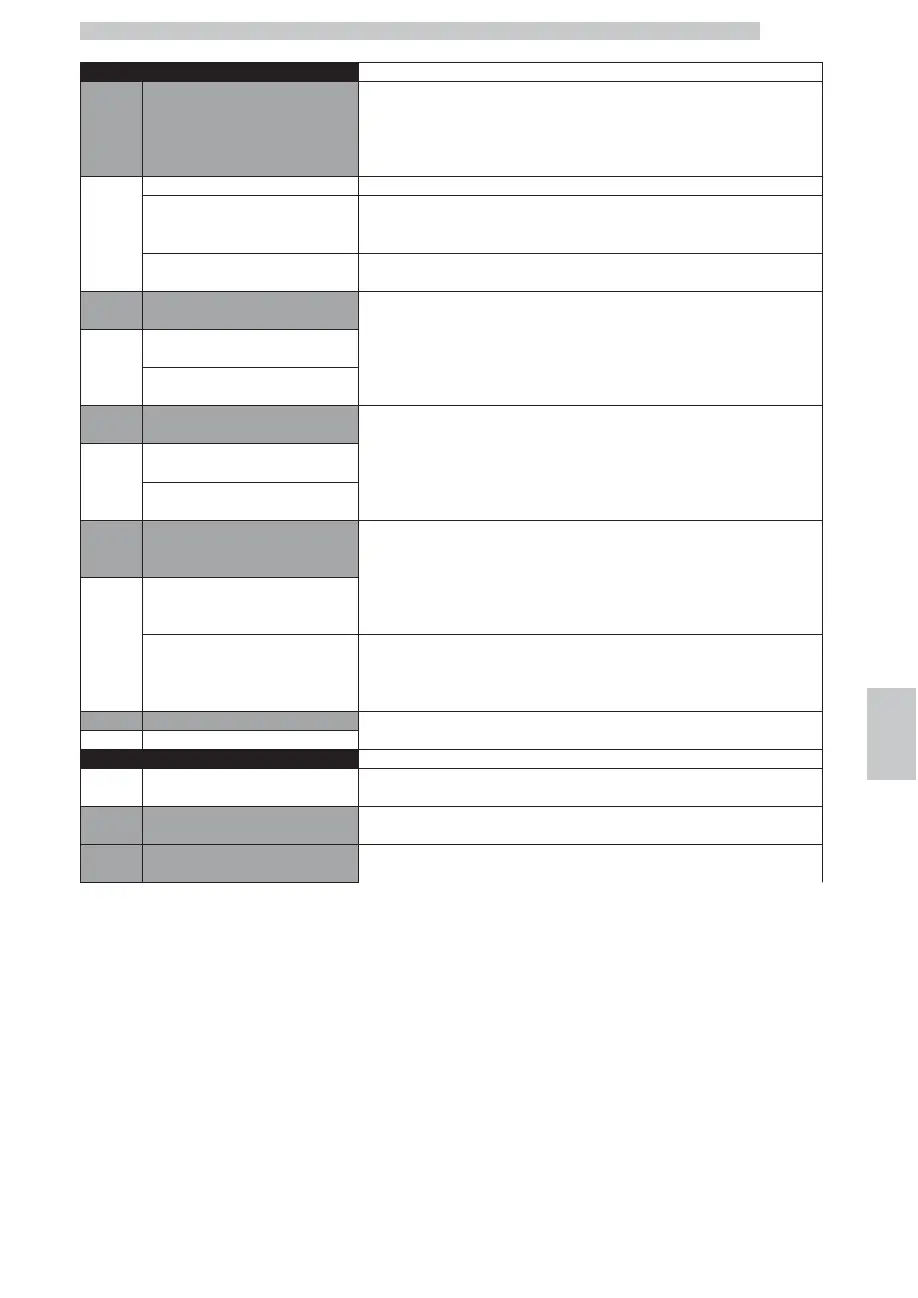
15 Prebrewing
This function allows a short break during the first brewing phase.
This can improve the quality of the coffee which, “blends” with the first
part of water received during the break.
By confirming:
Off “OFF”, pre-brewing is not performed.
SHORT “SHORT”, the “pre-brewing” programmed by the Maintenance Technician is performed.
LONG “LONG”, the “pre-brewing” is extended by 1 sec.
16 Hot Water programm. This function allows changing the functioning of the hot water button.
Deact.
“OFF”; by pressing the button, hot water is continuously dispensed until the button is pressed
again.
Act.
“ON”; by pressing the button, hot water is dispensed according to the pre-set doses and
modes.
17 MILK BUTTON This function allows changing the functioning of the hot milk button.
Deact.
“OFF”; by pressing the button, hot milk is continuously dispensed until the button is pressed
again.
Act.
“ON”; by pressing the button, hot milk is dispensed according to the pre-set doses and
modes.
18 Hot Water mixing
While the different types of beverages are dispensed, the machine adds a
certain amount of hot water, according to the set programming.
By confirming:
Deact.
“OFF”, NO hot water is added to the beverage.
Act. “ON”, the mixing is performed
NOTE
If the function is disabled the programmed values remain unchanged and can be used again
when the function is re-activated.
19 Power Steam The steam dispensing end temperature can be set.
20…100
Maintenance
OPTION
NO.
DISPLAY Description
1. Cappuccinatore Rinsing
This function allows dispensing a quantity of steam to avoid the building up of deposits in the
Cappuccinatore.
2. GROUP RINSING This function allows to wash the brew group by using the special tablets









 To Next Page