JUL 2023 | R1.7© Safe Fleet | All rights reserved
2. Installing FOCUS H2 In-car Video System
FOCUS H2 Installation Guide
p. 15
2.8 Connecting the Peripherals
This section describes how you can connect the peripherals of the FOCUS H2 In-car Video System.
2.8.1 Connecting the GPS
To wire the GPS, follow these steps:
1. The GPS receiver should be placed near a window with top of the GPS receiver in an upward-facing position to allow a
better connection with the satellite.
2. Run the cable to the CPU.
3. On the CPU, nd a USB port labeled "GPS".
4. Insert the USB connector in to this port.
2.8.2 Connecting the Wireless Microphone
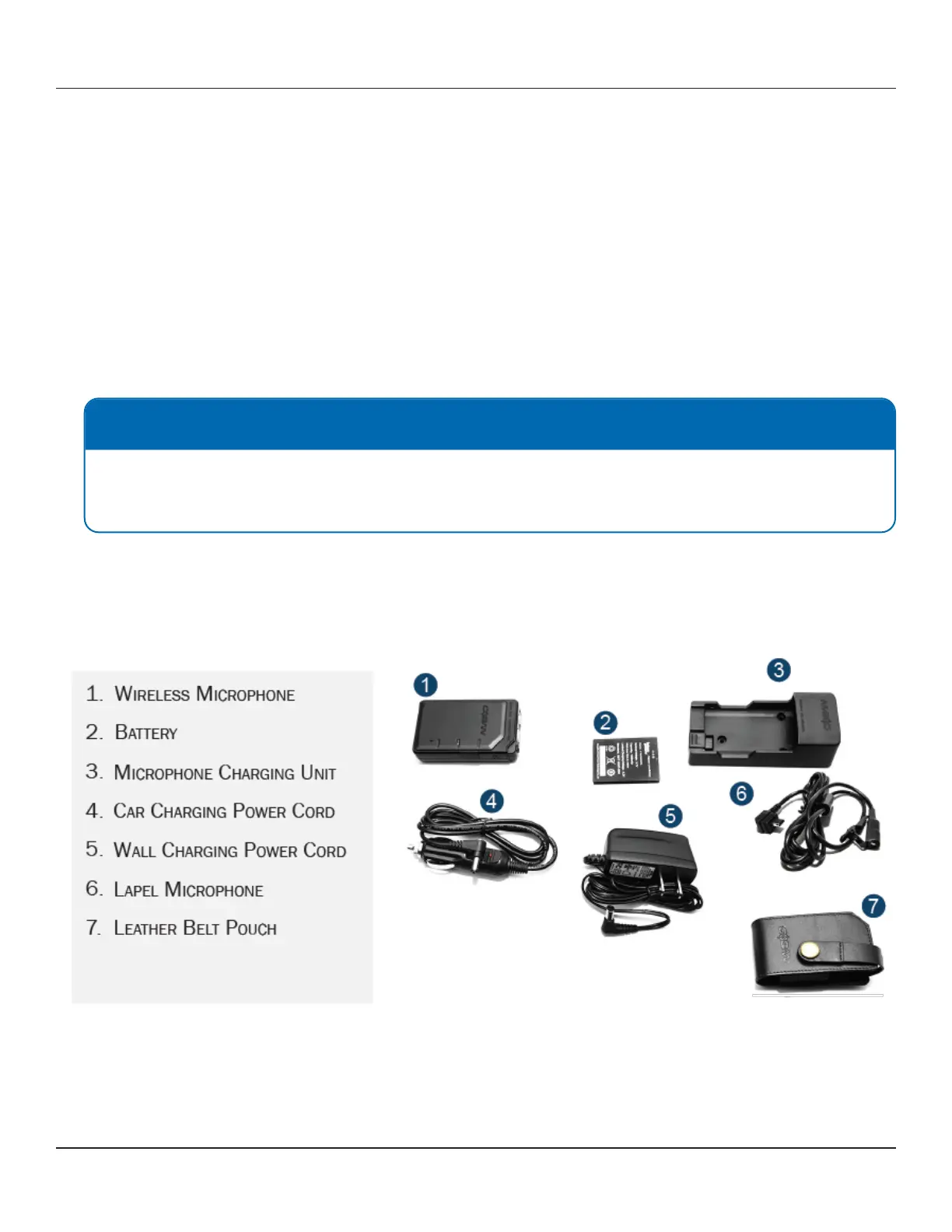
Overview of the Wireless Microphone
The H2 In-car video system supports up to two wireless microphones, in addition to the In-car microphone. To access the
secondary receiver contacts, remove the cover located near the primary receiver.
When a recording on camera 1 is started, the wireless microphones are turned on. When camera 1 is stopped, the
microphones are turned off.
NOTE: Extension Cable
Each system comes with an extension cable. If the GPS cable is not long enough to reach the CPU, please use the
extension cable and tape the connectors together to keep them from coming apart inside the panels after being
installed.



 To Next Page