JUL 2023 | R1.7© Safe Fleet | All rights reserved
2. Installing FOCUS H2 In-car Video System
FOCUS H2 Installation Guide
p. 17
Syncing the Wireless Microphone
In order to ensure that the microphone works with the microphone receiver, you must synchronize the microphone with the
receiver. You can have as many microphones as you want, but for each microphone, you must have a separate receiver.
To sync the wireless microphone, follow these steps:
1. Verify your microphones are fully charged.
2. Power on the In-car Video System.
3. Touch the microphone contacts (located on the bottom of the wireless microphone unit) to the receiver’s register
contacts.
A conrmation tone sounds indicating the receiver and microphone have synchronized frequencies. The microphone is
now in Standby mode and ready for use.
4. If necessary, repeat these steps with additional microphones while ensuring each is synced to its own receiver.
NOTE: Second Microphone
Syncing a second microphone to the same receiver will replace the rst microphone.
Connecting the Microphone Receiver to the CPU
Follow these steps to connect the microphone receiver to the CPU.
To connect the microphone receiver to the CPU:
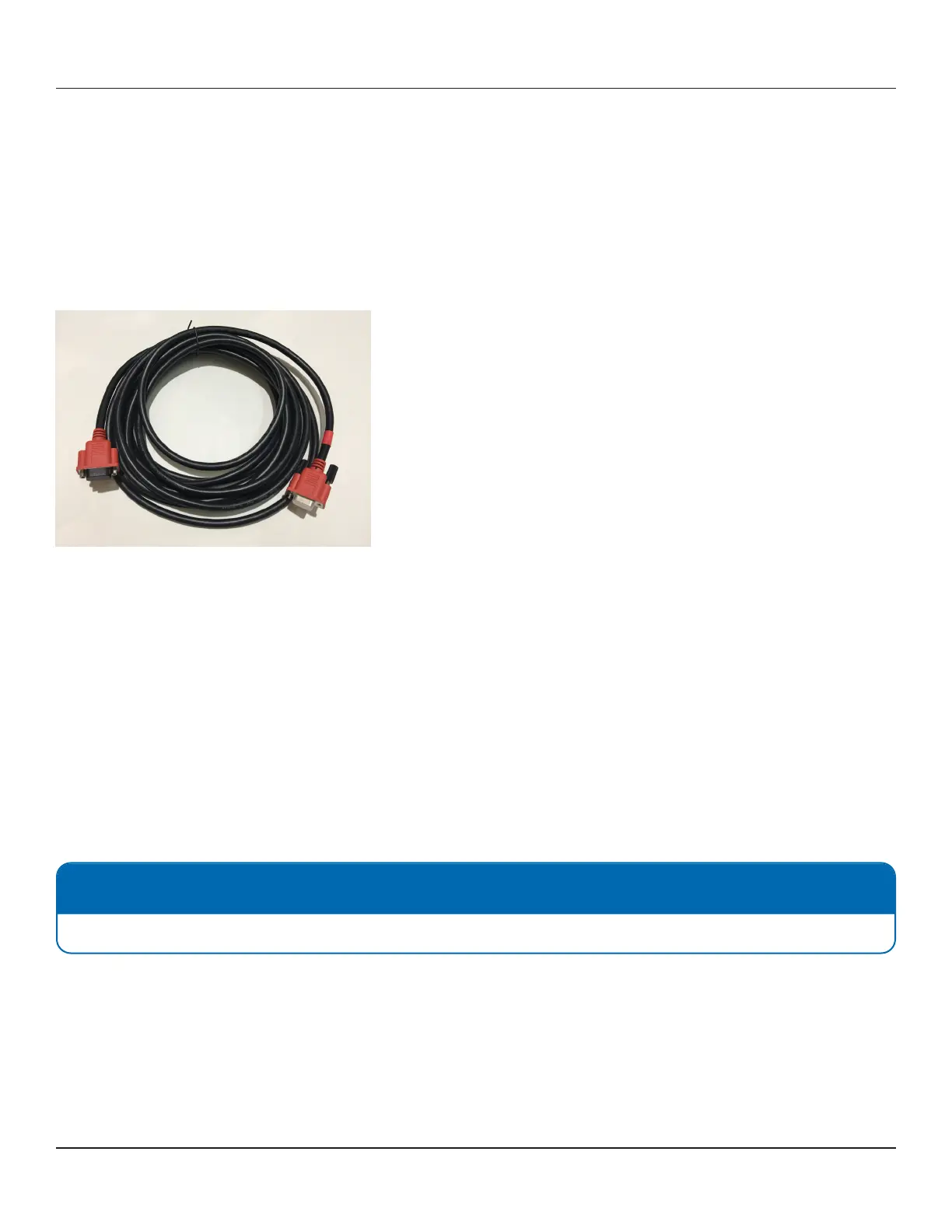
1. On the CPU, nd the 15-pin port labeled "WMIC".
2. Insert the DB15 connector of the microphone cable into this port. Make sure the end with the red heat shrink is inserted
into the CPU.
3. Connect the other end of the microphone cable to the microphone receiver.



 To Next Page