S A G E M E T E R I N G , I N C .
O p e r a t i o n s a n d I n s t r u c t i o n M a n u a l
30
REV. 16-SIP/SRP
1 Upon start-up, the Revision No., Serial No., and Modbus ID will display for a few seconds.
Also the output configurations symbol is momentarily displayed
2 Note, a built-in photocell continuously monitors the ambient light, and adjusts the display
brightness for optimum long-term life, and also senses motion which automatically switches
display from Screen Saver mode to Normal mode
3 To view display, wave hand over display or use a flashlight. The Flow Meter displays for one
minute, then the Screen Saver resumes
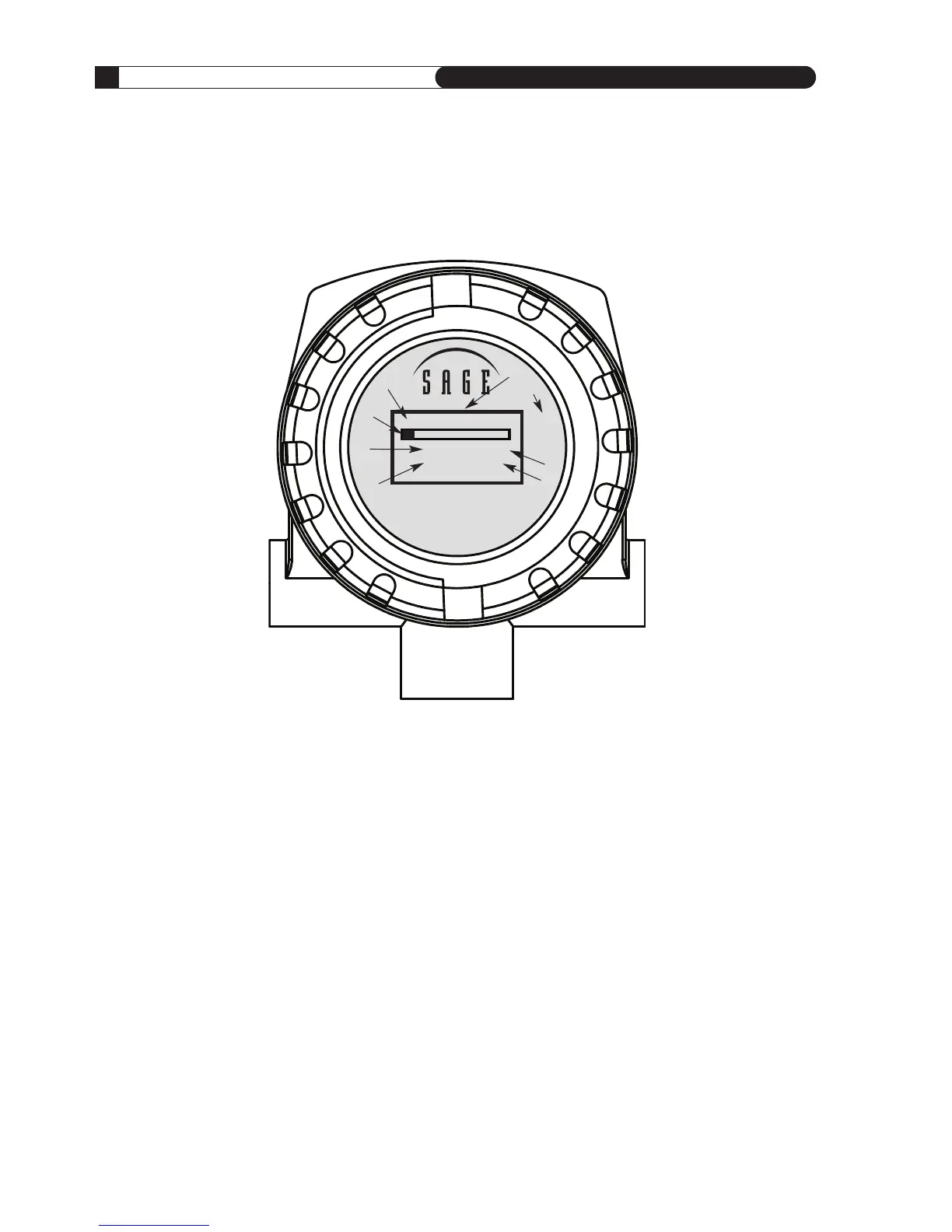
1
Raw Calibration milliwatts (mw) for Diagnostics
and Periodic “Zero Flow” Calibration Check
2 Graphical Indication of Percentage of Full Scale
Flow Rate
3 Flow Rate
4 Totalized Flow (Consumption)
(Value is Retained during Power Outage
or Power Cycling)
5 Flashes with each pulsed output of consumption
6 Engineering Units of Flow Rate (the last digit
can be S(seconds), M(minute), H(hour), D(day)
7 Engineering Units of Consumption
8 Photocell activated Screen Saver extends display life



 To Next Page