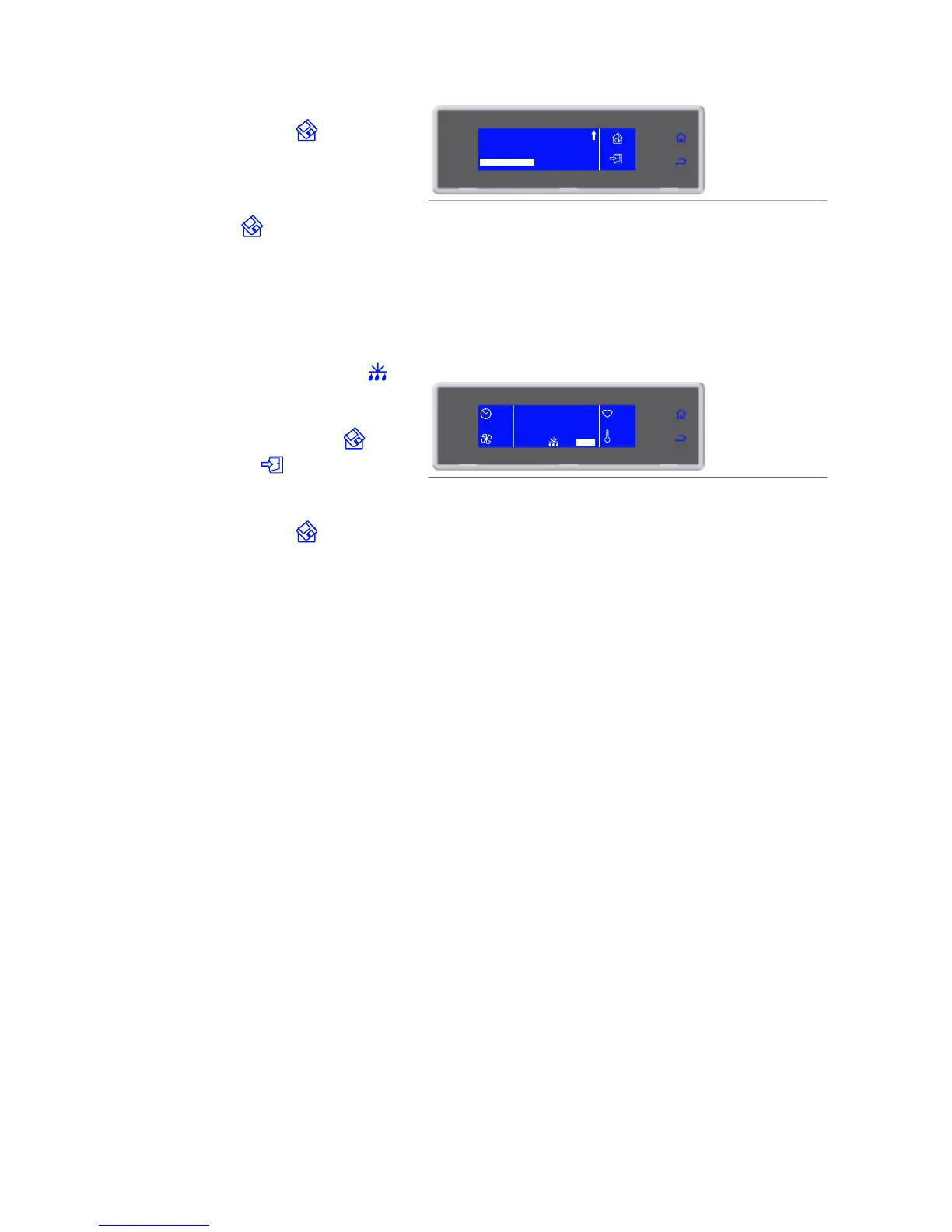
asked to assign a name to the cycle. use the knob
to enter the name and press o save it.
To make a cycle a favourite, select MAKE
FAVOURITE, found at the end of the parameters
list, and enter the desired position. The cycle will
automatically overwrite the one in that position.
Save by selecting .
9. Cycle ended, automatic conservation
phase
During conservation it is possible:
- View, modify the default parameters and make it
a favourite by selecting SET
- to activate a manual defrost by selecting
- to stop the cycle by selecting STOP
Note: the modified parameters can be saved once
the new value is inserted by selecting ,
therwise, by selecting , he modifications will
be active only for the cycle in progress.
If the modifications are saved the user will be
asked to assign a name to the cycle. use the knob
to enter the name and press o save it.
If not required, manual defrosting is not performed



 To Next Page