Mod. 20Kg
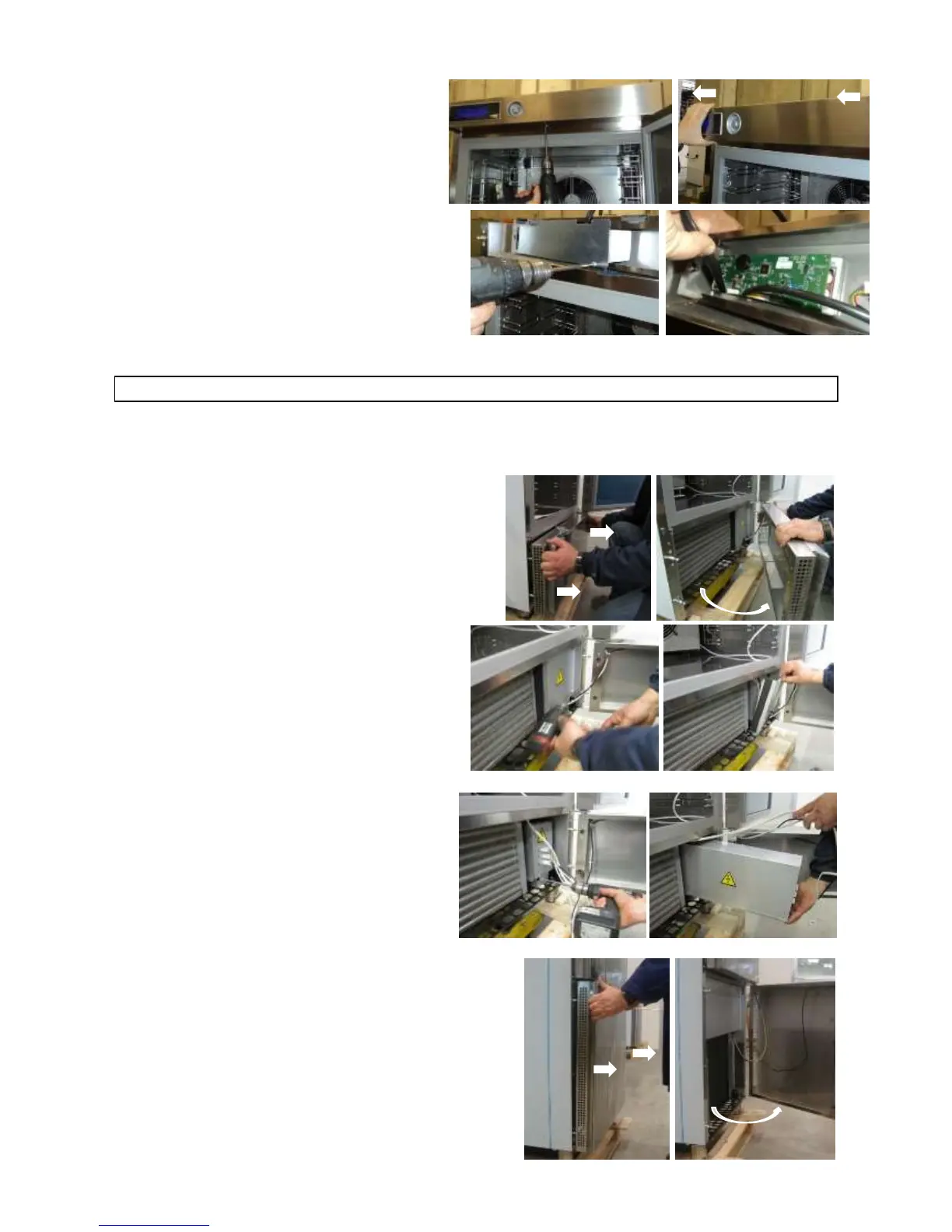
Undo the screw under the dashboard.
Unhook the dashboard, pulling it forward.
Undo the guard screws and remove the cover
to access to the video card and to the encoder.
MAINTENANCE OF PANEL BOARD
Turn the mains switch OFF.
Disconnect the plug.
To be able to access the electric picture:
Mod. 10Kg
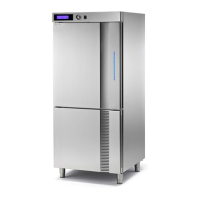
Unhook the front guard, pulling it and turning it to the
right.
Remove the closing panel screws.
Remove the closing panel.
Remove the electrical panel locking screw.
Move the electrical panel box along the slide.
Mod. 20Kg
Unhook the front guard, pulling it and turning it to the
right.



 To Next Page