6101
6101
6101
6101 Belt
Belt
Belt
Belt Scale
Scale
Scale
Scale Integrator
Integrator
Integrator
Integrator Operating
Operating
Operating
Operating and
and
and
and Service
Service
Service
Service Manual
Manual
Manual
Manual
86
P ress the U p/ D own keys to move the cursor to the item that to be set, followed by [ENT] key.
Use numeric keys to input the settings and press [ENT] to confirm.
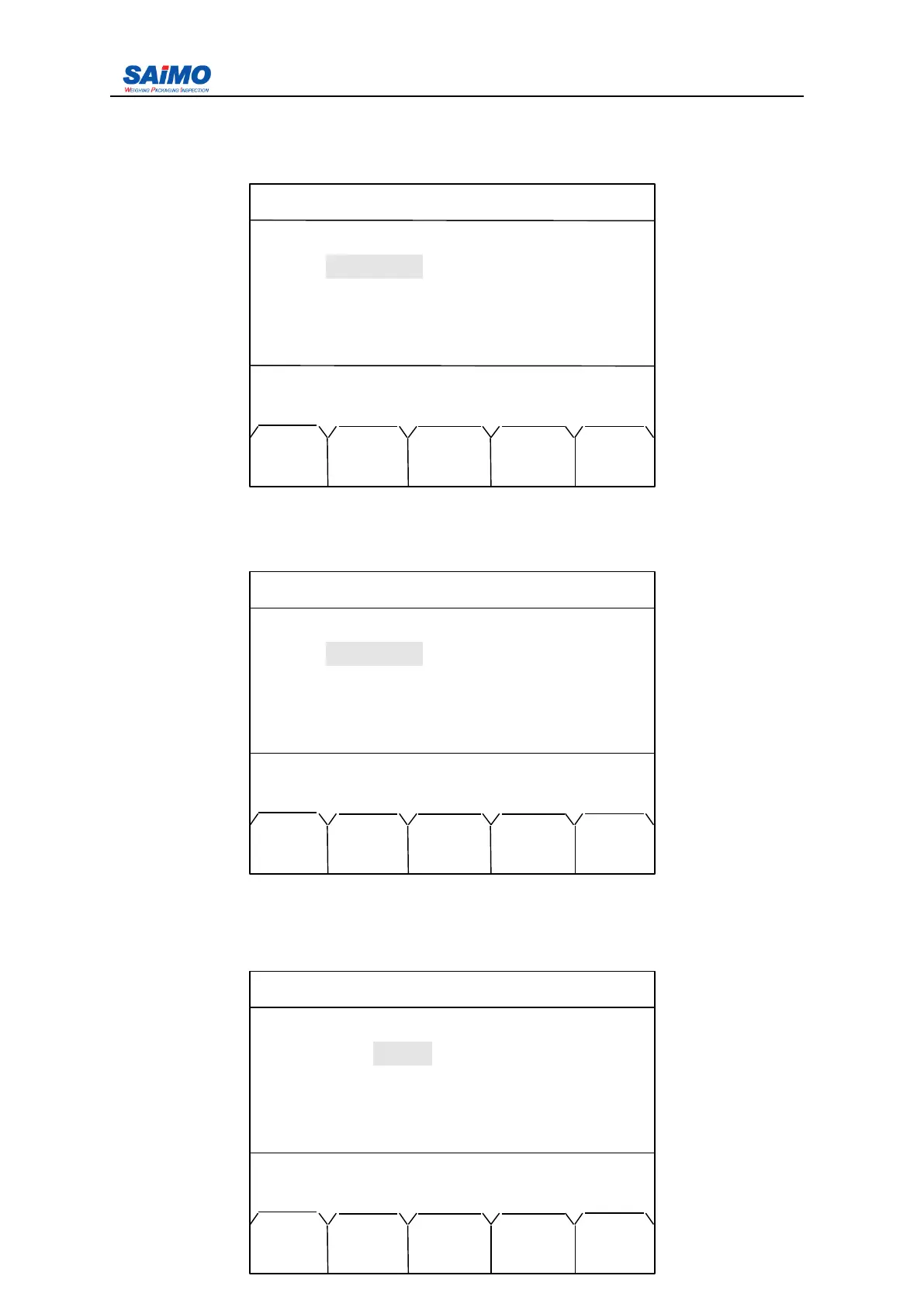
Pressing “ PAGE DOWN ” soft key enters the third page of the Statistics Menu.
P ress the U p/ D own keys to move the cursor to the item that to be set, followed by [ENT] key.
Use numeric keys to input the settings and press [ENT] to confirm.
Pressing “ PAGE DOWN ” soft key enters the forth page of the Statistics Menu.
P ress the U p/ D own keys to move the cursor to the item that to be set, followed by [ENT] key.
Use numeric keys to input the settings and press [ENT] to confirm.
Pressing “ PAGE DOWN ” soft key enters the fifth page of the Statistics Menu.
2006-3-21 12:00:00 Scale#1
CLASS 3 SETUP
Start Hour : [ 12 ]
Start Min : [ 0 ]
End Hour : [ 17 ]
End Min : [ 59 ]
Press
↑↓
key, then press ENT!
MAIN PAGE PAGE
MENU DOWN UP
2006-3-21 12:00:00 Scale#1
CLASS 4 SETUP
Start Hour : [ 18 ]
Start Min : [ 0 ]
End Hour : [ 23 ]
End Min : [ 59 ]
Press ↑↓ key, then press ENT!
MAIN PAGE PAGE
MENU DOWN UP
2006-3-21 12:00:00 Scale#1
REPORT STA TISTIC
Class : [ 1 ]
Date : [ 1 ]
Press ↑↓ key, then press ENT!
MAIN CLAS PAGE
MENU
STAT
UP



 To Next Page