6101
6101
6101
6101 Belt
Belt
Belt
Belt Scale
Scale
Scale
Scale Integrator
Integrator
Integrator
Integrator Operating
Operating
Operating
Operating and
and
and
and Service
Service
Service
Service Manual
Manual
Manual
Manual
87
P ress the U p/ D own keys to move the cursor to the item that to be set, followed by [ENT] key.
Use numeric keys to input the settings and press [ENT] to confirm.
Pressing “ CLAS
STAT
” soft key enters the sixth page of the Statistics Menu.
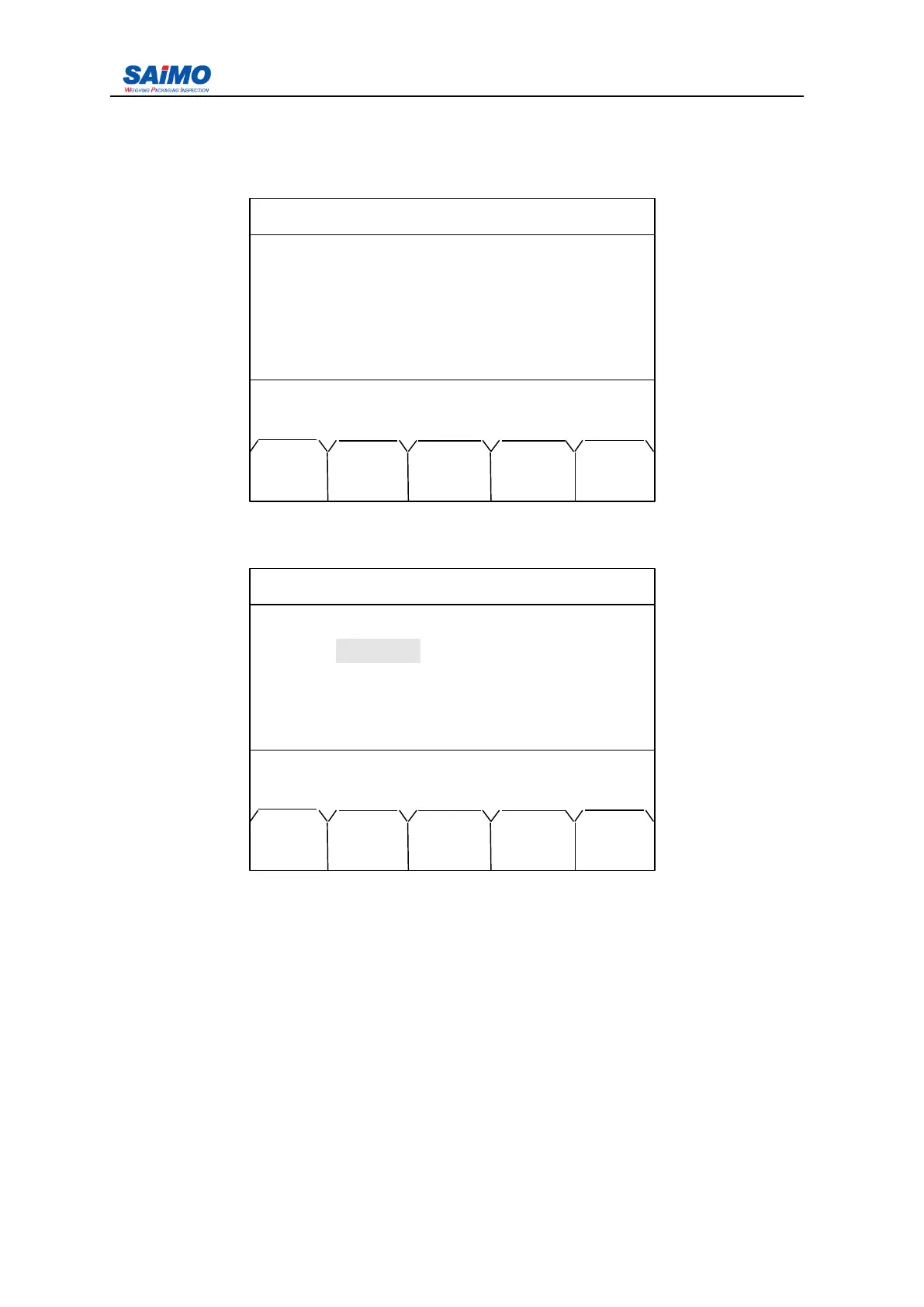
I f report print function is appled, set “ PRINT ” in COMM FUNCTION menu and main menu
5, refer to COMM SETUP section for setup details. A
s
shown in below menu:
2006-3-21 12:00:00 Scale#1
CLASS STATISTIC
Total : [ 100 ]
Press ↑↓ key, then press ENT!
MAIN TOT CLAS PAGE
MENU PRN PRNT UP
2006-3-21 12:00:00 Scale#1
COMMPORT 1 SETUP
Function : [ PRINT ]
Baud Rate : [ 115200 ]
Word Length : [ 8BIT ]
Stop Bit : [ 1BIT ]
Press ↑↓ key, then press ENT!
MAIN PAGE
MENU DOWN



 To Next Page