It is recommended to plug in the power supply to reduce the battery
consumption and extend the service life.
Note: The sensor array must be powered and updating before powering up the console, or the
console will time out searching for the sensors. Power the console last.
Make certain the weather station sensor array is at least 3m away from the console and within
30m of the console. If the weather station is too close or too far away, it may not receive a proper signal.
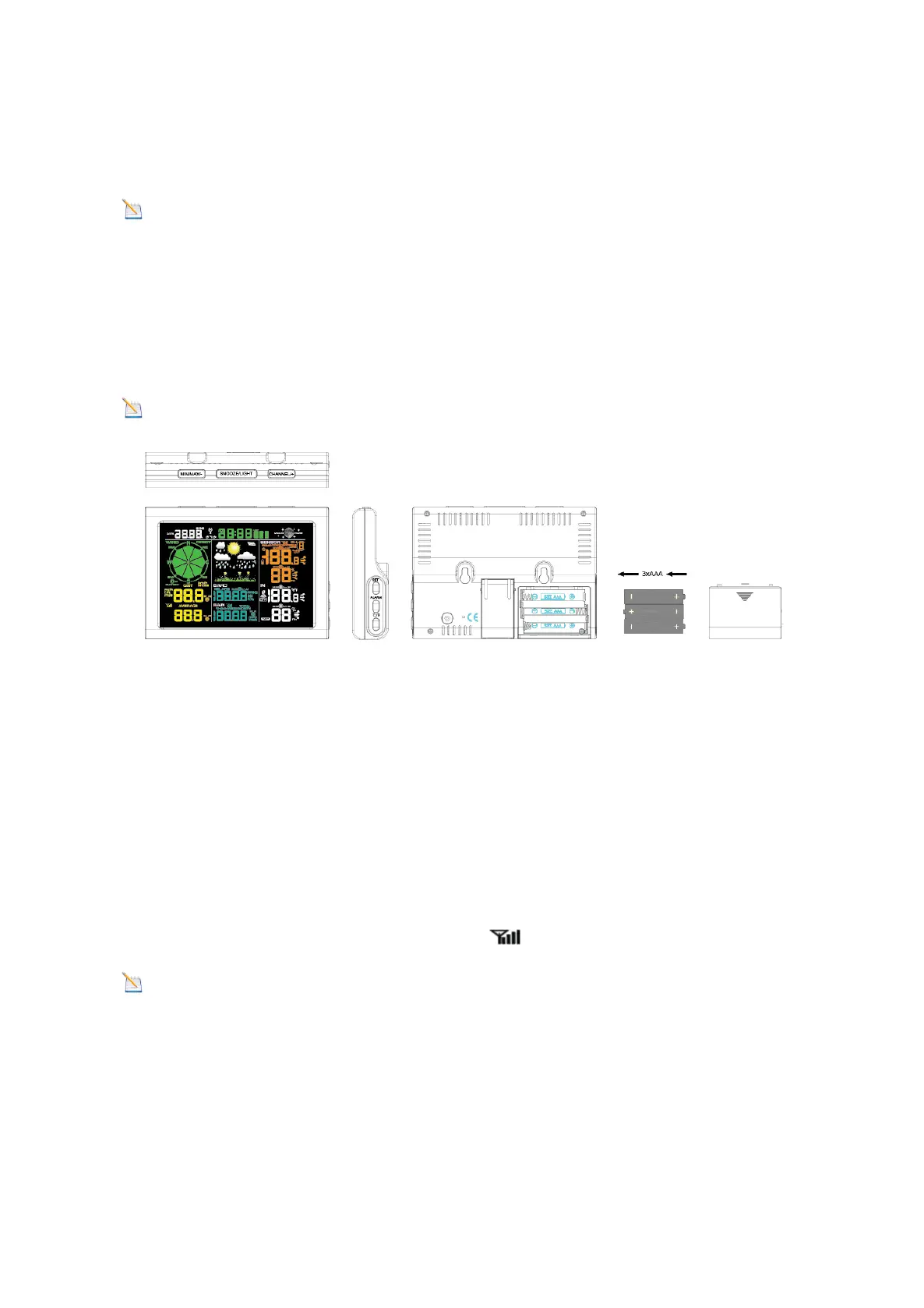
Remove the battery door on the back of the display, as shown in Figure 11. Insert three AAA (alkaline
or lithium)) batteries in the back of the display console. The display will beep once and all of the LCD
segments will light up for a few seconds to verify all segments are operating properly.
Note: The character contrast is best from a slightly elevated viewing angle.
Figure 8
Replace the battery door, and fold out the desk stand and place the console in the upright
position.
The unit will instantly display indoor temperature, humidity, pressure, tendency, moon
phase, and time. The wind speed, wind gust, wind direction, rain, outdoor temperature and
humidity will update on the display within a few minutes. Do not Press any menu buttons
until the outside transmitter report in, otherwise the outdoor sensor search mode will be
terminated. When the outdoor transmitter data has been received, the console will
automatically switch to the normal mode from which all further settings can be performed.
While in the search mode, the remote search icon will be constantly displayed.
Note: The power adapter is intended to be correctly oriented in a vertical or floor
mounted position. The prongs are not designed to hold the plug in place if it is plugged into
a ceiling, under-the-table or cabinet outlet.



 To Next Page