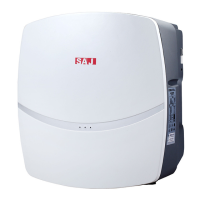
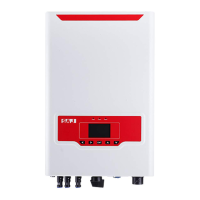
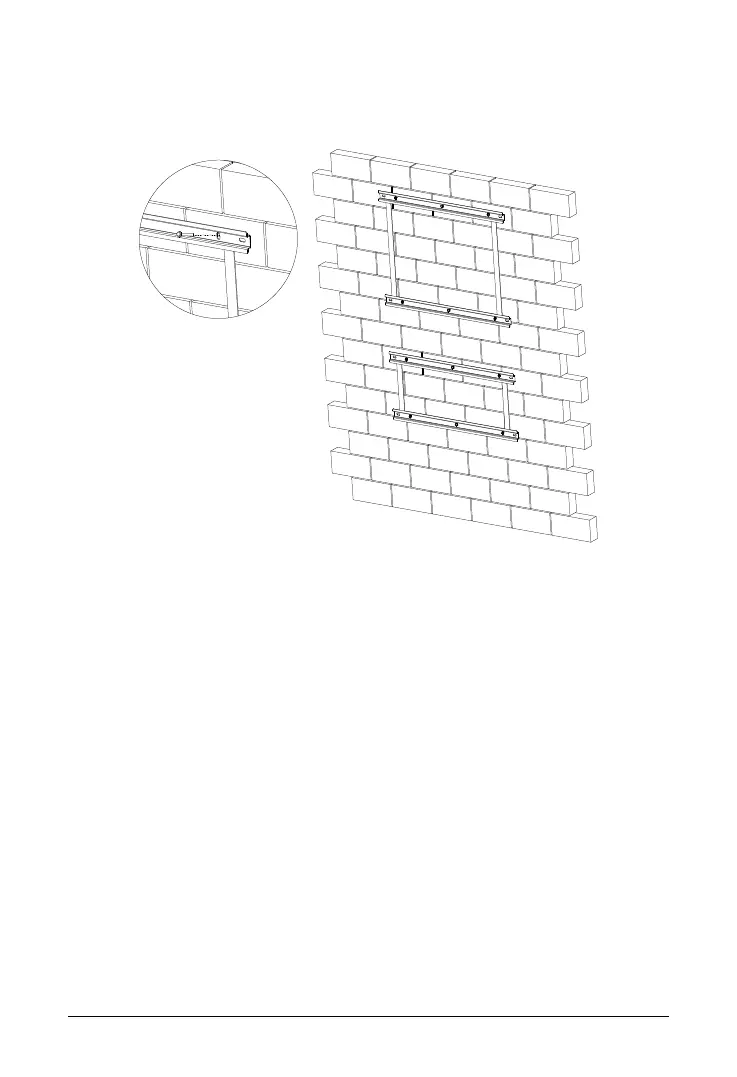
Fix the hanging panel with hex head screw on the installation
position.
Fig. 3.10 Fixing the hanging panel
Please be careful when installing the device. Please install the slave device first
and then install the master device. In case the distance between the master device
and the slave device is not enough, installation can’t be done. Carefully attach the
device to the hanging panel and make sure the bottom of the device fits snugly
with the panel.


 To Next Page
 Loading...