Revised 5/19/2010 3.9
Shut Down
Touch the Shut Down icon from the Utilities Selection
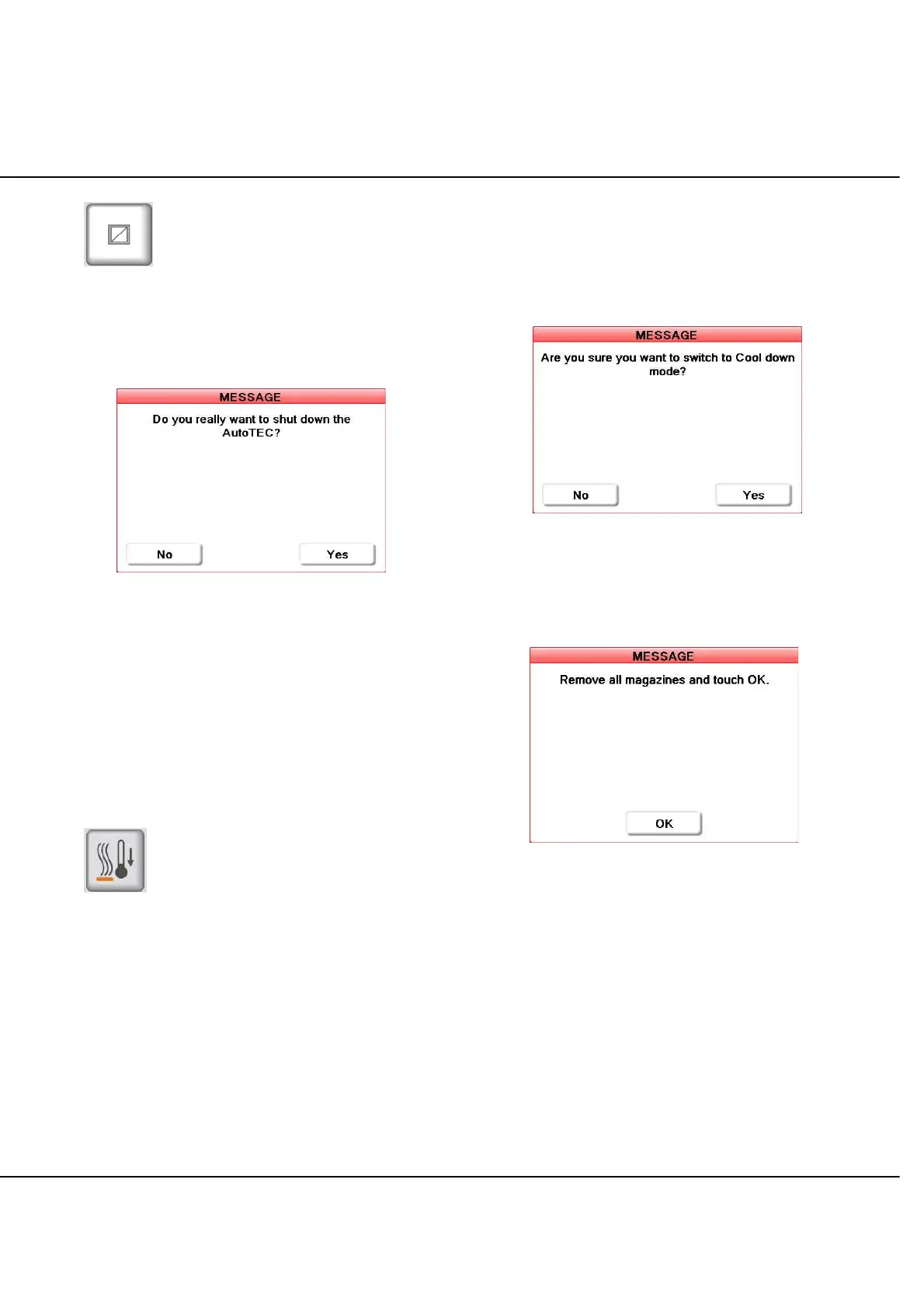
screen to initiate system shut down. When the Shut Down
icon is touched, a prompt (Figure 3-N) appears requesting
confirmation that the system should shut down.
Figure 3-N: Shutdown Confirmation Prompt
NOTE: When shut down, is confirmed, the AutoTEC
program, Window operating system, and PC will completely
turn off. To restart the AutoTEC Software, the operator needs
to cycle the AC circuit breaker OFF/ON. Shut down is
equivalent to a hard reset and restart of the AutoTEC
hardware and software.
NOTE: Before the AutoTEC actually starts the shut down
process; a message will be prompted to the operator to
remove all magazines inside the Input Doors.
Cool Down Mode
Touch the Cool Down mode icon from the Utilities
Selection screen to initiate system cool down. When the
Cool Down mode icon is touched, a prompt (Figure 3-O)
appears requesting confirmation that the system should
cool down and allow the paraffin to cool.
NOTE: In the Cool Down mode, the system cannot
embed cassettes. A warm up time of up to 4 hours will be
needed before embedding can start.
NOTE: If a Cool Down time was programmed for that day,
this forced cool down will override that time for the current
day only. The programmed time will remain active for future
days. Refer to page 3.8 about how to program cool down
times.
Figure 3-O: Cool Down Confirmation Prompt
Once this prompt is acknowledged, another (Figure 3-P)
appears requesting that all magazines be removed from
the input door.
Figure 3-P: Magazine Removal Prompt
The AutoTEC will not cool down until the input door is
cleared of magazines and closed, and the on-screen
prompt is acknowledged. The Utilities screen continues to
display during this process.



 To Next Page