CUSTOMIZATION OF SETTINGS
3.10 Revised 5/19/2010
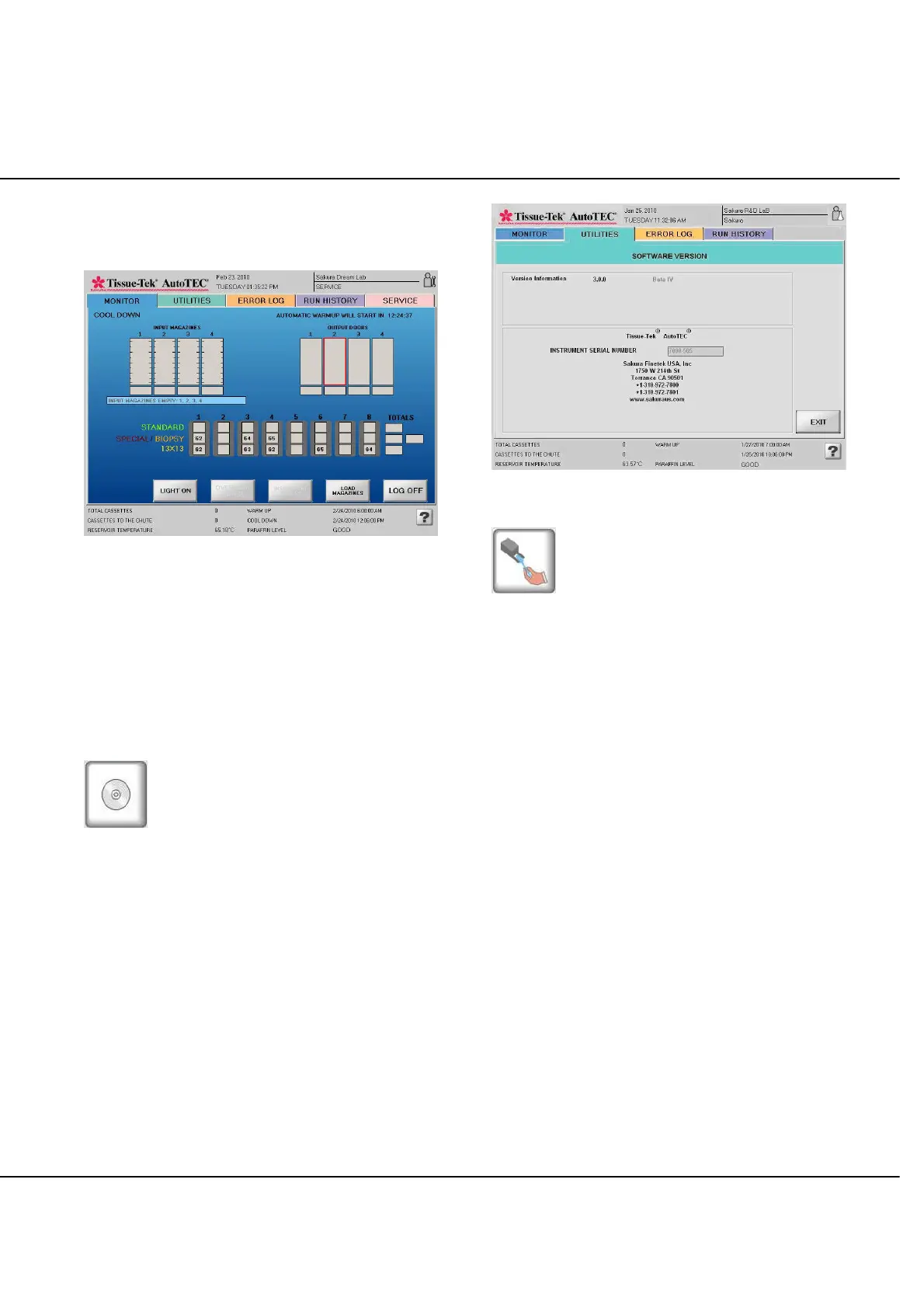
Touch the MONITOR tab to display the MONITOR screen.
COOL DOWN will be displayed at the upper-left corner of
the screen, as seen in Figure 3-Q.
Figure 3-Q: Run screen, Cool Down Mode
A count-down timer in the upper-right corner will indicate
the remaining time until the automatic start-up sequence is
to begin. These times can be set by an Administrator as
described on page 3.8.
The AutoTEC will exit the Cool Down mode and begin the
4-hour warm up process, when the auto start time begins
or when the operator touches the WARM UP mode button
in the UTILITIES screen.
Software Version
The Software Version screen displays the software
version in use, and the serial number of the AutoTEC.
Record this information at installation and each time the
software version is updated (Figure 3-R).
Figure 3-R: Software Version screen
Clean Gripper Arms
Touch the Clean Gripper Arms icon, to request the
gripper arms to be moved to the area above the base
mold #5 position, allowing operators easy access to clean
the gripper arms.



 To Next Page