Revised 5/19/2010 3.17
NOTE: When using date range; after the date selections,
select the Go button first to update the display.
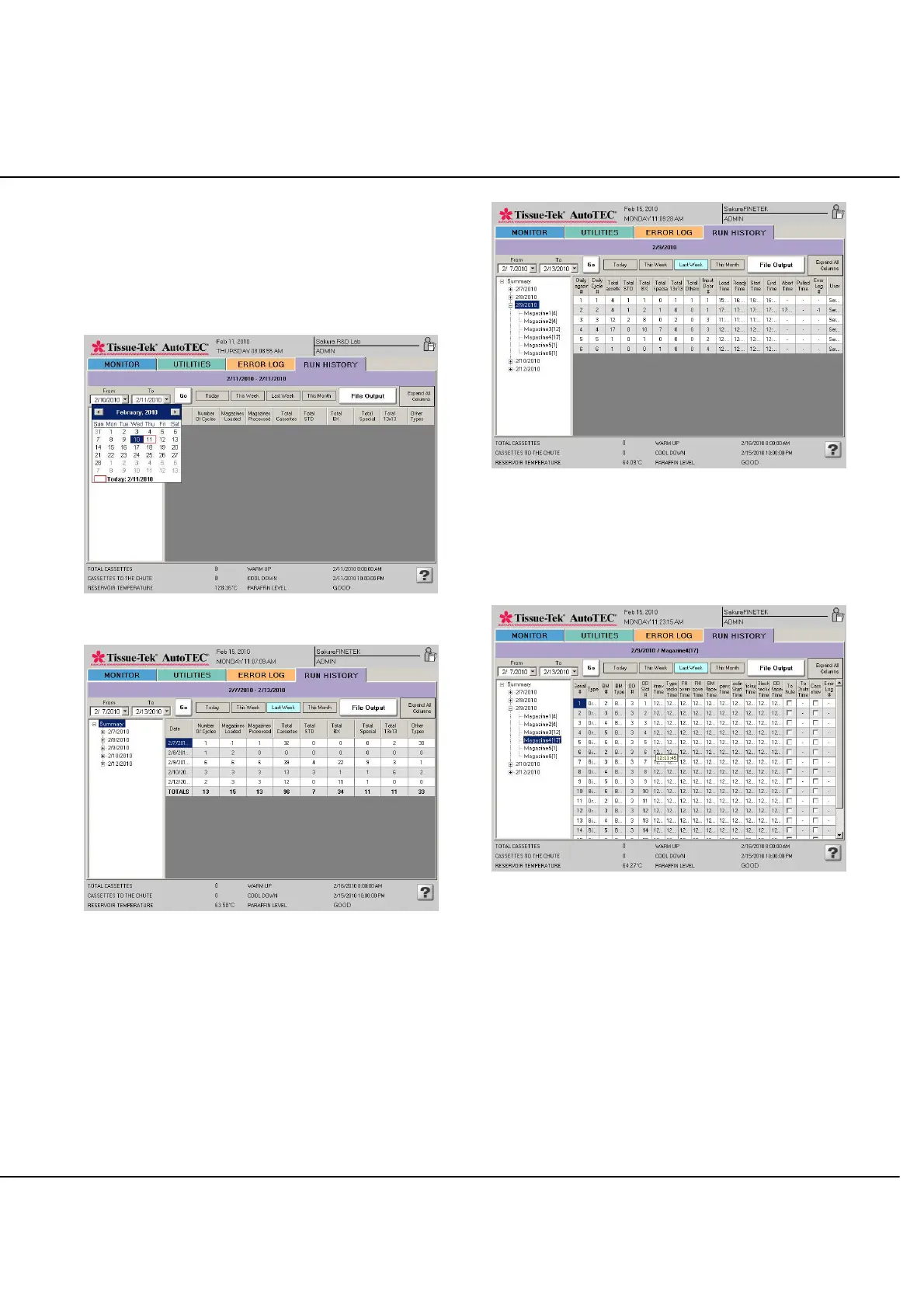
The Summary displays the days selected and the total
numbers of cycles, magazines, cassettes, types of
cassettes, etc (Figures 3-LL and 3-MM).
Figure 3-LL: Summary page
Figure 3-MM: Summary page
By selecting a date from the summary screen, details of all
the magazines ran on that day are displayed (Figure 3-
NN).
Figure 3-NN: One day view
By selecting a magazine from the summary screen,
details of all the cassettes in this magazine are displayed
(Figure 3-OO).
Figure 3-OO: One magazine view.



 To Next Page