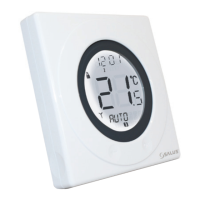
After correct selection of the day option, the ST620RF
display will change to the next programming screen. These
screens allow you to set the required time and temperature
settings to provide optimum control for your heating
system.
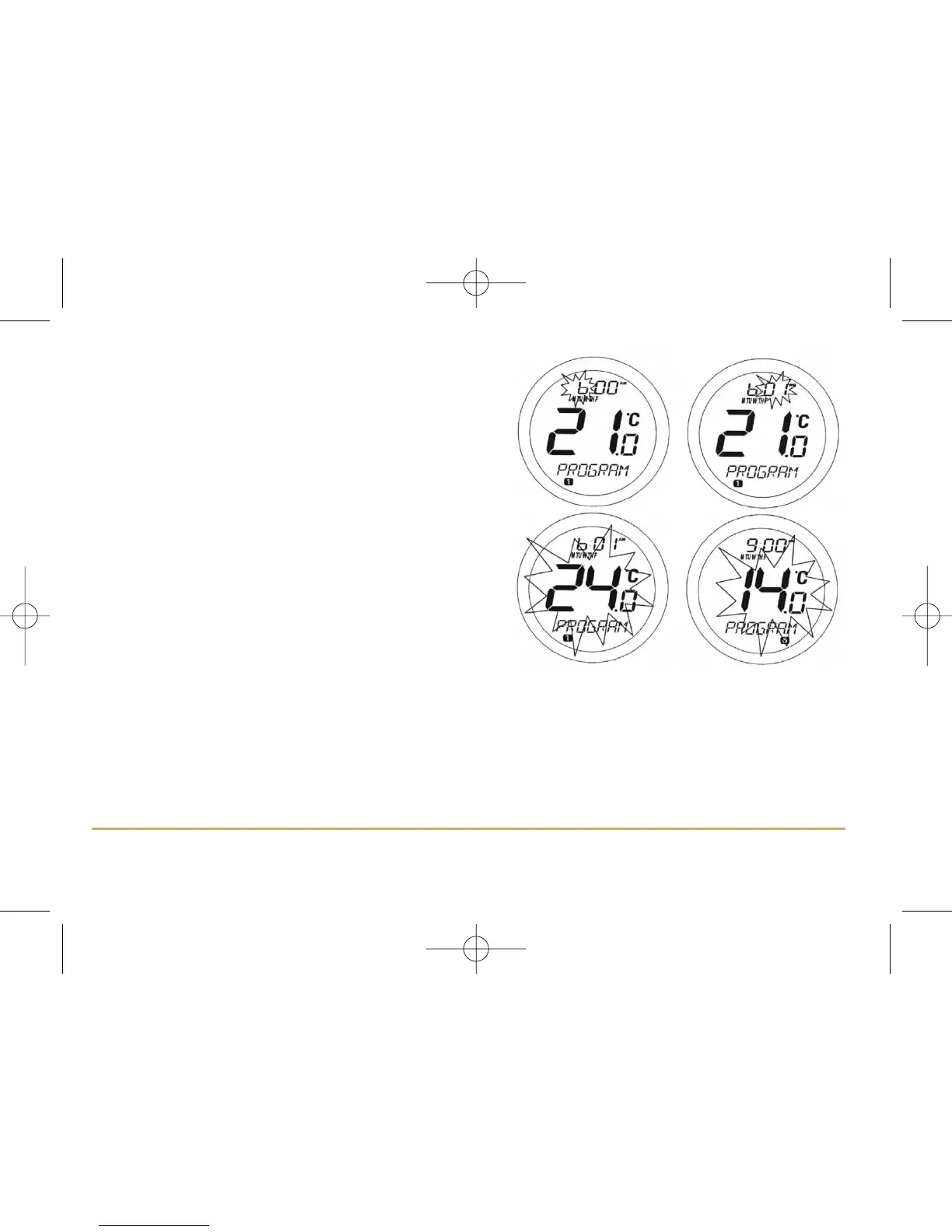
The hour setting will be the first setting that needs to be
adjusted, and this will easily be seen because the ‘hours’
section of the time will be flashing. Using the Touch Ring,
scroll up or down to adjust the hour to the required setting
and then press the OK key to confirm.
After confirming this setting the ‘minutes’ section of the
time will then start to flash. Change this setting using the
Touch Ring in the same way that you changed the hour
setting, confirming your setting with the OK key. Finally,
set the desired temperature setting by scrolling with the
Touch Ring and again confirm with the OK key.
Following this sequence you will have set up Programme 1 – the ST620RF display will then move on to Programme
2. Continue to add your desired settings for each of the programmes through to Programme 6 in the same way as
Programme 1 (hour, minutes, and temperature).
If you decide to enter settings for individual days rather than Weekdays or Weekends, the ST620RF also offers a
time saving COPY function that allows the user to copy settings from one day to another.
21ST620RF INSTRUCTION MANUAL



 To Next Page