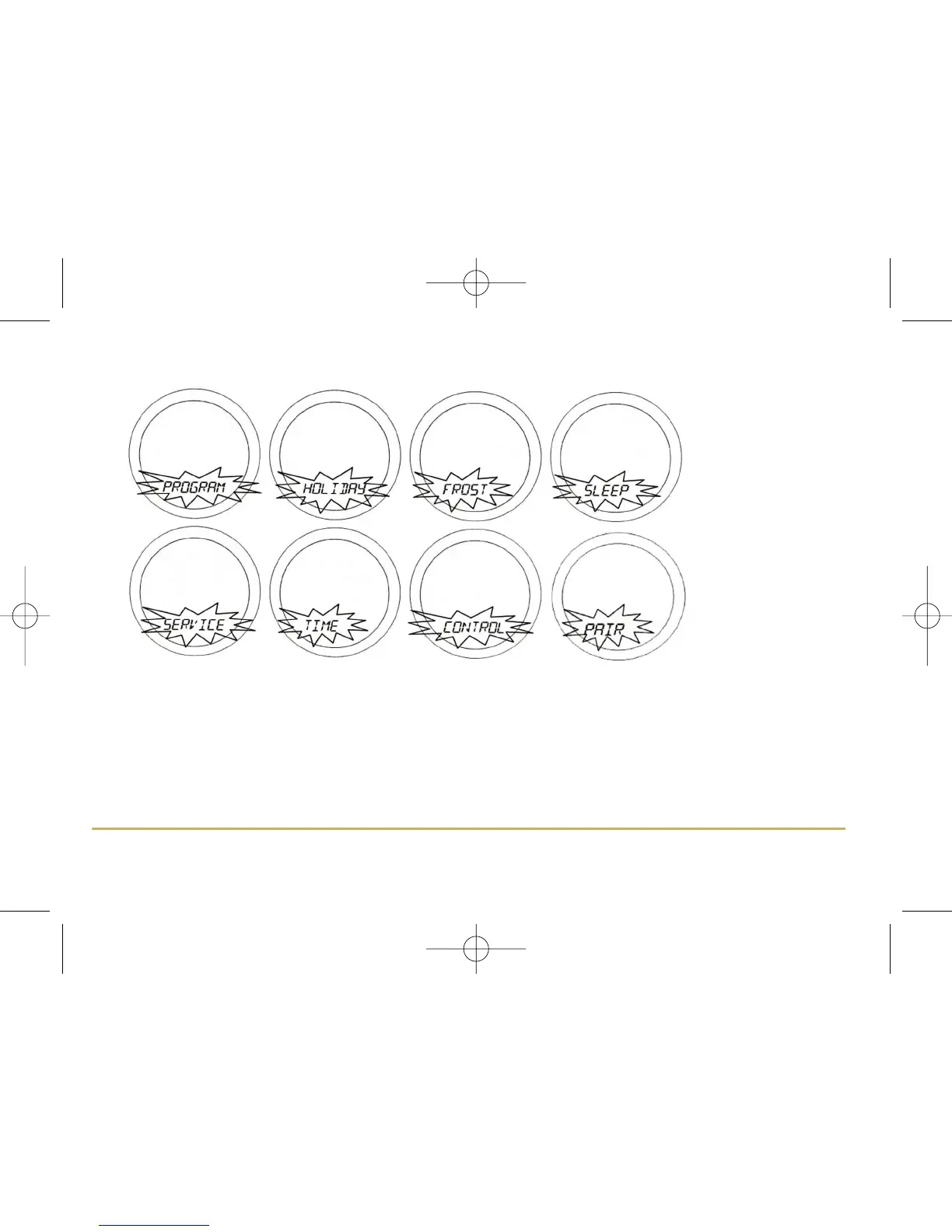
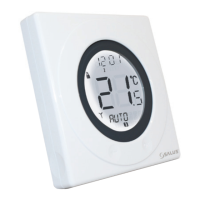
Use the Touch Ring to scroll through the Menus, and press the OK key to select the menu you want to use:
You can scroll through the menus in either direction (forwards or backwards) depending on the direction you move
your finger around the Touch Ring. The menus are displayed in the order shown in the picture above.
Pressing the Arrow key will return the ST620RF to NORMAL mode. The thermostat will also return to NORMAL mode
after 10 seconds if no Key is pressed or if no movement is detected on the Touch Ring.
9ST620RF INSTRUCTION MANUAL



 To Next Page