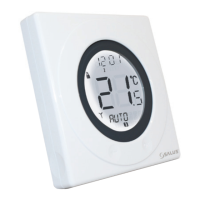
ST620RF INSTRUCTION MANUAL30
SERVICE MENU
The Service Menu should only be selected or changed by the Engineer carrying out the installation, or other qualified
person. It is strongly recommended that you familiarise yourself with the instructions contained in the Operation
section of this manual before attempting to change any of the settings in the SERVICE menu.
During commissioning the installation engineer has the option to enter either his Mobile or Office telephone
number as both a reminder when the system is due to be serviced, and as a way for the home owner
to make contact when the service is due.
The Arrow key is not active when the ST620RF is in NORMAL mode. To access the Menu screens,
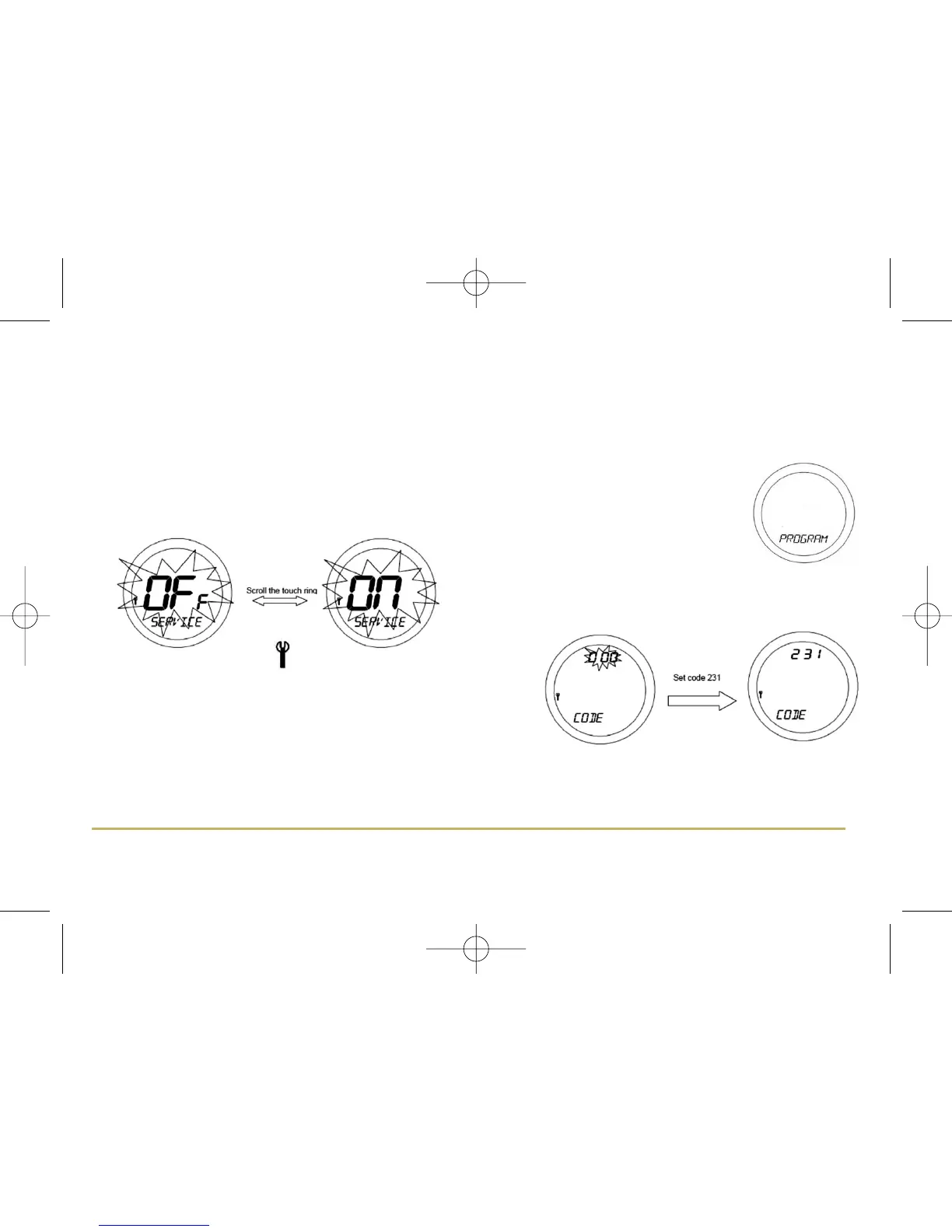
press the OK key once. The first menu displayed is the PROGRAMME menu:
Use the Touch Ring to scroll through the Menus, and press the
OK key to select the SERVICE menu. You will be prompted to
turn SERVICE mode OFF or ON
The SERVICE indicator will be displayed on all the SERVICE menu
screens. The first SERVICE screen will prompt you to enter a 3 digit
access code – this code is very important, as once set it will be
needed to turn SERVICE mode on or off.
If you forget the code you will have to contact Salus technical team. Once the code has been entered, the next
menu screen allows you to set the next service date for the system. Set the date in the order day, month and year:



 To Next Page