SLEEP MENU
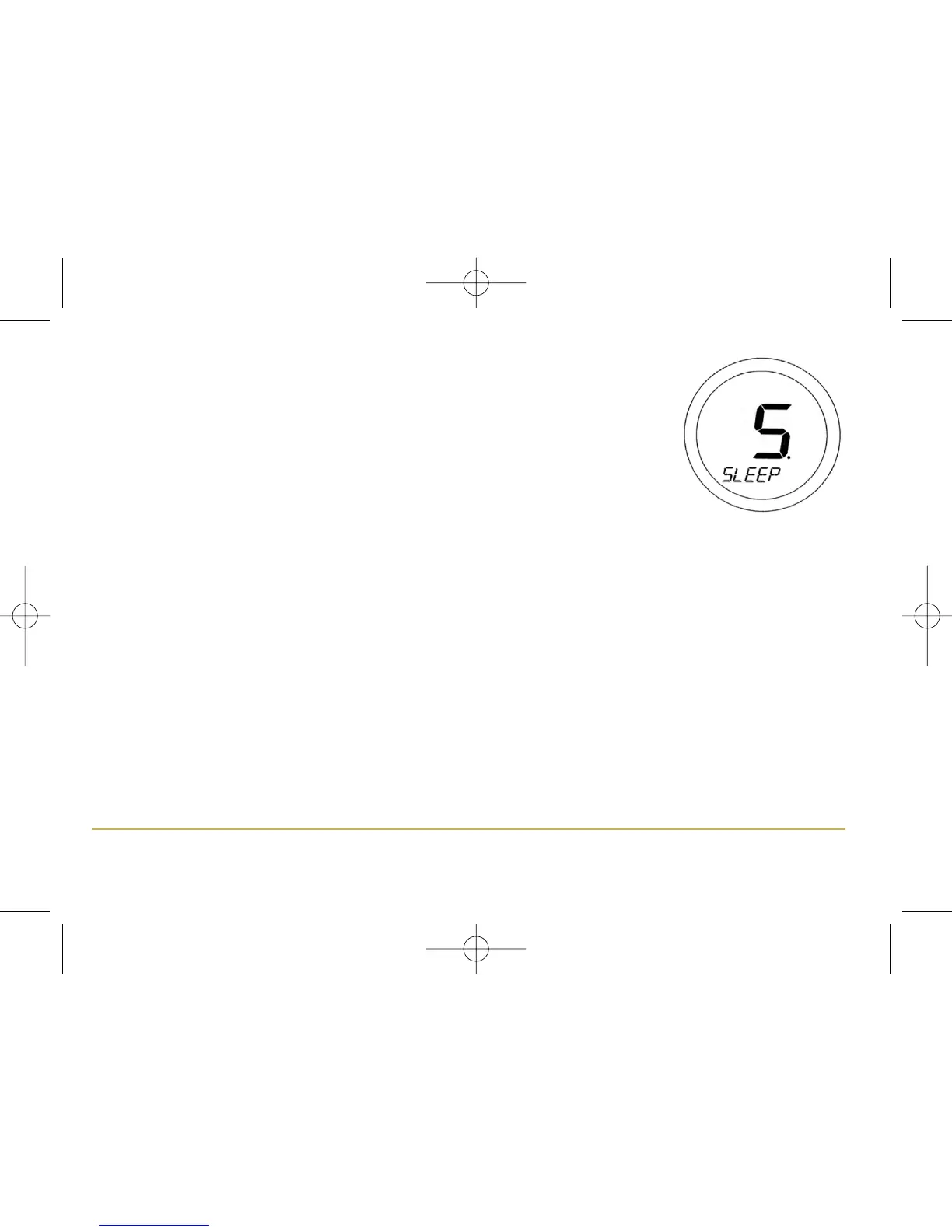
The SLEEP mode allows the ST620RF to conserve power by turning off the LCD display.
Entering the SLEEP menu allows you to activate this power saving feature from a 5 second
run down timer:
Pressing the OK Key at any time within the 5 seconds will cause the ST620RF to
immediately go into SLEEP mode, as will allowing the countdown to complete. Pressing the
Arrow key will return the ST620RF to the Menu display mode.
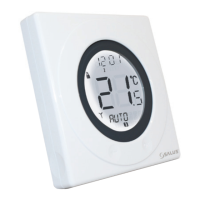
Pressing the Touch Ring for 1 second will turn on the LCD backlight, and pressing the
Touch Ring for 3 seconds will wake the ST620RF from SLEEP mode and restore the
programmable thermostat to AUTO mode.
N.B: The unit will not control the heating while in SLEEP mode.
27ST620RF INSTRUCTION MANUAL



 To Next Page