24
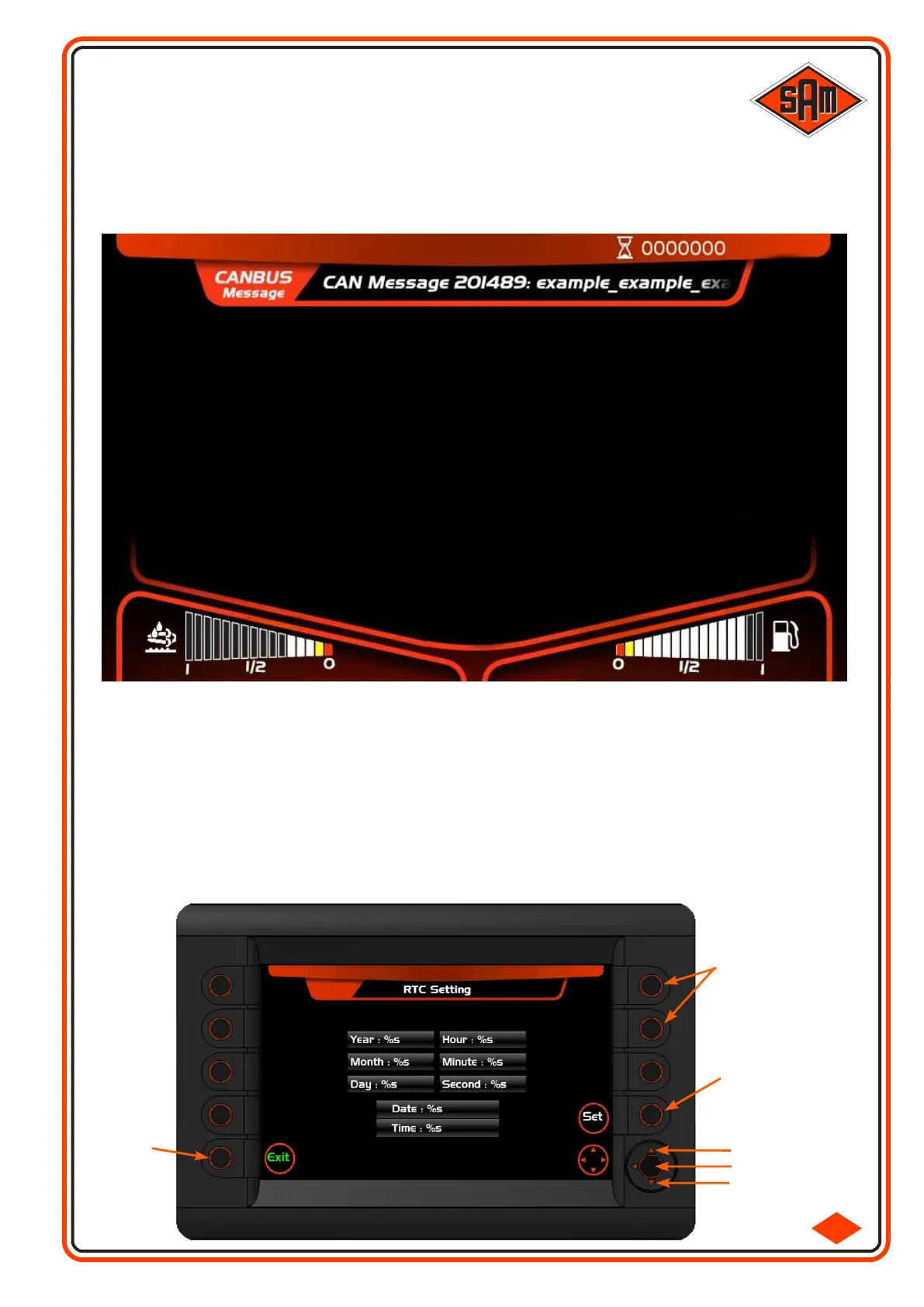
‘EXIT’
RTC
Selection
Buttons
‘UP’
‘CENTRE’
‘DOWN’
‘SET’
2.1-10
OVERHEAD ELECTRONIC DASH DISPLAY
The warning screen below will be displayed if ‘Low Engine Oil Pressure’ ‘High Engine Coolant Temperature’ or
‘High Engine Boost Temperature’ errors occur. If this screen is displayed, STOP the engine IMMEDIATELY!
Do not attempt to use the sprayer until the cause has been found and rectified otherwise serious engine
damage may result.
LOW OIL PRESSURE
STOP ENGINE !
10:42:27
Setting the clock:
With the ignition on, press and hole the top right hand two buttons until the display changes to ‘RTC
Setting’
Use the ‘Up/Down’ buttons to highlight the desired parameter to change.
Press the ‘Centre’ button of the direction buttons to select the parameter.
Press the ‘Up/Down’ direction buttons to change the value to new value.
Press the ‘Centre’ button to confirm the change.
Use the Up/Down button to move to the next desired parameter to change and repeat the process.
Once all changes have been made, press the ‘Set’ button, then press the ‘Exit’ button.



 To Next Page