Setting-up the C•control
10
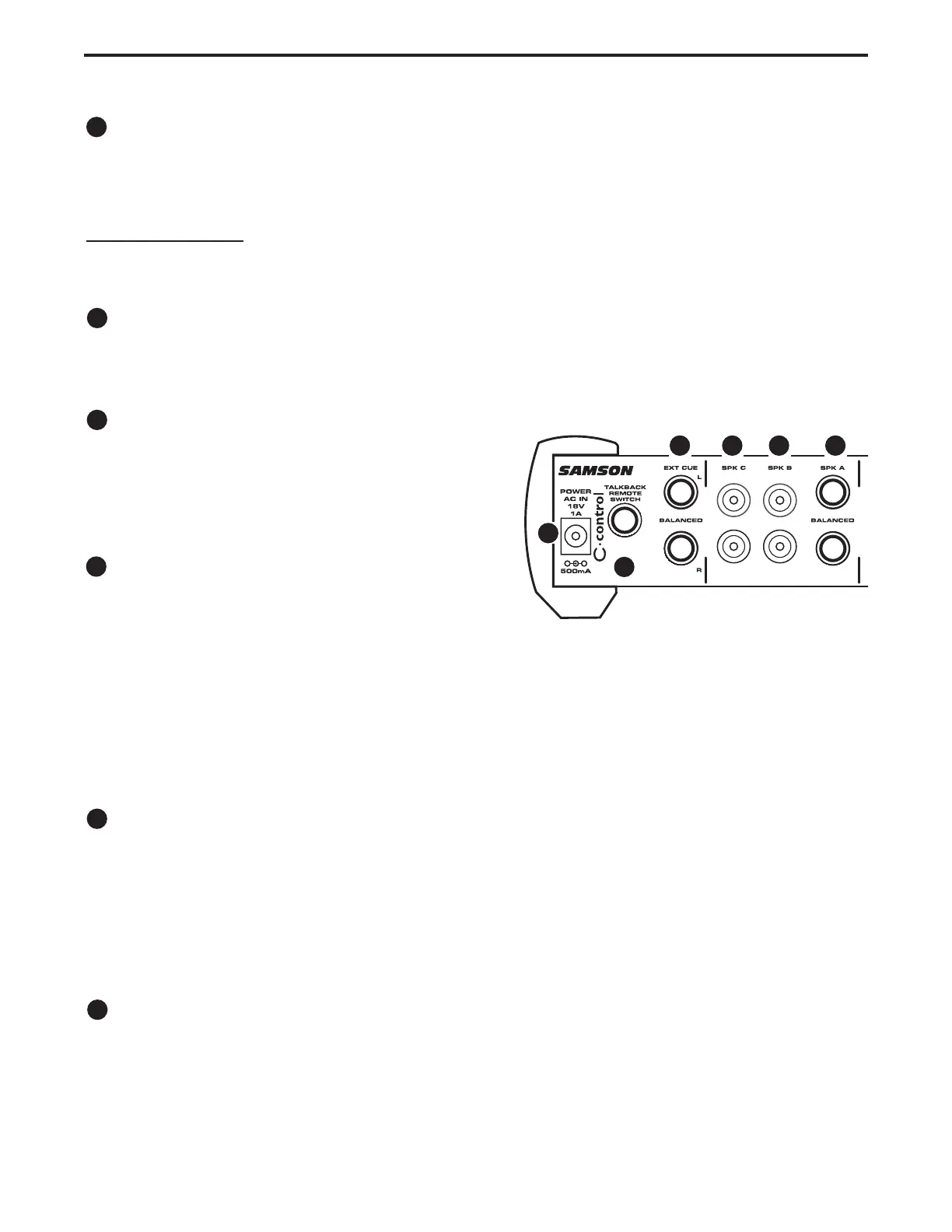
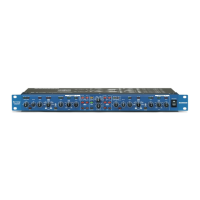
Speaker A
The Speaker A outputs are balanced, 1/4-inch, TRS (Tip/ Ring/ Sleeve) phone connectors which out-
put a +4dB line level signal. You can connect to an active studio monitor or power amplifier here.
IMPOR
TANT NOTE: In order to maintain the best gain structure and signal to noise ratio, we highly
recommend that only balanced cables be used on the SPEAKER A outputs. For detailed balanced
cable wiring diagrams, please see page 17 in this manual.
Speaker B
The Speaker B outputs are unbalanced, RCA connectors which output -10dB line level signal. You can
connect to an active studio monitor, multimedia speaker or power amplifier here.
Speaker C
The Speaker C outputs are unbalanced, RCA connec-
tors, which output -10dB line level signal. You can con-
nect to an active studio monitor, multimedia speaker
or power amplifier here.
External Cue Output
The External Cue outputs are balanced, 1/4-inch,
TRS (Tip/ Ring/ Sleeve) phone connectors which out-
put a +4dB line level signal. This output is used to
connect the signal from the Talkback microphone to your headphone cue mix. Many good headphone
amplifiers such as the Samson C cue 8 or Samson S phone provide an auxiliary input so that you can
mix in the signal from the talkback mic with the stereo cue mix from your mixing console. This conve-
nient feature allows the engineer and/or producer to talk to the talent over the headphone mix. There is
more information on the Talkback feature in the section “Operating C control” following later in this
manual.
TALK REMOTE
The C control’s TALKBACK microphone can be turned on and off from an external switch connected to
the TALK REMOTE input. The 1/4-inch phone jack is wired, “normally-open”, so a switch that shorts
the TALK REMOTE jack’s TIP to its SLEEVE will turn the TALKBACK microphone on and off in a
momentary action. This will allow the producer to move freely about the studio while talking to the tal-
ent.
AC INLET
The AC Inlet is where the C control receives it power from the included 18-volt AC power supply. Be
sure to use only the Samson AC1800 when operating the C control.
.


 To Next Page