EasyManua.ls Logo

Samson Expedition XP106 - Pairing with a Bluetooth Device

Samson Expedition XP106
28 pages
Print Icon
To Next Page IconTo Next Page
To Previous Page IconTo Previous Page
Loading...
Pairing with a Bluetooth® device
8/uetooth®
is
a wireless
communication
technology
that
allows
for
connectivity
between
a
wide
range
of
devices.
The
XPl
06
uses
8/uetooth
to
stream
high
quality
audio
from
your
8/uetooth
enabled
device
without
the
need
for
connecting
any
cables.
In
order
for
your
device
to
work
with
the
XPl
06
it
must
first
be
paired.
1.
Turn
all channel
VOL
controls
down
counterclockwise
to
0.
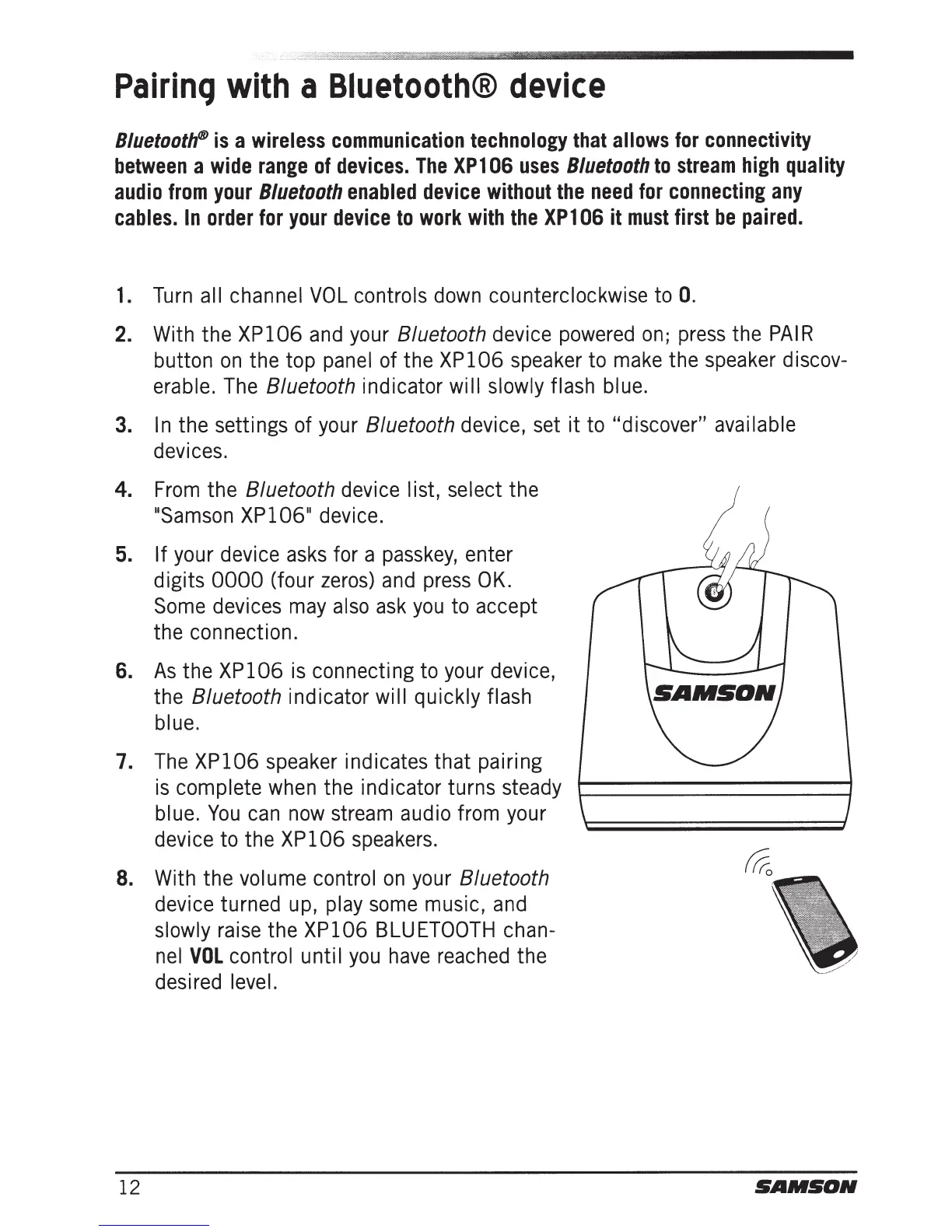
2.
With
the XP106
and
your
8/uetooth device
powered
on;
press
the
PAIR
button
on
the top
panel
of
the XP106
speaker
to
make
the
speaker
discov-
erable.
The
8/uetooth indicator will slowly flash blue.
3.
In
the settings
of
your
8/uetooth device,
set
it
to
"discover" available
devices.
4.
From
the 8/uetooth
device
list, select the
usamson
XP106u
device.
5. If
your
device
asks
for a
passkey,
enter
digits 0000 (four
zeros)
and
press
OK.
Some
devices
may
also
ask
you
to
accept
the connection.
6.
As
the XP106
is
connecting
to
your
device,
the
8/uetooth indicator will quickly flash
blue.
7.
The
XP106
speaker
indicates that pairing
is
complete
when
the indicator turns
steady
blue.
You
can
now
stream
audio
from
your
device
to
the XP106
speakers.
8.
With
the volume control
on
your
8/uetooth
device turned
up,
play
some
music,
and
slowly
raise
the XP106
BLUETOOTH
chan-
nel
VOL
control until
you
have
reached
the
desired
level.
12
SAMSON

Related product manuals