23
ENG
Using the Tilt Control Feature (Option)
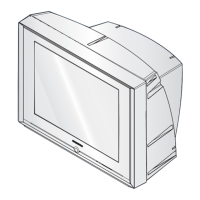
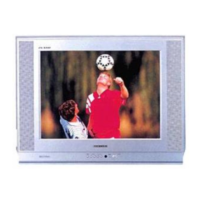
If you find that the picture received is slightly tilted to one side, you
can adjust the tilt setting.
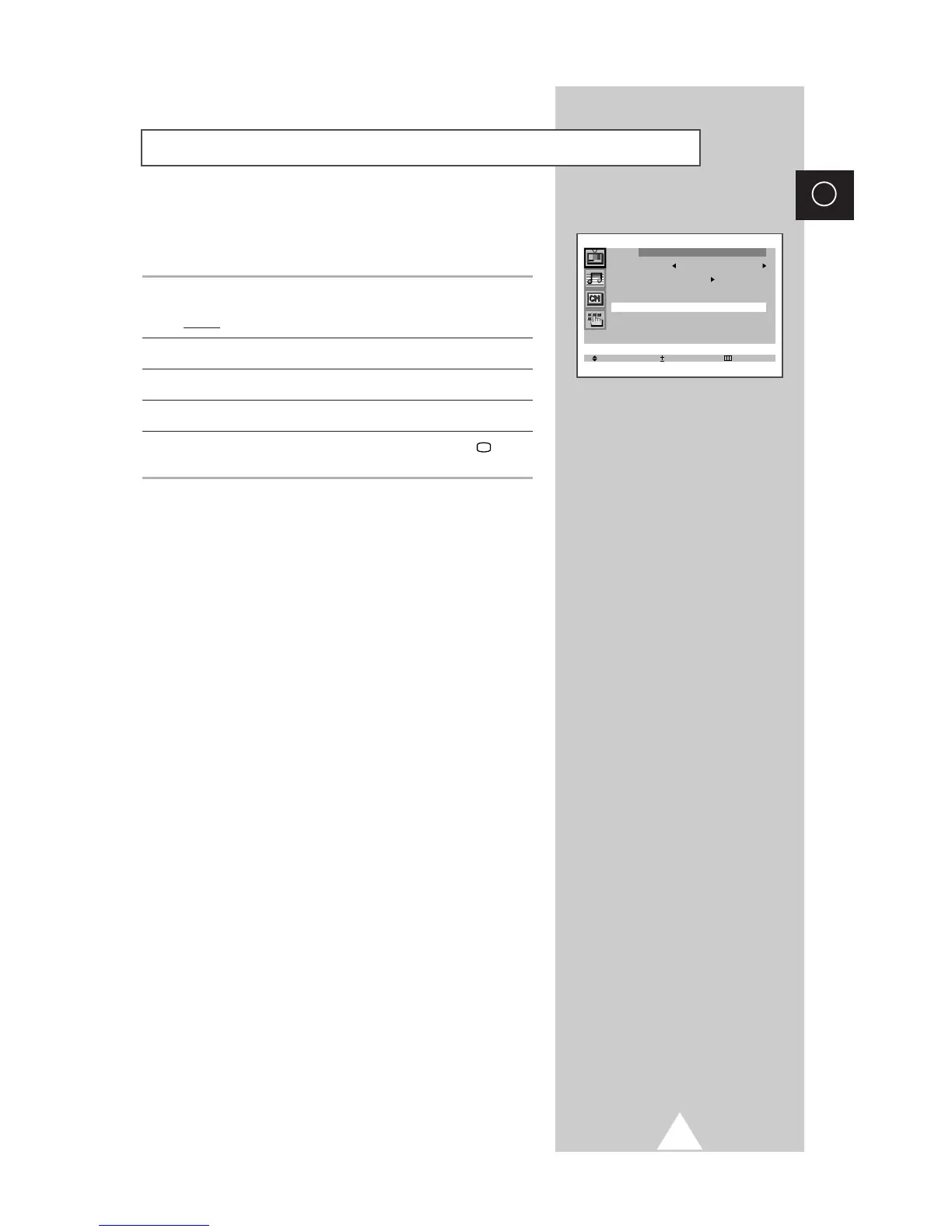
1 Press the MENU button.
Result: The “Picture” menu is displayed.
2 Press the + or – button.
3 Press the ▲ or ▼ button to select the “Tilt”.
4 To adjust the “Tilt” (±7) by pressing the + or – button.
5 When you are satisfied with the settings, press the TV button,
or press the MENU button repeatedly to return to normal viewing.



 To Next Page