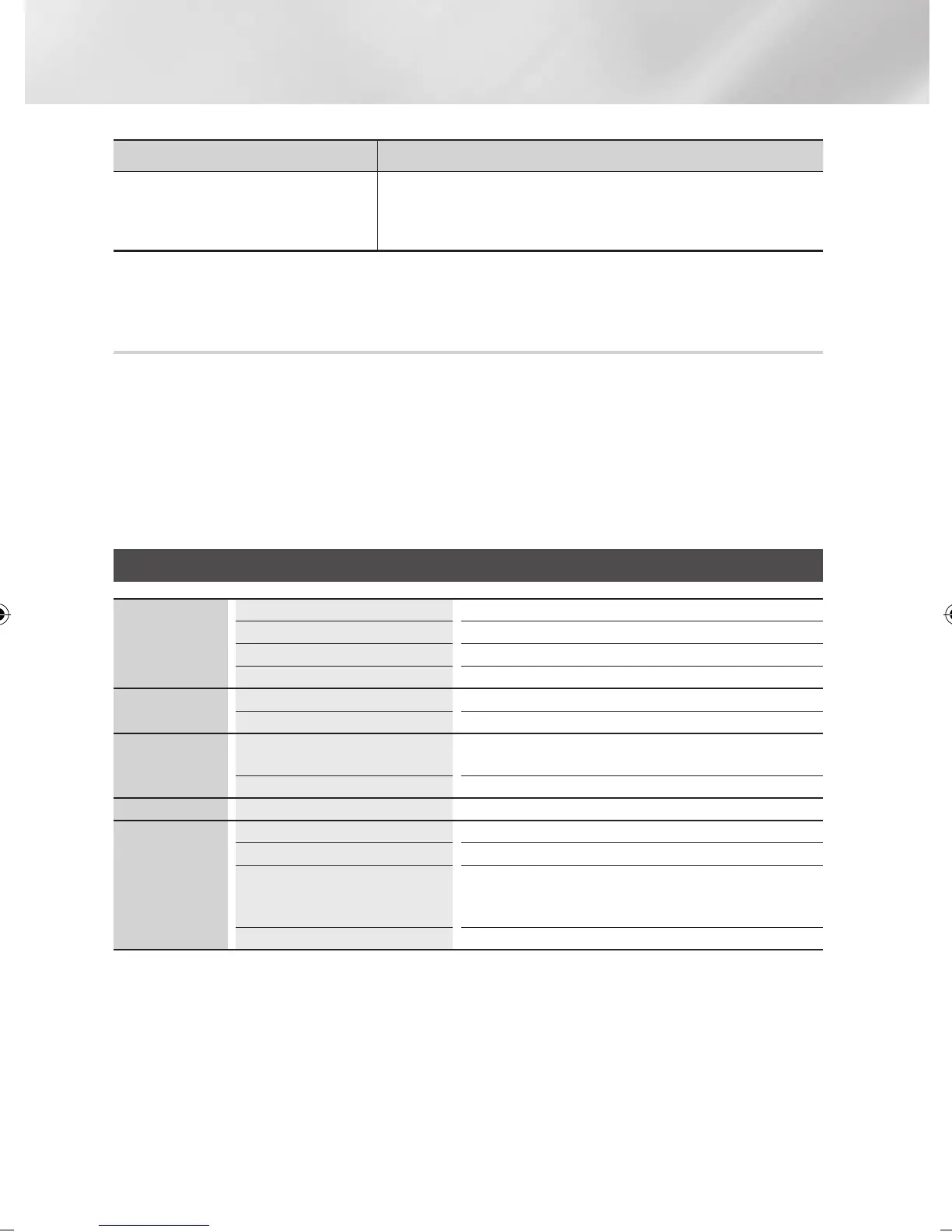
PROBLEM SOLUTION
When using the BD-LIVE service, an error
occurs.
• The memory device must have at least 1GB of free space to accommodate
the BD-LIVE service.
You can check the available size in BD Data Management. (See page 24)
| NOTE |
\
When the factory default settings are restored, all stored user BD data will be deleted.
Repairs
If you contact us to repair your player, an administration fee may be charged if either:
1. An engineer is called out to your home at your request and there is no defect in the product.
2. You bring the unit to a repair centre and there is no defect in the product.
We will provide you with the amount of the administration fee before we make a home visit or begin any
work on your player.
We recommend you read this manually thoroughly, search for a solution on line at www.samsung.com, or
contact Samsung Customer Care before seeking to repair your player.
Specifications
General
Weight 1.49 Kg
Dimensions 430 (W) X 207 (D) X 33 (H) mm
Operating Temperature Range +5°C to +35°C
Operating Humidity Range 10 % to 75 %
USB
Type A USB 2.0
DC output 5V 500mA Max.
HDMI
Video
2D : 1080p, 1080i, 720p, 576p/480p
3D : 1080p, 720p
Audio PCM, Bitstream
Audio Output Digital Audio Output Optical
Network
Ethernet 100BASE - TX Terminal
Wireless LAN Built-in
Security
WEP (OPEN/SHARED)
WPA-PSK (TKIP/AES)
WPA2-PSK (TKIP/AES)
WPS(PBC) Supported
• Network speeds equal to or below 10Mbps are not supported.
• Design and specifications are subject to change without prior notice.
• For the power supply and power consumption, refer to the label attached to the player.
• Weight and dimensions are approximate.
|
58 English
02229K-BD-E6500-ZK-ENG.indd 58 2012-05-02 오후 6:03:24



 To Next Page