1.6 CHAPTER ONE: YOUR NEW TV
Remote Control
¯
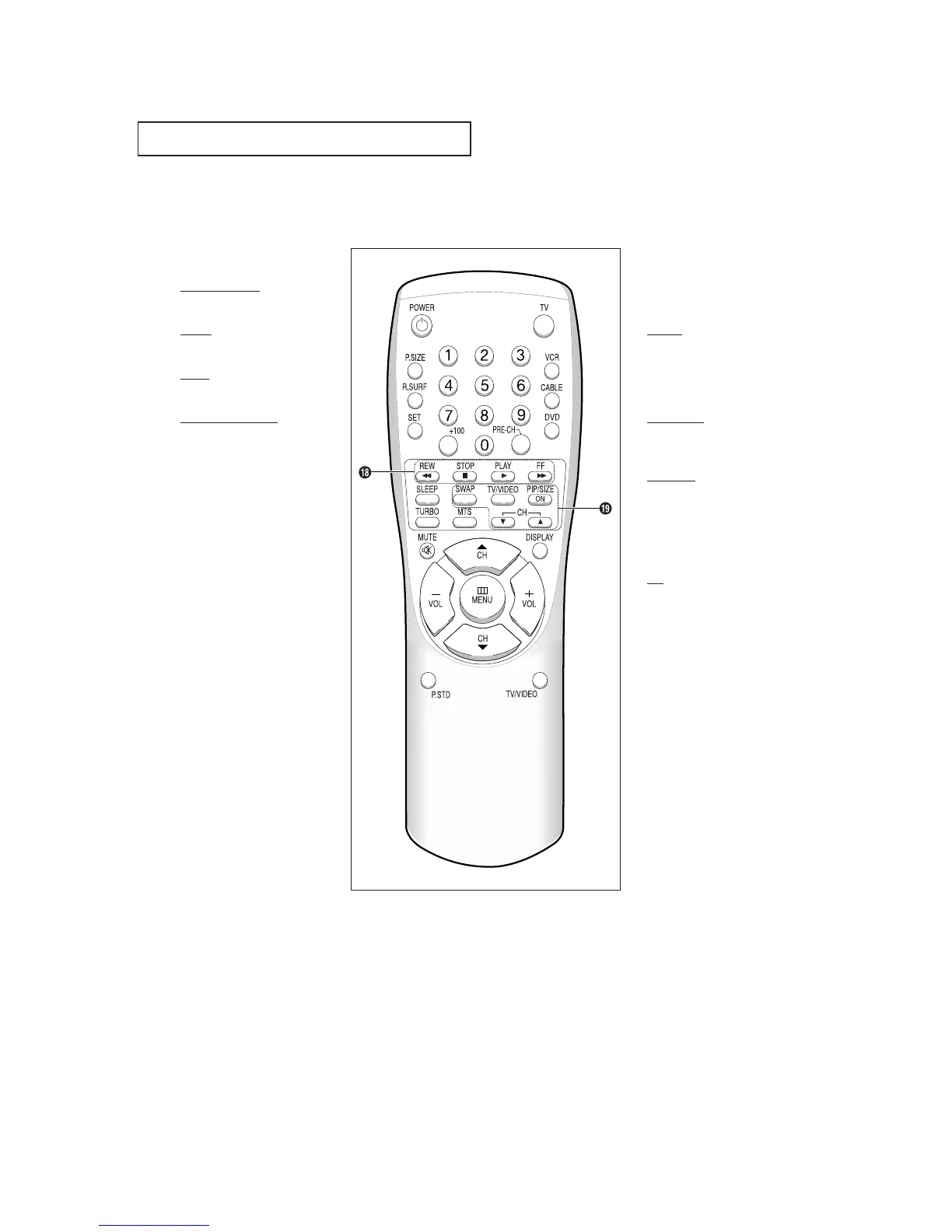
VCR controls
REW (Rewind)
Press to rewind a tape.
STOP
Press to stop a tape in your VCR.
PLAY
Press to play the tape.
FF (Fast Forward)
Press to fast forward a tape.
˘
PIP Controls
(For models CL-29A5P/
CL-29A6P/CL-29A7P/CT-29A7PW/
CL-29M6P/CL-34M9P)
SWAP
Exchanges the video signal that is
currently displayed on the main
screen with the signal in the PIP
window.
TV/VIDEO
Press to select one of the available
signal sources for the PIP window.
PIP/SIZE
Press this button to control the PIP
window. Press repeatedly to cycle
through this sequence: PIP ON
with large window, PIP ON with
small window, and PIP OFF.
CH
Displays the available channels in
sequence. (These buttons change
channels in the PIP window only).
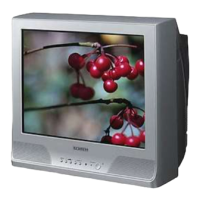
YOUR NEW TV
CL-29A5P / CL-29A5W/CL-29A6P
CL-29A6W/CL-29A7P / CL-29A7W
CL-29M6P / CL-29M6W/CT-29A7PW
CT-29M6P / CL-34M9P





 To Next Page