CHAPTER ONE: YOUR NEW TV 1.7
YOUR NEW TV
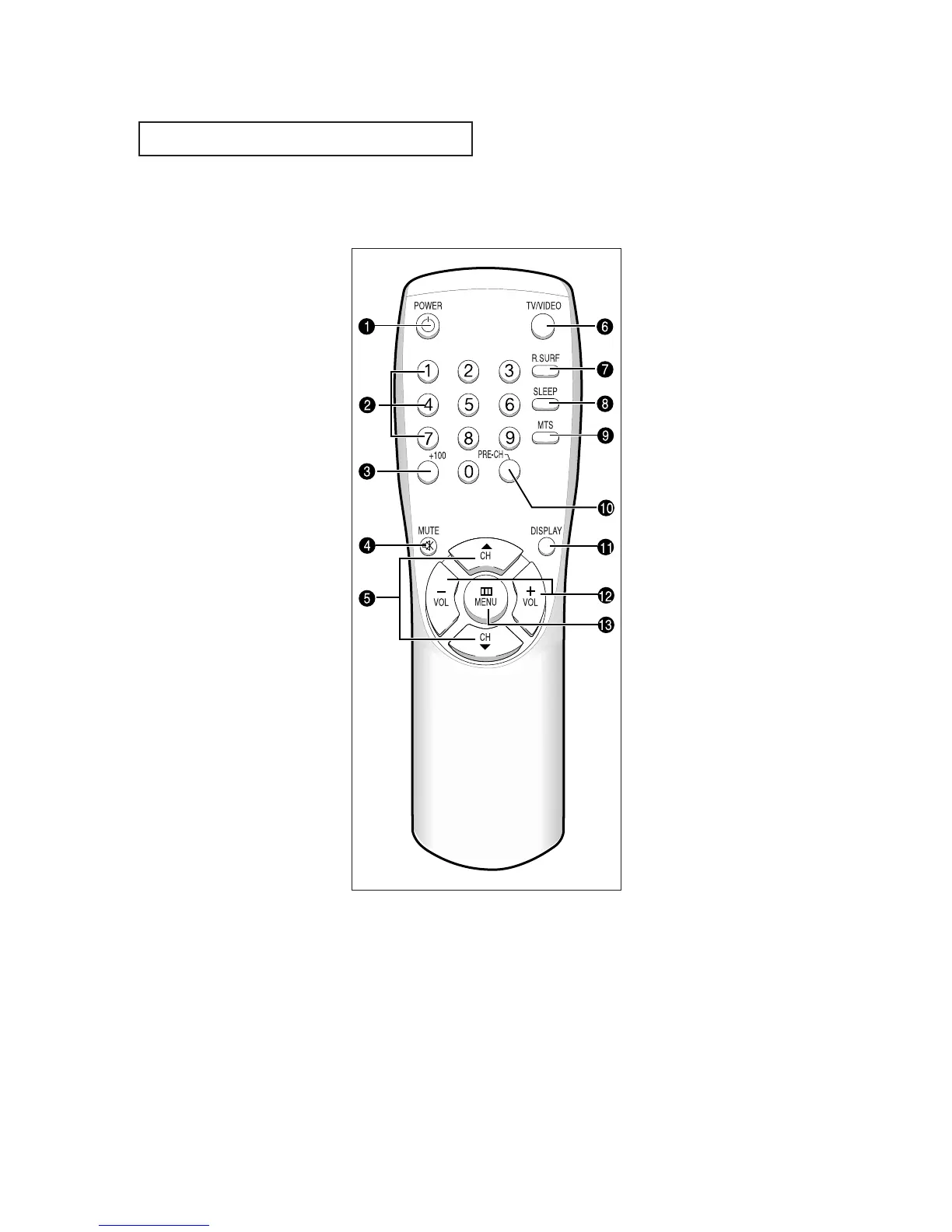
Remote Control
Œ
POWER
Turns the TV on and off.
´
Number buttons
Press to select channels directly
on the TV.
ˇ
+100
Press to select channels over 100.
For example, to select
channel 121, press “+100,” then
press “2” and “1.”
¨
MUTE
Press to temporarily cut off
the sound.
ˆ
CH▲ and CH▼
(Channel Up/Down)
Press CH▲ or CH▼ to change
channels. (Also used to highlight
selections on the on-screen
menus.)
Ø
TV/VIDEO
Press to display all of the
available video sources (i.e.,
Antenna/cable, VCR).
∏
R.SURF
Press the R.SURF button to auto-
matically return to a preferred
channel after a user-preset time
delay.
”
SLEEP
Press to select a preset time inter-
val for automatic shutoff.
’
MTS (Multichannel
Television Stereo)
Press to choose stereo, mono or
Separate Audio Program (SAP
broadcast).
˝
PRE-CH
Tunes to the previous channel.
Ô
DISPLAY
Press to see the time, channel,
etc., on-screen. Also press to exit
(quit) the menu system.
VOL -, VOL +
Press increase or decrease the
volume. (Also used to make selec-
tions on the on-screen menus.)
Ò
MENU
Displays the main on-screen
menu.
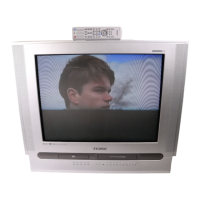
CT-29K3W / CT-29K5W






 To Next Page