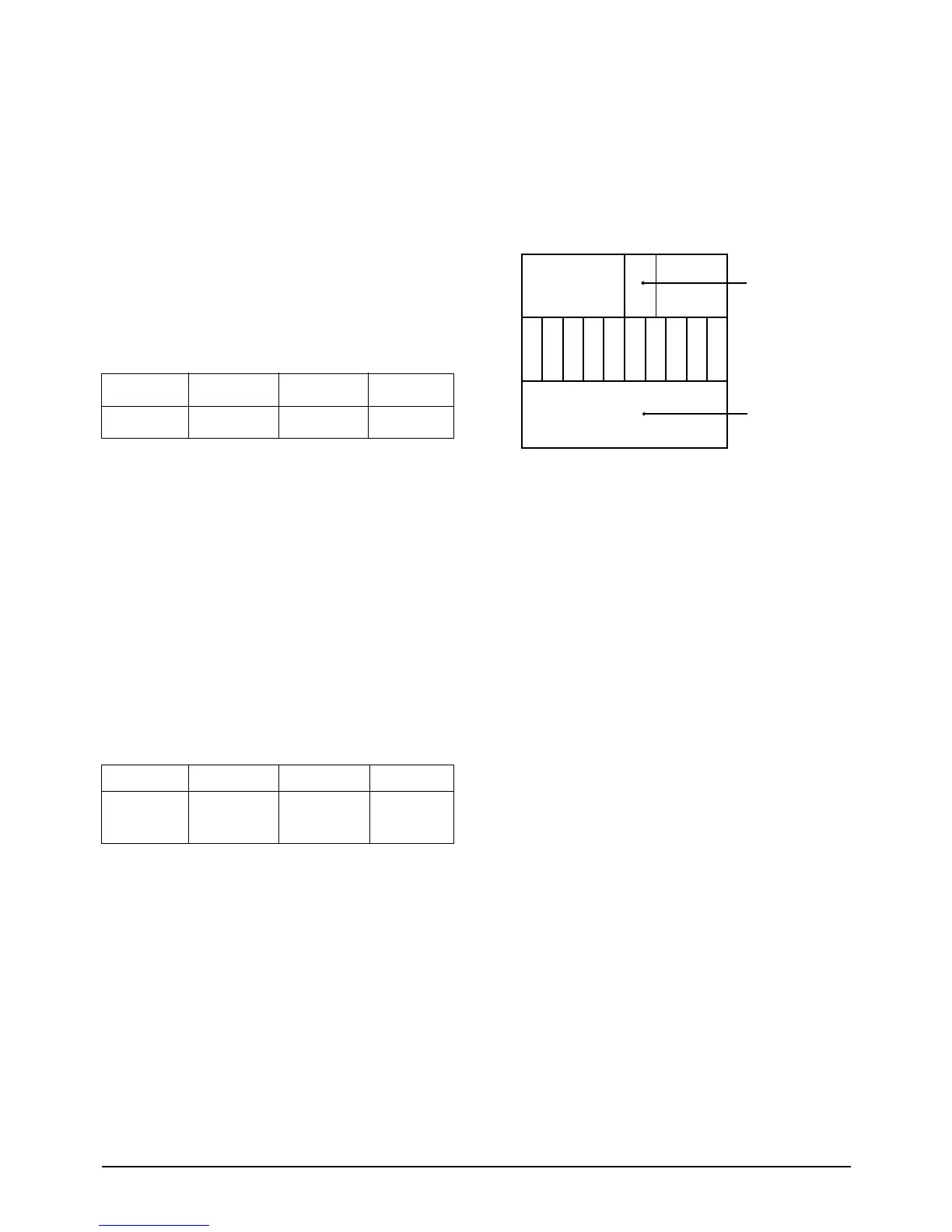
3-3-11 White Balance Adjustment
3-3-11 (A) SCREEN ADJUSTMENTS
1. Input a TOSHIBA pattern.
2. Check R506 ÒGÓ pin on the CRT PCB with an
oscilloscope.
3. Enter the Horizontal Line Mode.
4. Adjust the Screen Control on the FBT so that
the waveform of the 21st line is DC 2.0
(+0.5)V.
3-3-11 (B) HIGH-LIGHT ADJUSTMENT
1. NOTE : If a color analyzer is not available,
then approximate the following color adjust-
ments Òby eyeÓ.
2. Input a TOSHIBA pattern.
3. Set high-light to 290/300 (X,Y) with a color
analyzer.
4. Set low-light to 1.0F/L ( 22Ó low-light 1.2F/L).
5. Adjust RG, BG and set GG to step 32.
3-3-11 (C) SUB-CONTRAST ADJUSTMENT
1. Set SCT so that the brightness level in high-
light is 37 F/L (for a 29Ó SCREEN).
3-3-11 (D) SUB-BRIGHTNESS ADJUSTMENT
1. Input a TOSHIBA pattern.
2. Set SBT so that the brightness level in low-
light is 1.0 F/L.
3-3-11 (E) SUB-COLOR ADJUSTMENT
Set ÒSCRÓ in the Service Mode to step 0.
3-3-11 (F) SUB-TINT ADJUSTMENT
Set ÒSTTÓ in the Service Mode to step 10.
3-3-11 (G) VERTICAL SIZE ADJUSTMENT
1. Input a lion head pattern.
2. Set VS to 32 in the Factory Mode.
3. Set VA so that the top margin is 4.0. Adjust SL
so that the bottom margin is 4.0. If the top
and bottom margins are different, adjust VA so
that their sum is 8.0.
3-3-11 (H) HORIZONTAL SHIFT ADJUSTMENT
1. Input a lion head pattern.
2. Adjust ÒHSÓ in the Service Mode so that the
left and right margins of the lion head pattern
are 5.0 + 0.5 : CT633BW/CT683BW, 6.3 + 0.5 :
CT566BV/CT566BW/CT567BW/
CT568BW/CT766DW
Alignment and Adjustments
3-10 Samsung Electronics



 To Next Page