9
8.9 External services
External services are facilities placed in the main system, and only available if the handset is
subscribed to a D500 or D1500 system. Under External Services can be found Clip stack, Delete
clip stack and Local Phone book. The Local Phone book is a common Phone book for all
handsets subscribed to the actual system, and all handsets subscribed to the system are listed in
the Phone book. Aditional numbers can be added to the Phone book by the system administrator.
8.10 MSF-functions
MSF Functions are special functions which are based on MSF (Message Service Function). The
functions require special software in the main system.
8.11 Mail/Text Messages
Available in systems configured to allow sending of text messages.
When a text message is received, the envelope icon appears in the display. The envelope icon indicates
one or more unread messages.
The text message is shown in the display, and when the message is read the envelope icon will disappear.
If the message contains a callback number, this will be displayed on the bottom line of the display. As long as the
callback number is in the display, it is possible to activate the number by pressing the key.
1st letter in the display, in front of the timestamp, shows the message status: read (R), unread (N) or locked (L).
Mails include a maximum of 72 letters or digits (two display screens of 36 each). Call back no. is max. 24 digits (or
letters for E-mail).
14 messages can be ”stored” in the handset. When receiving a new message, the oldest unlocked will be deleted.
Locked messages will not automatically be overwritten, but can be manually deleted. Maximum 7 messages can
be locked.
Read a mail
Press the ”R”- (MAIL) key followed by the
OK key or enter the mail menu (in on-hook condition).
If the message includes more than 36 letters or digits, the message will run over two display screens.
Use the > key to scroll.
To see the sender of the mail, press the
OK key.
To leave the mail, press the
“ ” key.
Reply to a mail
Open the mail by pressing the R key followed by the
OK key. Press the OK key again and use the < > keys to
find the reply feature. Press the
OK key and you are then able to reply to the mail. After writing your reply, press
the
OK key to confirm.
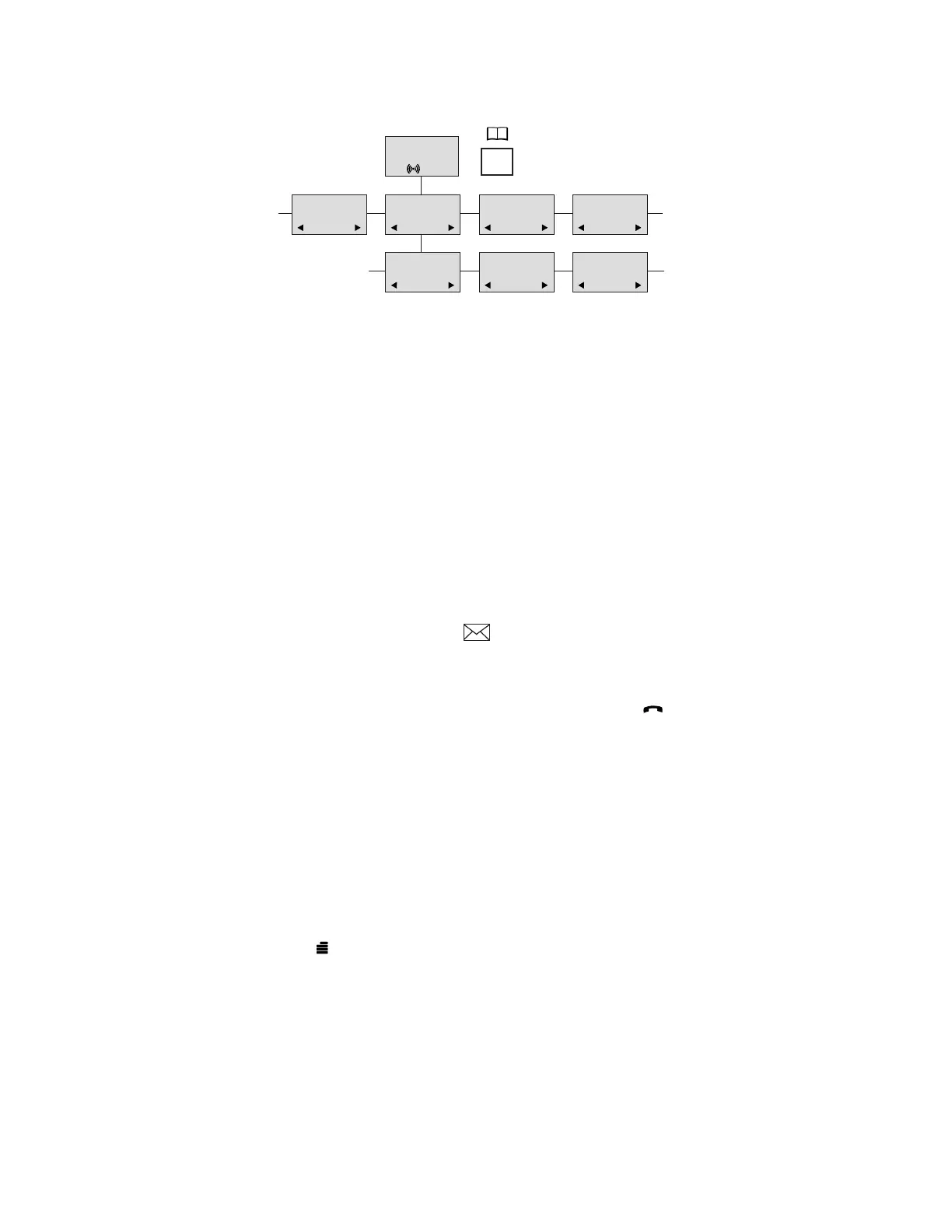
899 7561XXXX 8614XXXX 134
DELETE?
7561XXXX
EDIT NO.?
7561XXXX
EDIT NAME?
SAMSUNG
BILL BREWER
STEVE HAWKING
PAT PUGH
STEVE HAWKING
HARRY HALL
D5000 Handset User Guide
Samsung DECT



 To Next Page