20_ running the program
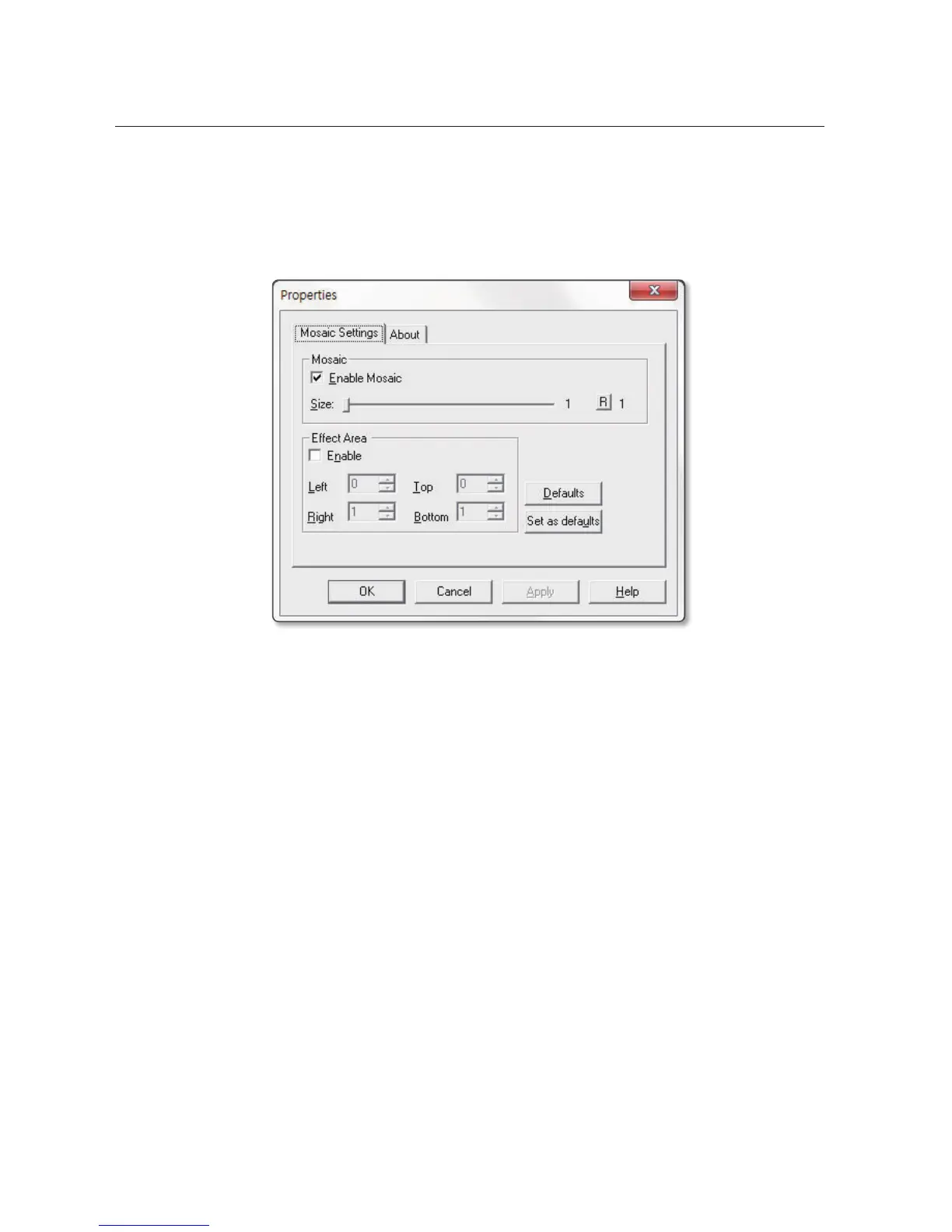
• LEAD Video Mosaic Filter
It applies mosaic effect on the current video’s playback. Set between 1 ~ 64, where bigger the number
increases mosaic size. By default, it is set to 1. Use mouse or [
], [
] keys on the keyboard to set to
the desired setting.
It allows to apply mosaic effect on a partial area of the current video.



 To Next Page