● RUNNING THE PROGRAM
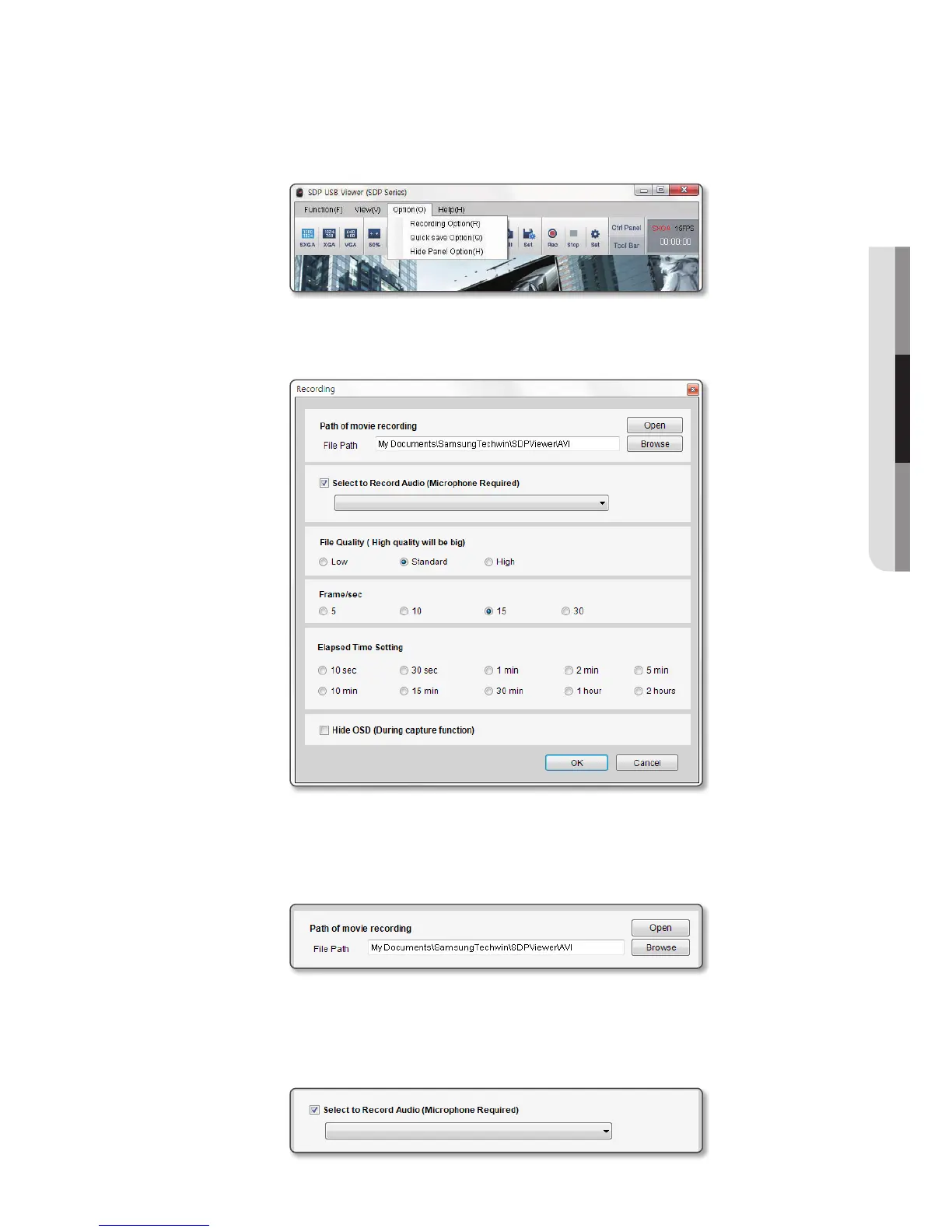
[Option] Menu
• Recording Option
You can set the recording time for video recording. The maximum recording time is 2 hours.
- Specify the saving path of the recorded video.
The default path is set to “My Documents\Samsung Techwin\SDPViewer\AVI”.
(The actual path may be different than shown image, depending on the user’s environment.)
- Use [Open] button to access the folder currently configured which contains the recorded footages.
- You can select to include the audio signal in the video. You will need a microphone when recording
video including the audio signal.
(Even if you select to include the audio, the audio signal will not be recorded without microphone
connection.)
English
_13



 To Next Page