● RUNNING THE PROGRAM
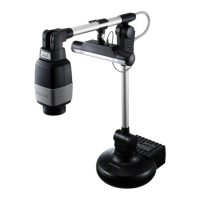
Using the TWAIN driver of the digital presenter
1. If you want to use the TWAIN driver of the digital presenter, the following system requirements should
be met:
• Install the driver specific to the digital presenter TWAIN (provided in the installation CD)
• Graphic application program in compliance with TWAIN (ex: Photoshop, ACDSEE, MS Office, etc)
• Device Menu: CONFIGURATION
;
USB TWAIN
;
ENABLED
`
If USB TWAIN is not set to ENABLED, the video will not be played properly.
If you install the TWAIN Driver, be sure to set the USB TWAIN option to ENABLED.
2. Select the TWAIN driver in the graphic application program.
1) For Adobe Photoshop
Move to [File]
;
[Import] and select Samsung Digital Presenter.
2) For Microsoft Office Word 2003
Select [Insert]
;
[Picture]
;
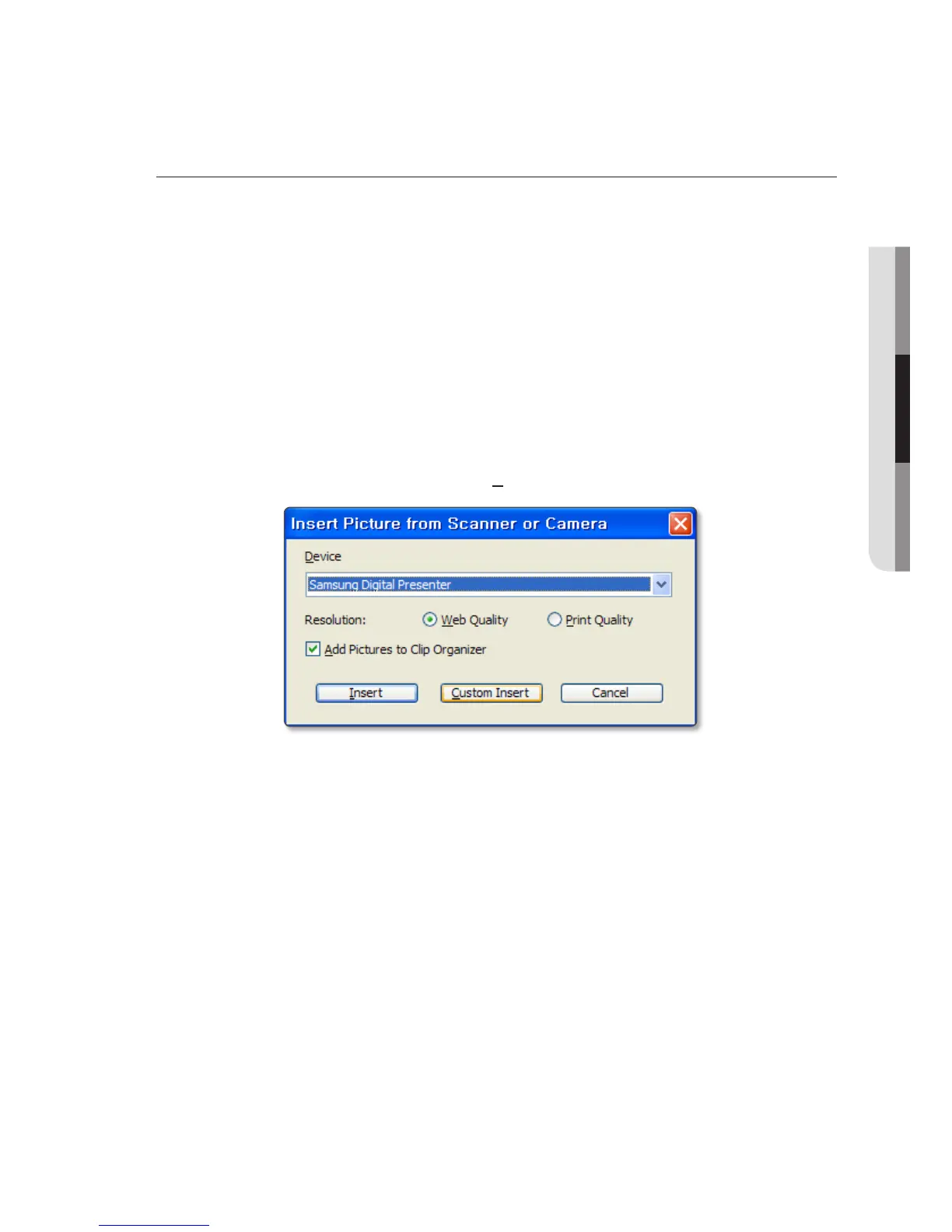
[Insert Picture from Scanner or Camera].
Select Samsung Digital Presenter, and press [Custom Insert].
3) For other applications supporting the TWAIN driver, refer to the user manual of the applicable
application program.
English
_25



 To Next Page