● APPENDIX
appendix
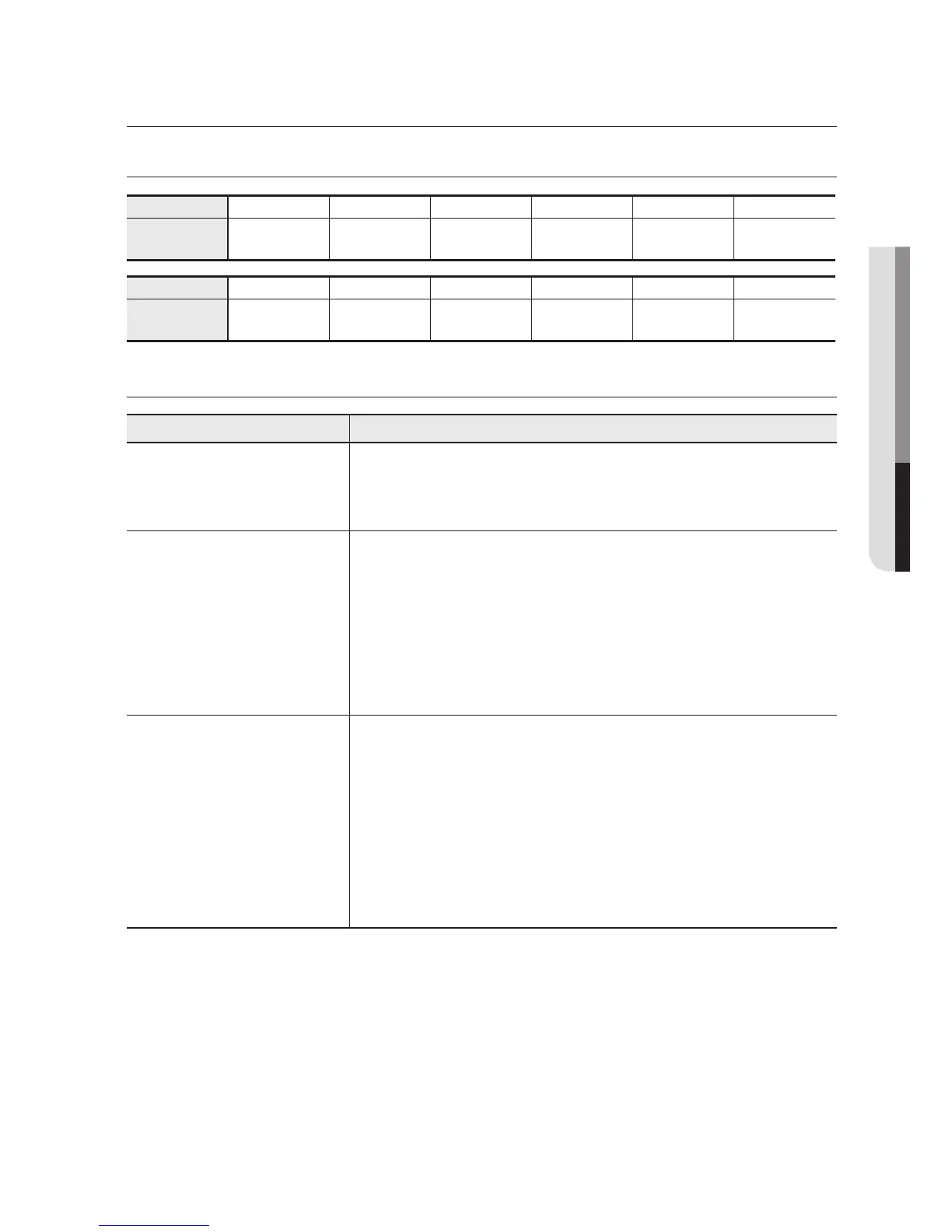
COMMONLY USED SHORTCUTS
Shortcuts F1 F2 F3 F4 F5 F6
Description 50% View 100% View Fit to window
Stretch to
window
Full Screen Quick save
Shortcuts F7 F8 F9 F10 F11 F12
Description Still image Capture AVI Stop AVI
Turn the control
panel on/off
Turn the toolbar
on/off
Save to
clipboard
TROUBLESHOOTING
Problem Solution
Program is running, but screen
remains black.
The video will not be displayed properly unless the presenter’s output mode is set to
USB.
y
OUTPUT MODE of the Presenter Main Menu must be set to USB. (SDP-760)
If the program does not start:
This is mainly because the digital presenter is not connected to the PC properly using
the USB cable.
y
Ensure that the presenter is connected properly using the USB cable.
y
Terminate all other graphic applications (occupying the USB or system resources in
large portion) that may affect the digital presenter program.
y
Turn off the digital presenter and restart it after 10 seconds. Then, run the program
again.
“Error in USB connection. Connect
the USB cable and try again.”
Error Message
This is because the digital presenter is not connected to the PC properly using the
USB cable.
y
Check if the digital presenter turns off or if the USB cable is disconnected.
y
Check if the USB cable connecting the device and computer.
y
If too many application programs are running on your PC, the video transfer may
fail due to insufficient memory or resource.
y
The USB 1.1 protocol is not supported by the digital presenter. Using the USB 1.1
port will fail to transfer the video. Use USB 2.0 port.
English
_27



 To Next Page