14_ running the program
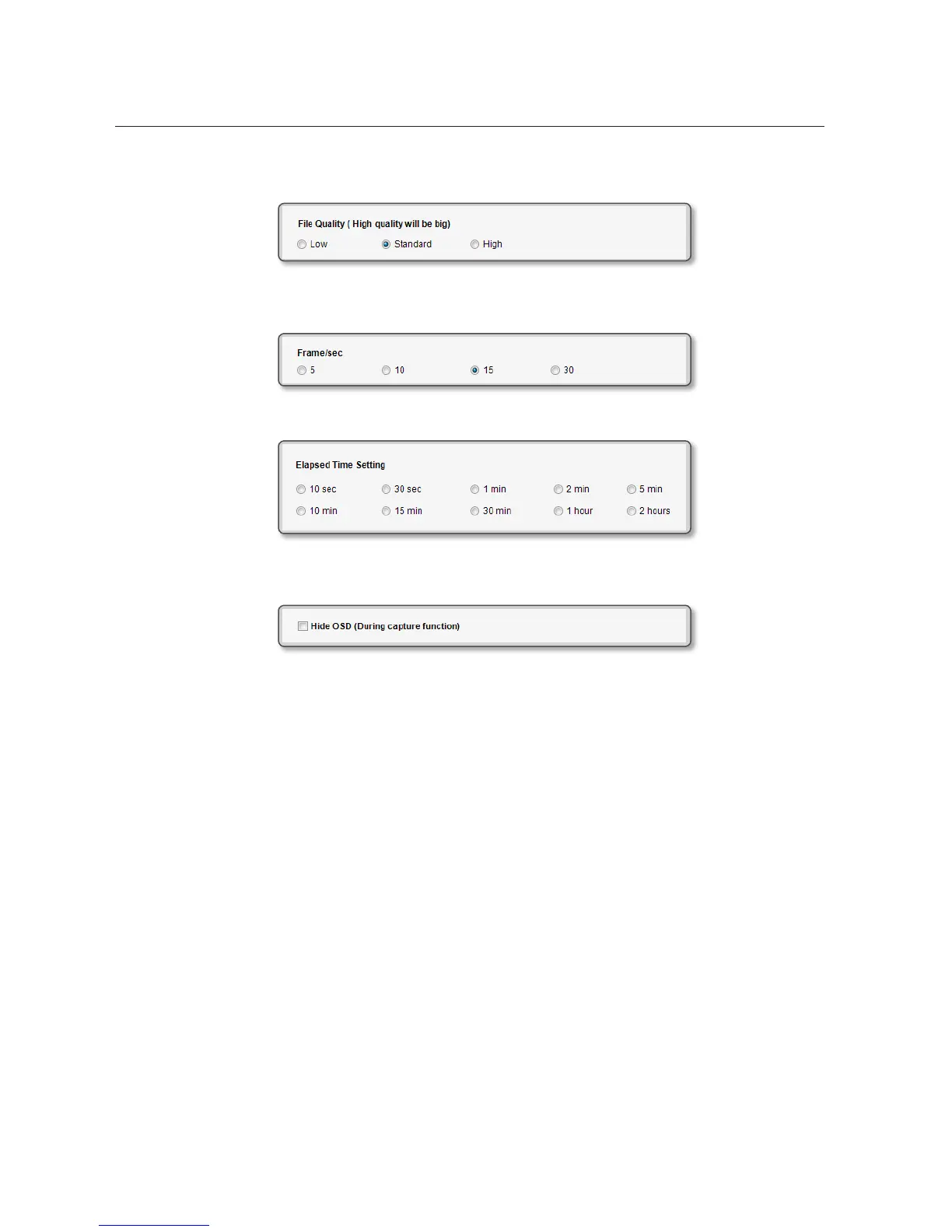
- Specify the quality of the video that you want to record. “High” quality will cost you more storage
space.
- Specify the frame rate/sec of the video that you want to record.
However, the frame rate of 30 is not available in SXGA or XGA input mode.
- Specify the video recording time.
- If you use the functions of ZOOM, FOCUS and BRIGHTNESS, the applicable gauge indicator will be
displayed on the screen. Select this option if you want to hide the OSD gauge during the recording.



 To Next Page