Removal and Reassembly _ 11
Part Figure Description
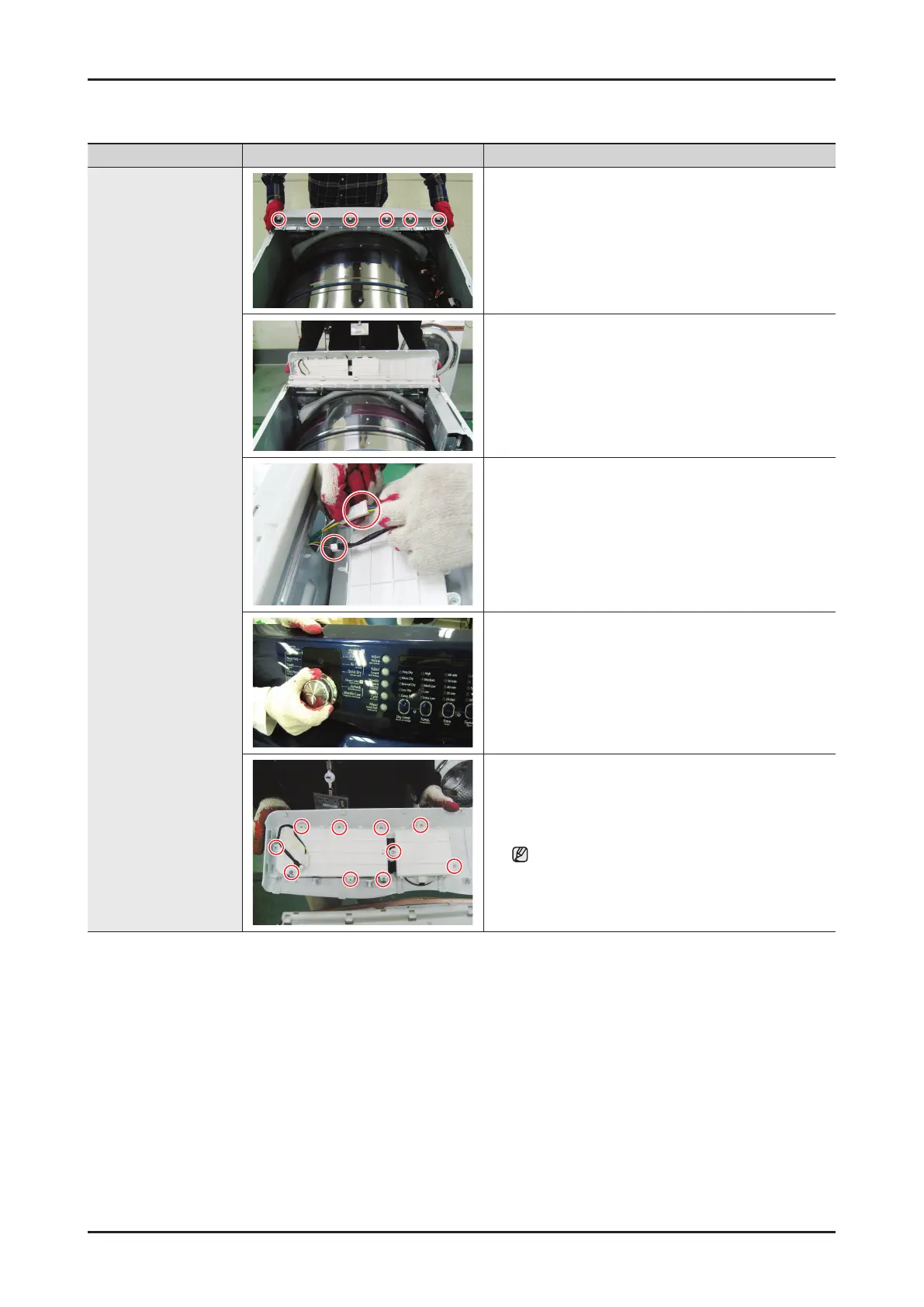
Console Removal
1. Disconnect the power supply to the unit
2. Remove the top cover, and the main PCB
3. Separate 6 Hook from Guide Panel
4. Remove Console
5. Remove Each Housing
6. Remove the Knob
7. Remove 10 screw from the Holder PCB
Be careful of external scratch on the console.



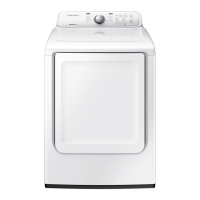
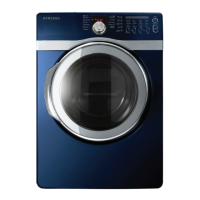

 To Next Page