English 21
03 Setup
For your convenience, you can set this AV receiver's features for the best use.
Before Using the AV Receiver
Turning On/Off
Connect the power plug to the outlet.
This unit will set to Standby mode.
Press the POWER button on the main unit.
• This unit will be turned on.
• You can also turn the unit on/off by pressing the POWER button on the remote control.
Remote Control Functions
You can operate your AMP (this AV receiver)/ TV and BD(Samsung only)/DVD player with this remote control.
See pages 35 ~ 36 for more details.
To Select a Function
Press the INPUT SELECT button on the remote control.
• Each time you press this button,
USB
➡
FM
➡
DVD
➡
AUX
➡
TV
will be selected in turn.
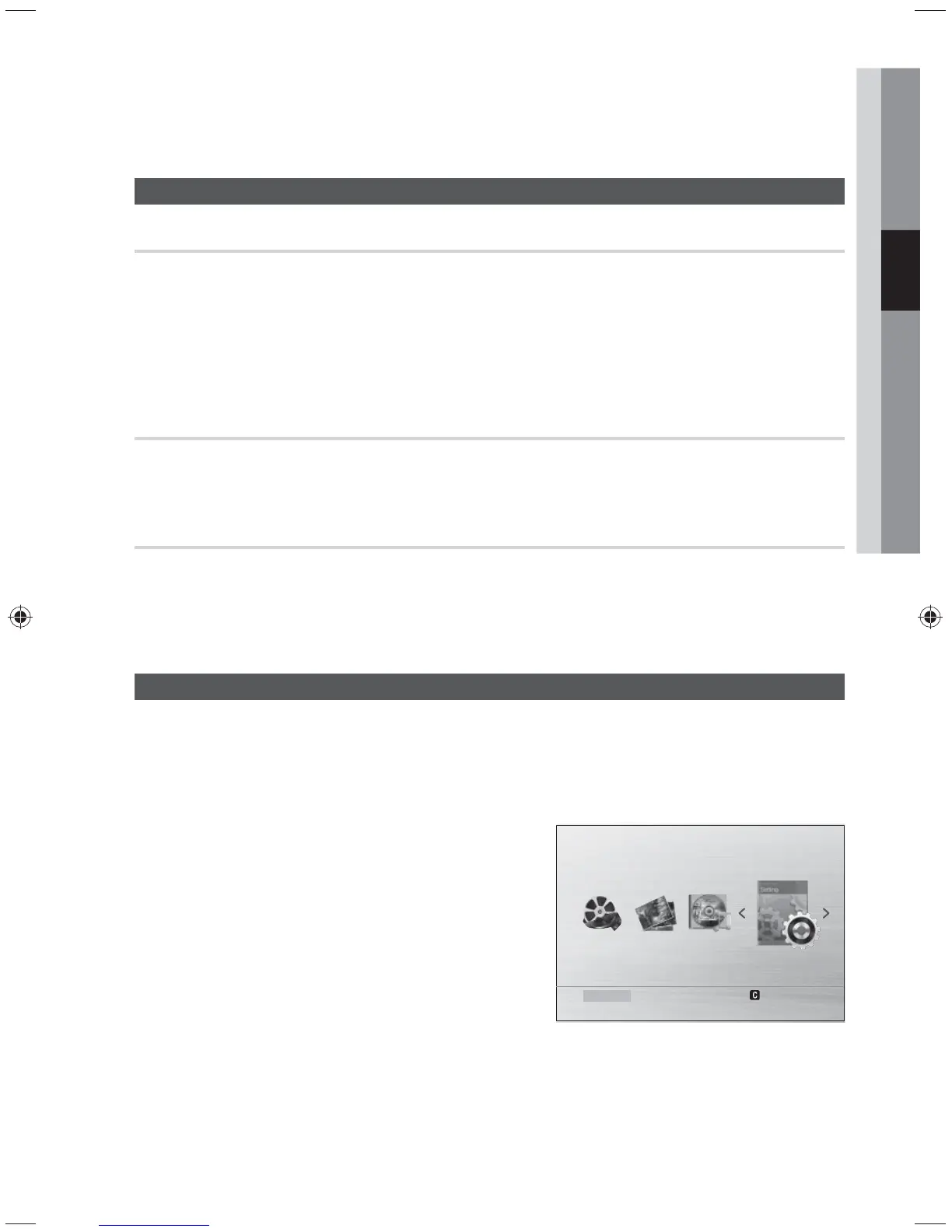
Home Menu
Press the MENU button to return to USB FUNCTION from any other functions. Then, you will see the
Home Menu screen.
✎
NOTE
For using the OSD menus, refer to Setting the setup
menu.
The OSD (On Screen Display) may change in this
product after you upgrade the software version.
Setup
Function USB
Settings
Remove USB



 To Next Page