English 27
03 Setup
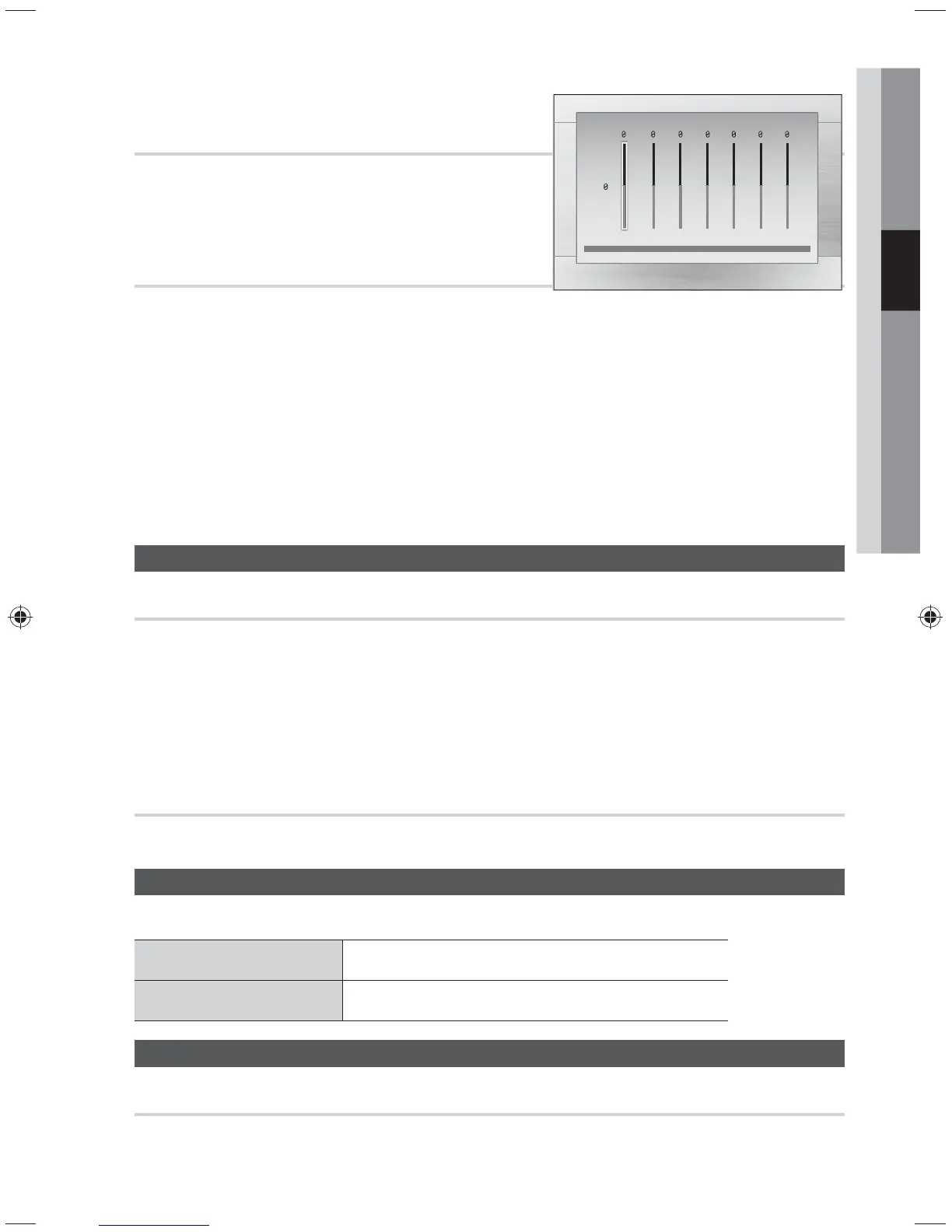
User EQ
You can configure the equalizer settings manually to
your preference.
Audio Return Ch.
You can enjoy TV sound from the Home Cinema speakers by using just one HDMI cable.
• Off : Turn the Audio Return Channel function off.
• Auto : Listen to TV sound through the Home Cinema speakers if your TV is compatible with the Audio
Return Channel function.
✎
NOTE
When Anynet+ (HDMI-CEC) is Off, the Audio Return Channel function is not available.
Using an ARC (Audio Return Channel)-uncertified HDMI cable may cause a problem in compatibility.
ARC function is only available if an ARC-compliant TV is connected.
If no ARC signal for more than 25 minutes, the product will automatically turn off.
System
DivX(R) Registration
View DivX(R) VOD Registration Code to purchase and play DivX(R) VOD content.
✎
NOTE
This option is not activated if you select OK.To activate this option, please activate the DivX(R)
Deactivation.
Even after you reset the system, the settings of DivX Registration will not be reset.
DivX(R) Deactivation
Select this to get a new registration code.
Language
You can select the language you prefer for on-screen menu.
OSD Language
Select the language for the on-screen displays.
DivX Subtitle
Select the language for DivX subtitles.
Support
Product Information
Provide the product information such as Model Code, MPEG Version, etc.
Settings
m
Move
"
Select
'
Return
a
Reset
>
Adjust
<
Move
'
Return
User EQ
dB
6
·
·
·
·
·
·
·
·
·
·
·
·
-6
250Hz 600Hz 1kHz 3kHz 6kHz 10kHz 15kHz



 To Next Page