30 English
Operation
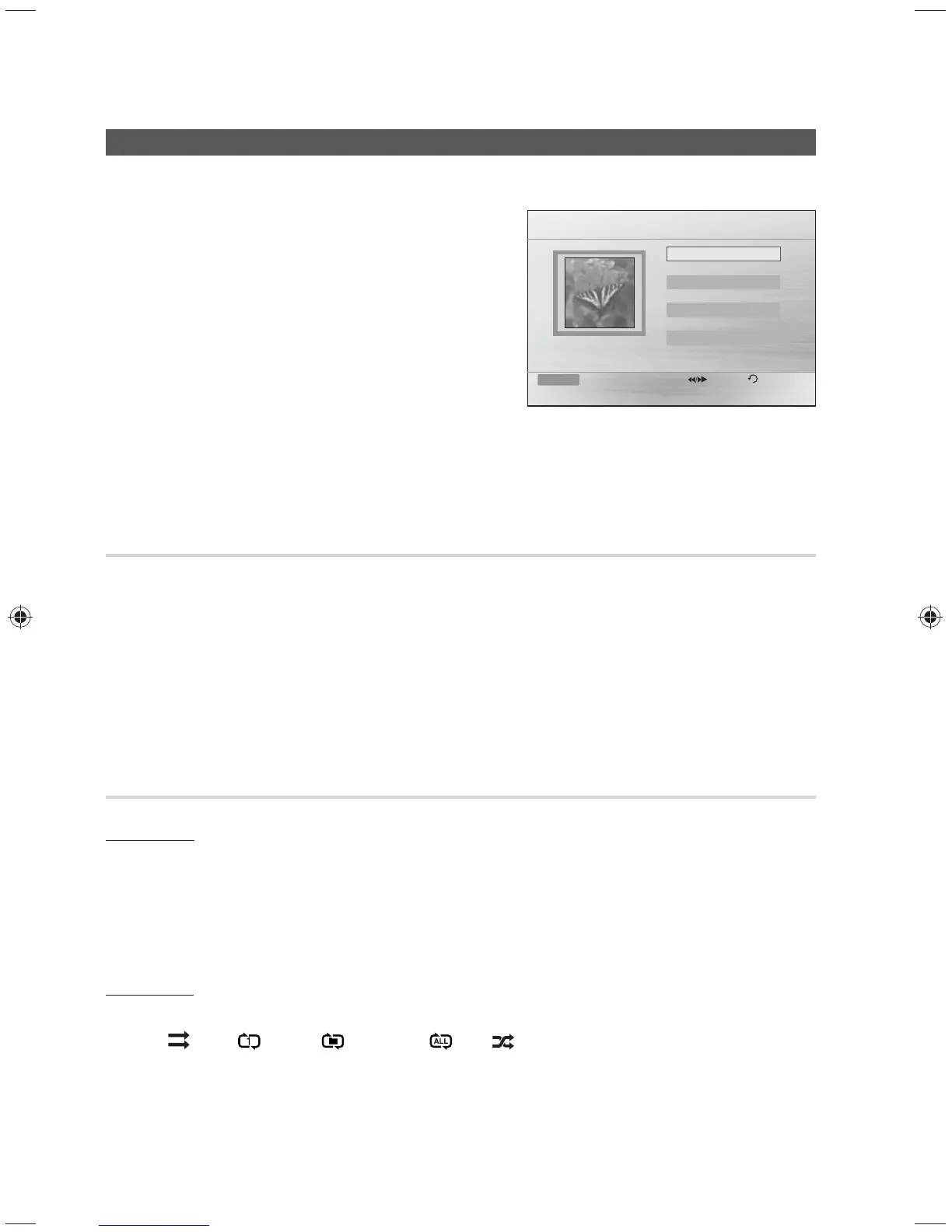
JPEG File Playback
Images captured with a digital camera or camcorder, or JPEG files on a PC can be stored on a USB
and then played back with this product.
1. Connect the USB storage device to the USB port on
the front panel of the product.
2. Press the ◄► buttons to select Photos, and then
press the ENTER button.
3. Press the ▲▼ buttons to select the folder you want to
play, and then press the ENTER button.
4. Press the ▲▼ buttons to select the photo you want to
play, and then press the ENTER button.
• The selected file will play and slide show will start.
• To stop slide show, press the PAUSE () button.
• You can view the previous/next file by pressing the
◄,► buttons during the slideshow mode.
Rotate Function
Press the GREEN(B) or YELLOW(C) button during the PAUSE mode.
• GREEN (B) Button: Rotate 90° counterclockwise.
• YELLOW(C) Button: Rotate 90° clockwise.
✎ NOTE
The maximum resolutions supported by this product are 5120 x 3480 (or 19.0 MPixel) for standard
JPEG files and 2048 x 1536 (or 3.0 MPixel) for progressive image files.
Repeat Playback(USB PLAYBACK)
DivX Repeat
You can repeat the title, chapter of the DivX.
1. During DivX playback, press the
REPEAT button on the remote control.
2. Press the ▲▼ buttons to select a desired repeat mode, then press the
E
button.
3. Press the ▲▼ buttons to select OFF to return to normal play, then press the
E
button.
MP3 Repeat
During the MP3 playback, press the REPEAT button repeatedly to select the repeat mode you want.
• MP3 :
(Off) ; (Track) ; (Directory); (All); (Random)
2011/01/01
JPEG 1
JPEG 2
JPEG 3
Function USB Pages Return
642 X 352
ROOT



 To Next Page