English 29
04 Operation
Other Settings
P.BASS
Press the P.BASS button on the remote control.
Each time you press this button, P.BASS ON P.BASS OFF will be selected in turn.
✎ NOTE
The P.BASS function provides a bass boost to reinforce the low frequencies.
The P.BASS function is only available with 2 channel LPCM sources such as MP3, DivX, CD and
WMA.
The P.BASS function does not work with Dolby Pro Logic ll modes.
If you press P.BASS in the DSP/EQ mode, the DSP/EQ mode is automatically shut off and the
P. BASS function will be turned on.
S/W LEVEL
You can also press the S/W LEVEL button on the remote control and use the ◄ or ► buttons to
adjust the level of subwoofer.
• You can set the between -6 and +6. Set it to the optimal status.
V SURROUND
It is only operational when 2 Channel Audio is playing. It will change 2 channel Audio Source to 4.1
channel Sound and there is output.
Each time you press the V-SURROUND button on the remote control.
Virtual Surround on
Virtual Surround off
• Virtual Surround on: change 2 channel audio to 4.1 channel and there is Sound output by 4.1
channel.Center speaker is no sound output.
• Virtual Surround off: Output of 2 channel Audio is Sound output by 2 channel. (Original Sound).
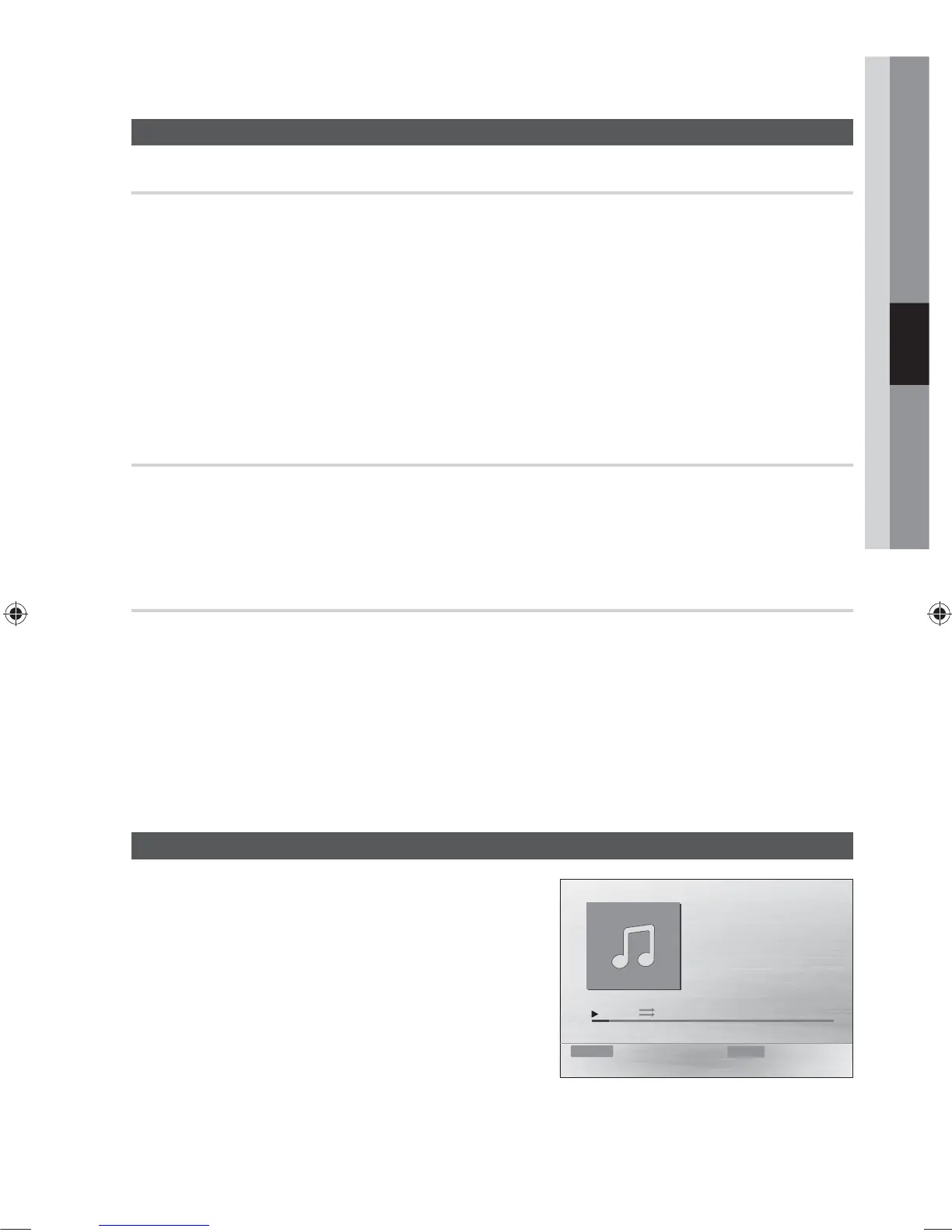
Audio USB (MP3/WMA) Playback
1. Connect the USB storage device to the USB port on the
front panel of the product.
• For the MP3/WMA file, press the ◄► buttons to select
Music, then press the ENTER button.
- Press the ▲▼◄► buttons to select a desired file
and press the ENTER button.
- Press the buttons to move to the previous/
next pages.
2. Press the STOP () button to stop playback.
✎ NOTE
Some MP3/WMA file may not play, depending on the recording mode.
Table of contents of a USB varies depending on the MP3/WMA track format recorded on the disc.
WMA-DRM files cannot be played.
Track01
1/17
0:15 / 3:59
Function USB Repeat Play Mode



 To Next Page