English 33
04 Operation
Reset Function
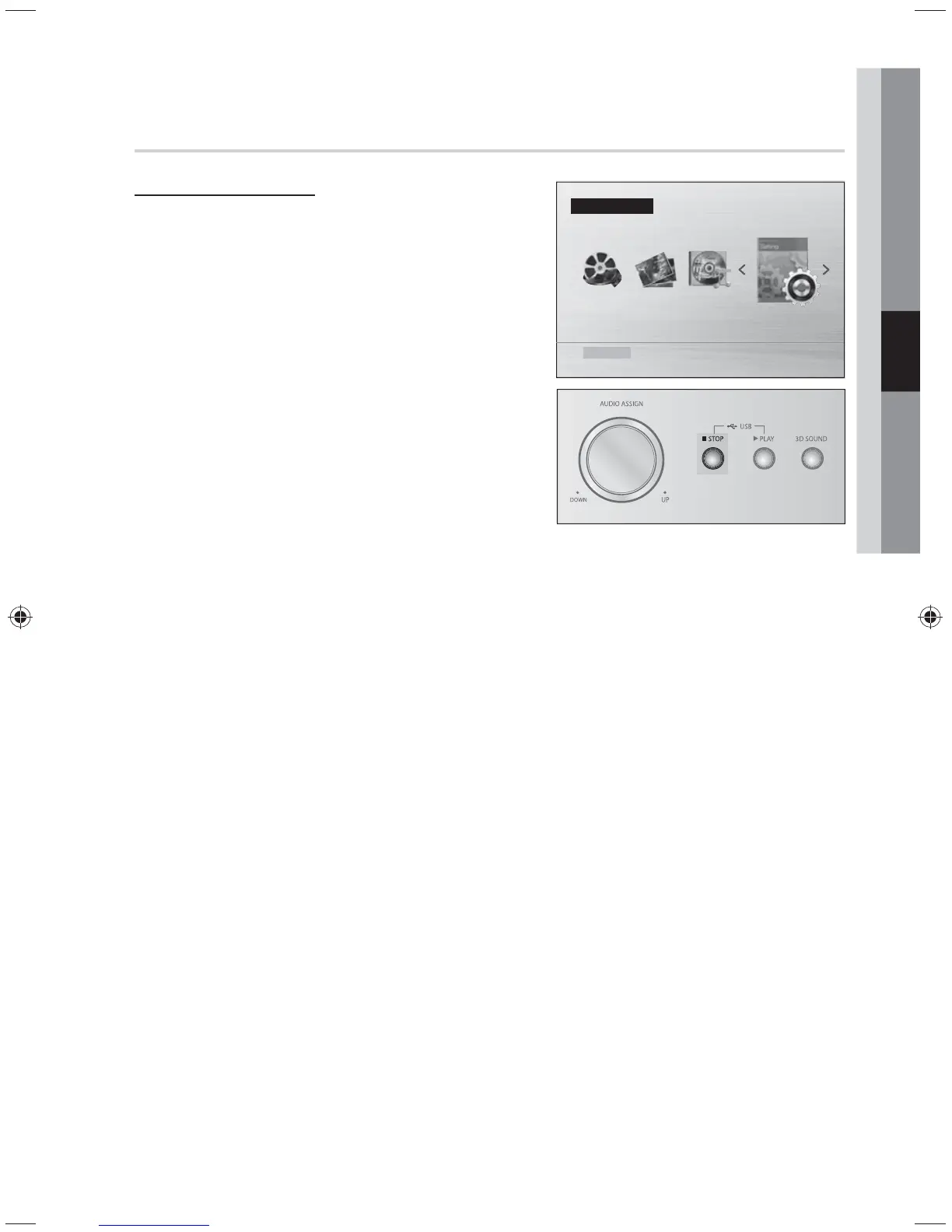
When the Power is on,
In "No USB" mode, press and hold the STOP button to
reset the system.
• INIT appears on the display.
• The unit will turn off after 5 seconds.
✎ NOTE
Using the RESET function will erase all stored settings.
Do not use this unless necessary.
The product will automatically turn off from no USB and
Stop mode for more than 25 minutes.
Function USB
Settings
No USB



 To Next Page