Setting up the Samsung Smart Control
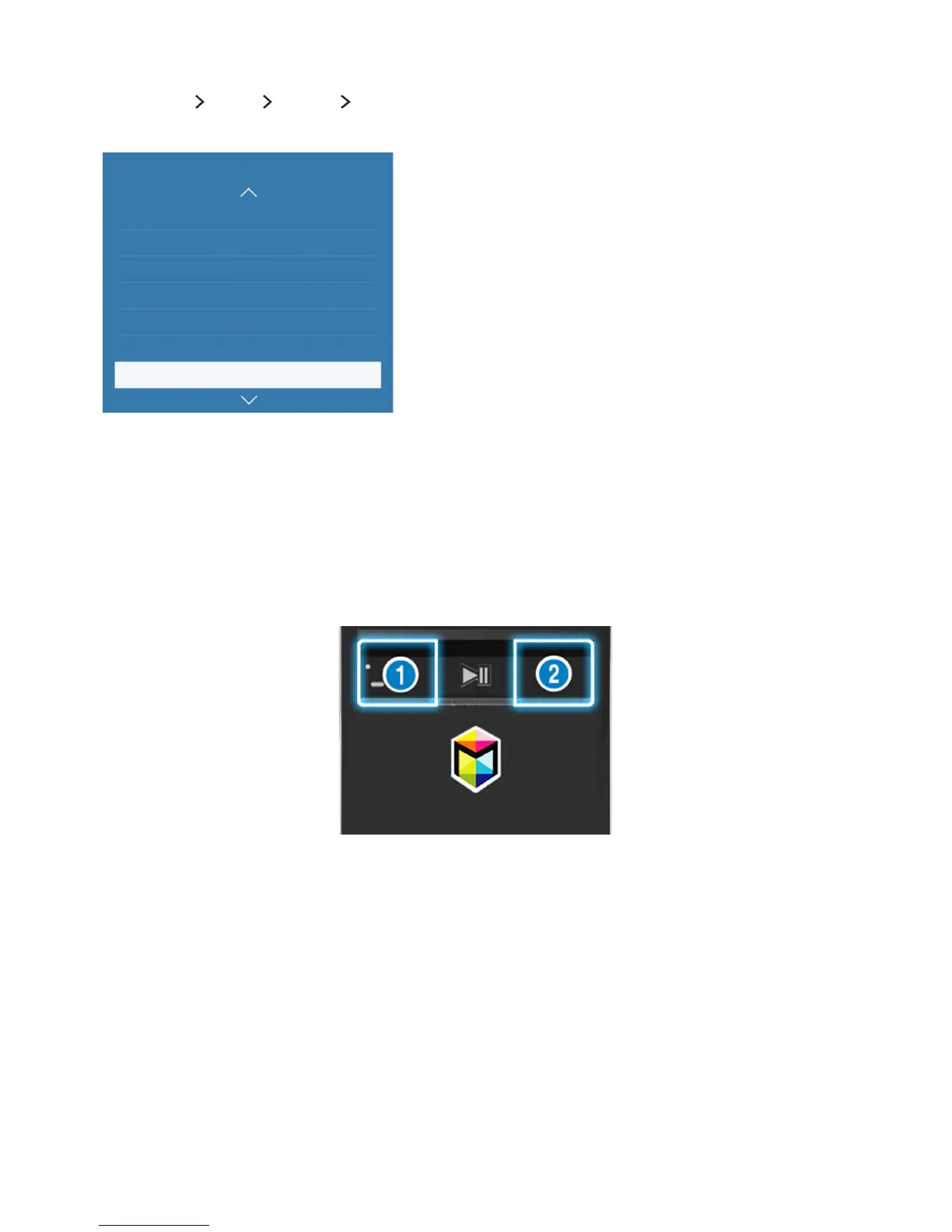
(MENU/123) MENU System Smart Control Settings
Configure the basic settings for using the Samsung Smart Control.
System
Universal remote setup
Voice Recognition
Motion Control On
Time
Notifications
Device Manager
Smart Control Settings
"
Your TV's menu may differ from the image above, depending on the model.
Pairing the TV to the Samsung Smart Control
When you turn on the TV for the first time, the Samsung Smart Control pairs to the TV automatically.
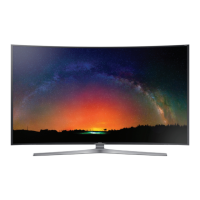
If the Smart Control does not pair to the TV automatically, point it at the remote control sensor of the
TV, then press the ① and ② buttons on the Samsung Smart Control simultaneously for 3 seconds or
more.









 To Next Page