Controlling the TV with Your Voice
MENU/123 Voice Recognition
"
This function is only supported for the 6500 series models or higher.
"
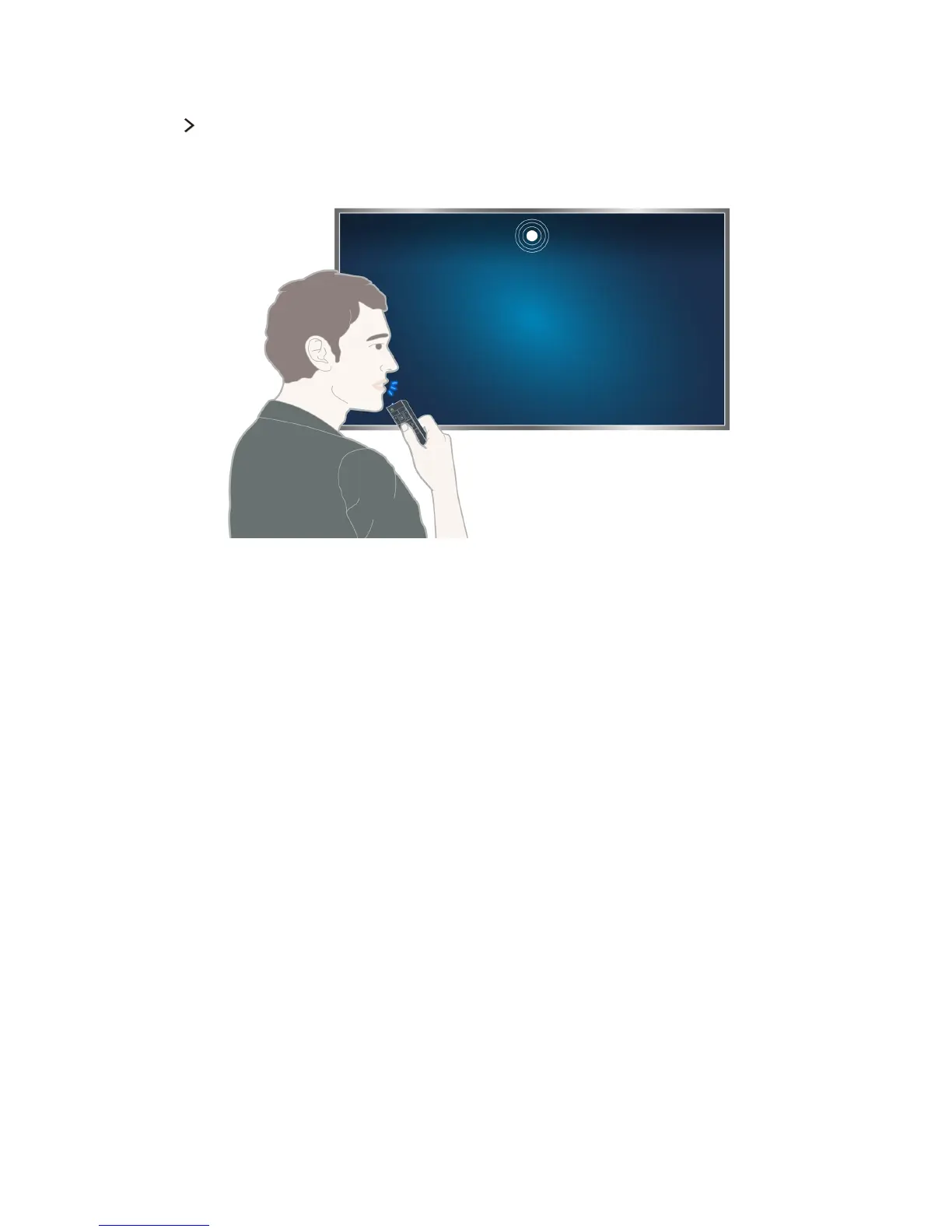
When you run Voice Recognition, the Voice Recognition User Guide appears at the top of the screen. This
Guide differs by the language for which Voice Recognition is supported.
You can run Voice Recognition in the short distance recognition mode that uses the microphone built
into the Samsung Smart control:
●
Press the MENU/123 button, and then select Voice Recognition.
●
Press and hold the MENU/123 button.
"
Press and hold the MENU/123 button and say the command 10 to 15 cm from the microphone on the
Samsung Smart Control. The optimal volume for voice commands is between 75 dB and 80 dB.









 To Next Page