
 Need help?
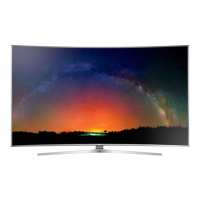
Do you have a question about the Samsung UN JS9500F Series and is the answer not in the manual?
Safety warnings and precautions for servicing and handling the TV.
General guidelines and specific precautions for servicing the TV unit.
Techniques to prevent component damage caused by static electricity.
Safety measures and considerations for installing the product.
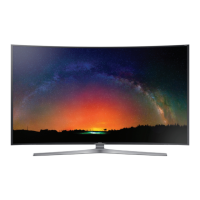
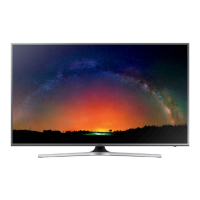
Details on model, dimensions, weight, panel type, and internal memory.
Key features, specifications, and technical details of the TV.
List of included accessories with their respective part numbers.
Guide to TV functions including Smart Control, motion control, and Smart Hub.
Instructions on using the Multi-Link Screen feature for simultaneous viewing.
Steps to configure Samsung Instant On for faster TV startup.
Settings for optimizing UHD signal processing via HDMI connections.
Lists of supported external/internal subtitles, image, music, and video formats.
Details on Nano-Crystal Tech, color gamut, and back light peaking control.
Procedures for safely disassembling and reassembling the TV.
Initial checks and major check points before troubleshooting.
Diagnostic steps for various fault symptoms like video or connectivity issues.
Detailed options and steps for entering and configuring factory settings.
Procedures for white balance calibration and service adjustments.
RS232C control parameters, pin descriptions, and usage.
Command table for controlling TV functions via AV interface.
Instructions for updating TV software via internet or USB.
Block diagrams showing internal board connections for 65" and 78" models.
Pin maps and descriptions for various board connectors.





 To Next Page
 General