Learning motion control basics
The following actions are available:
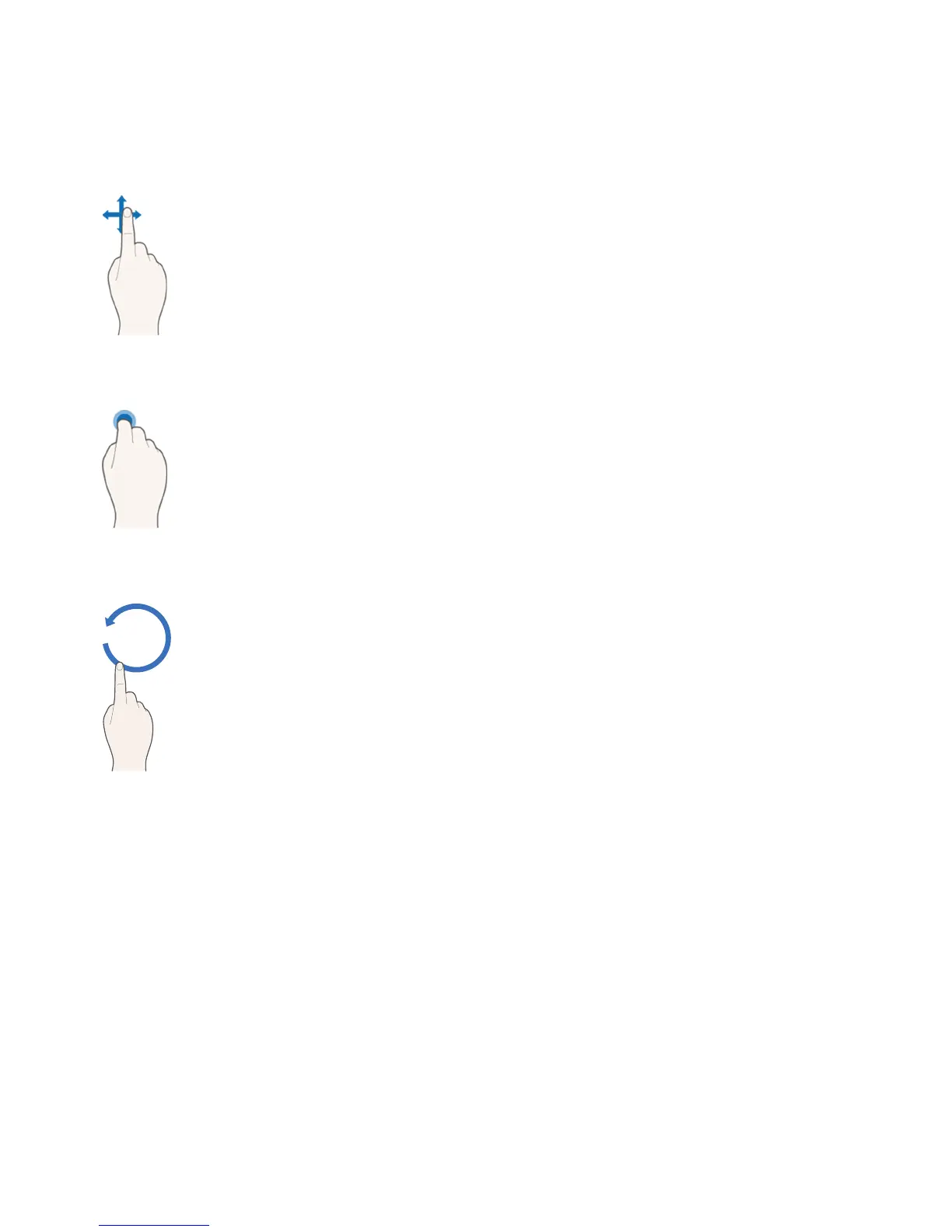
Moving the pointer
Move your hand to move the pointer accordingly.
Selecting an item
Fold down and raise your index finger to select items. You can select a TV menu
or run a function. Keeping your index finger lowered is like holding down a remote
control button.
Returning to the previous menu
Make a circle with your hand in the counterclockwise direction to return to the
previous menu.









 To Next Page